



















PromptLab Academy
Starten Sie mit PromptLab in ein paar kurzen Videos. Richten Sie Ihren Workspace ein, arbeiten Sie Ihre Pipeline ab, versenden Sie Angebote und Muster und überlassen Sie Routinearbeit der KI.
CRM-Nutzung
53 kurze Videos, die Schritt für Schritt zeigen, wie Sie PromptLab nutzen, aufgenommen in der echten App. Wählen Sie eines aus und starten Sie es.
Erste Schritte
10 Lektionen27 Min.
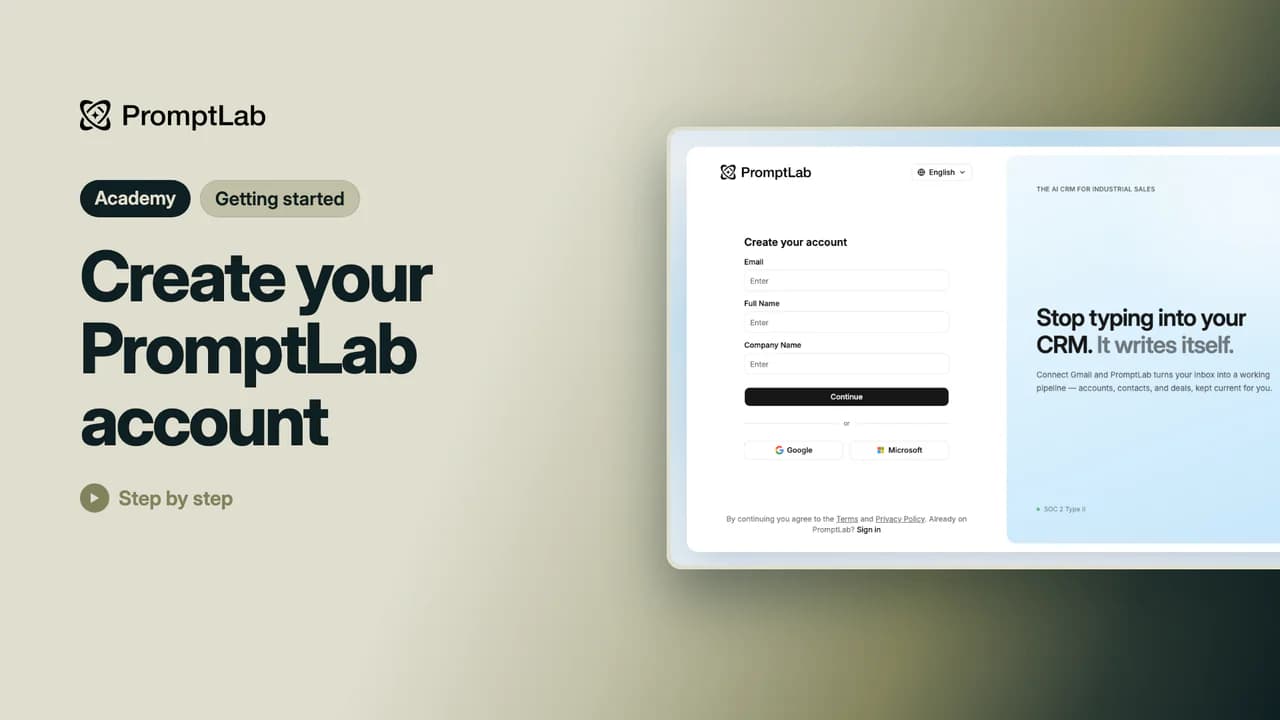 3:30Create your PromptLab accountSign up with your work email or a Google or Microsoft account, confirm the code we email you and set a password. Your 14-day free trial starts straight away, with no card needed.
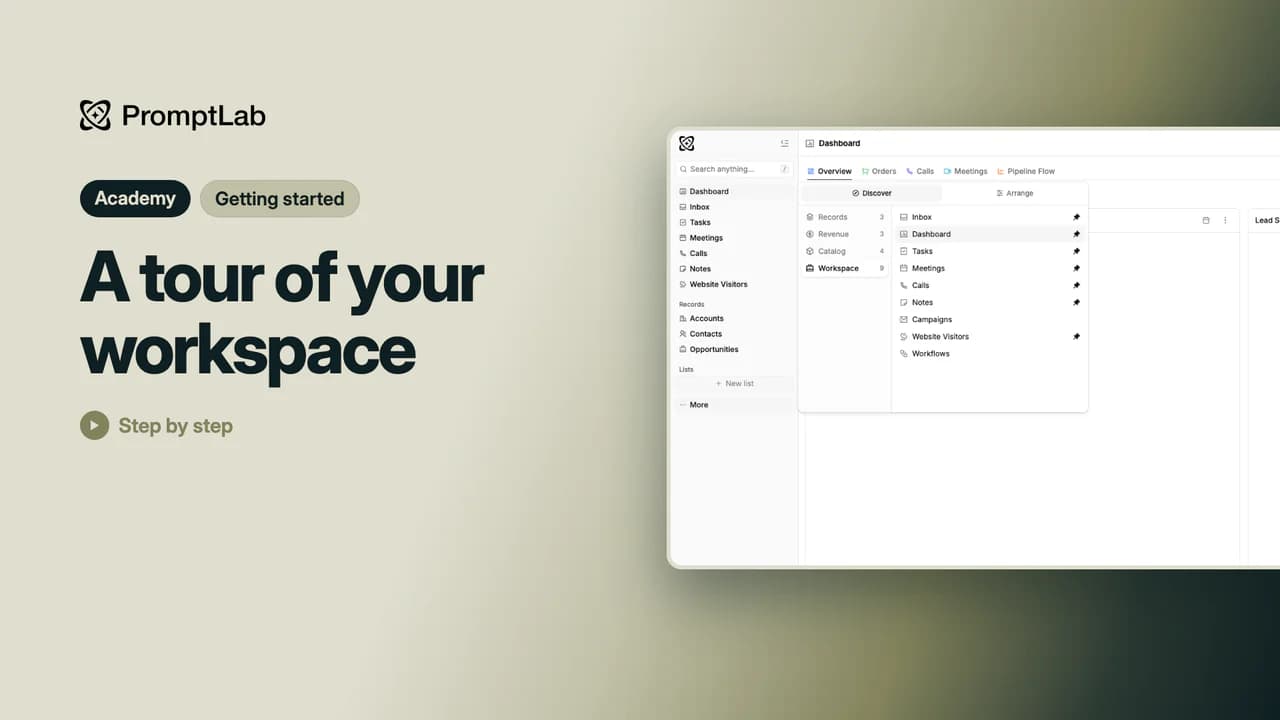 3:26A tour of your workspaceGet to know the sidebar, search, notifications, credits and Ask AI, and arrange the sidebar so the pages you use most are one click away.
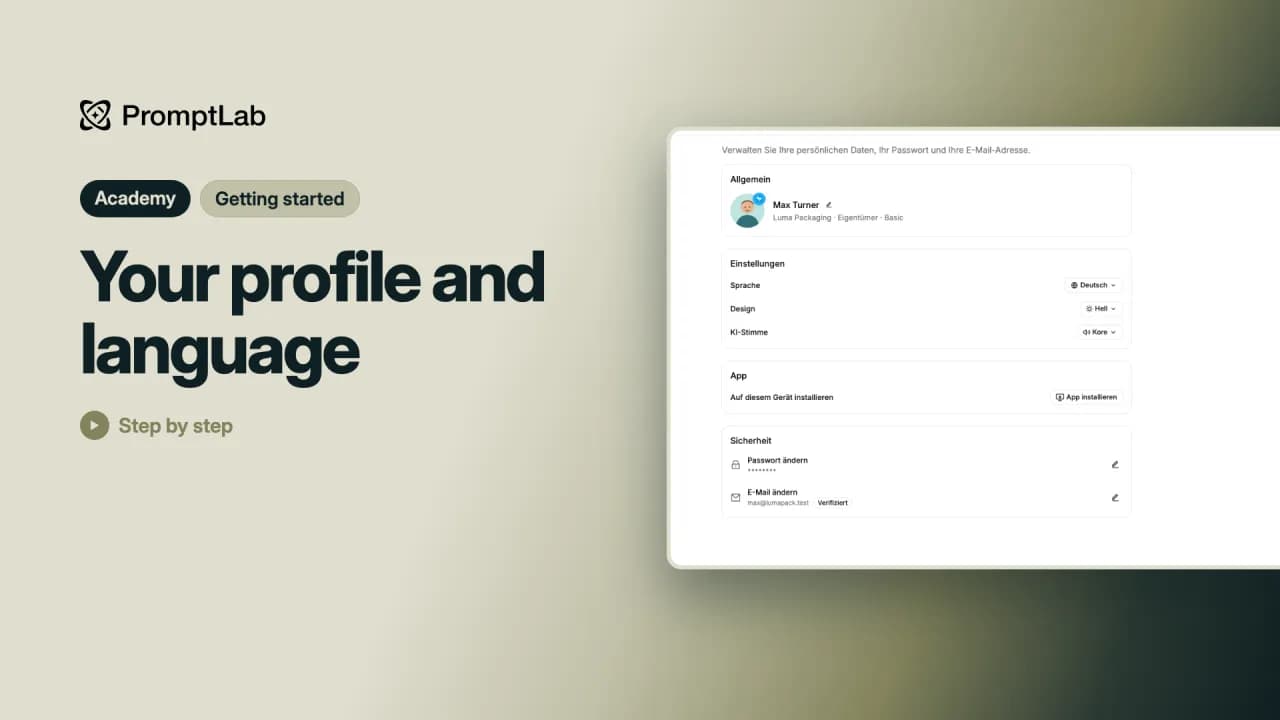 1:53Your profile and languageOpen your profile from Account settings to change your photo and name, switch the app's language and update your password.
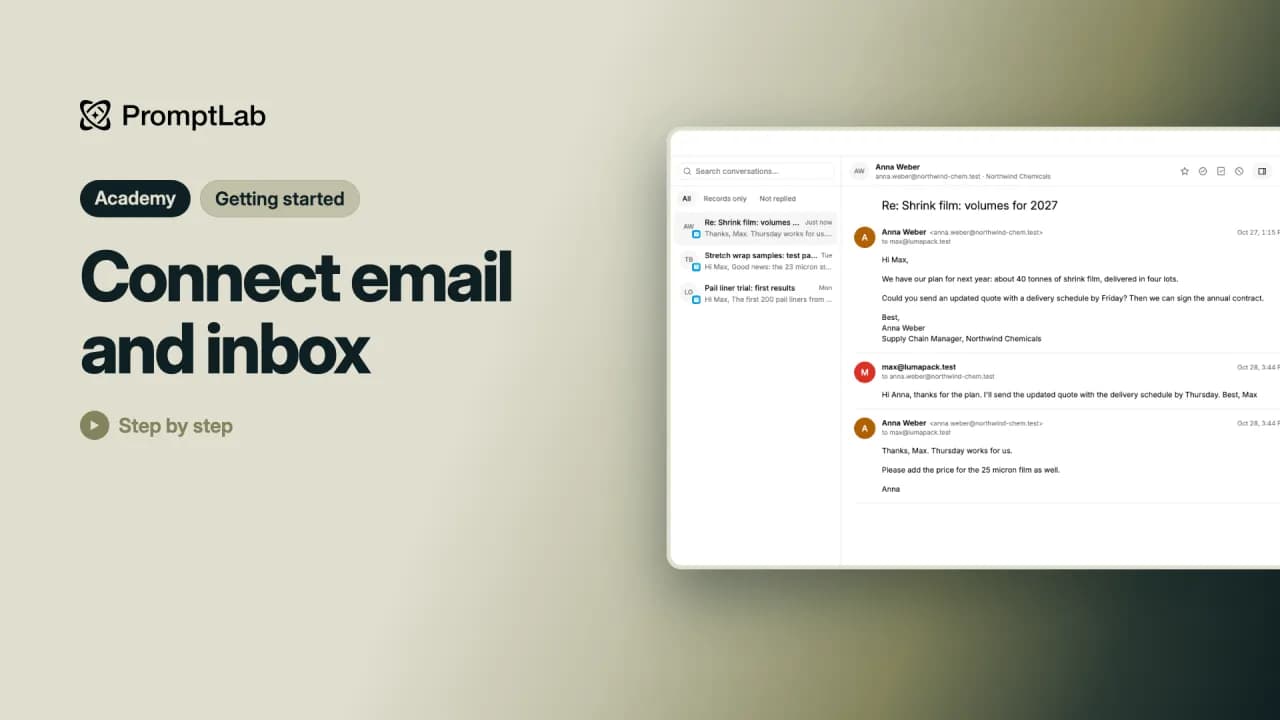 3:13Connect email and inboxConnect your mailbox from the Inbox, choose which emails come in, then reply, link conversations to deals and mark them done without leaving PromptLab.
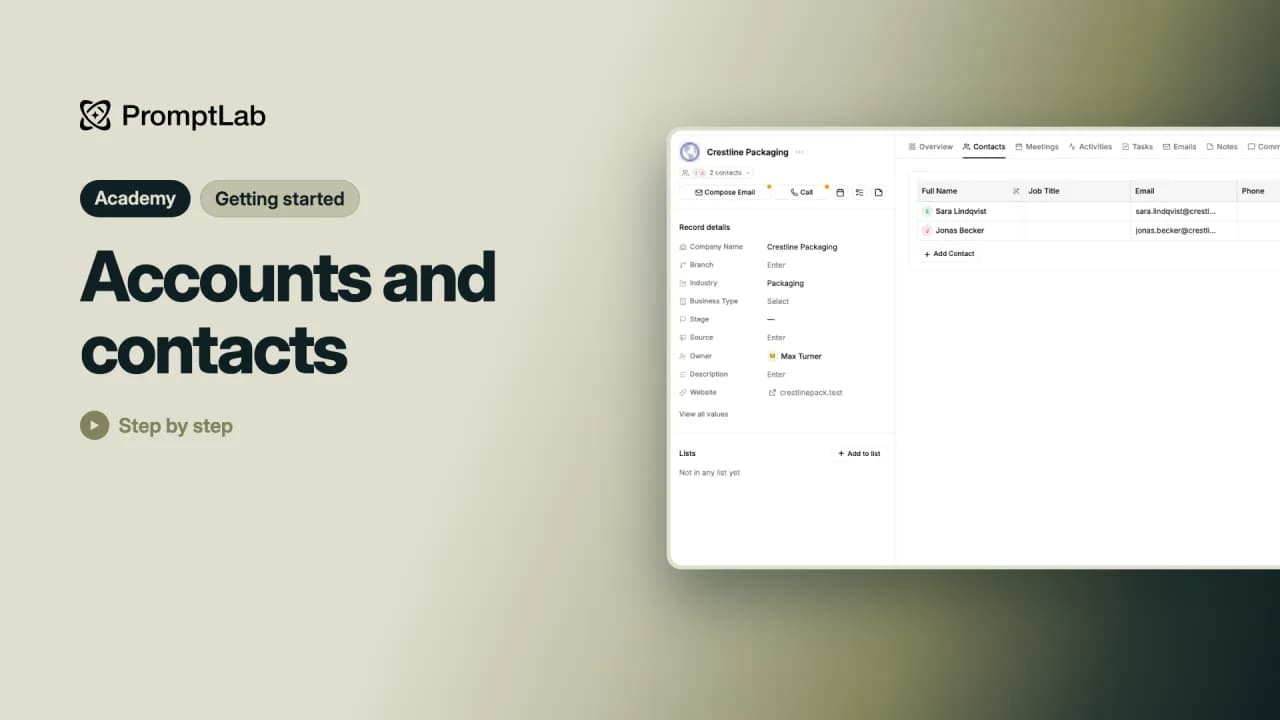 2:33Accounts and contactsAdd a customer company and the people who work there, and see them come together on the account's page.
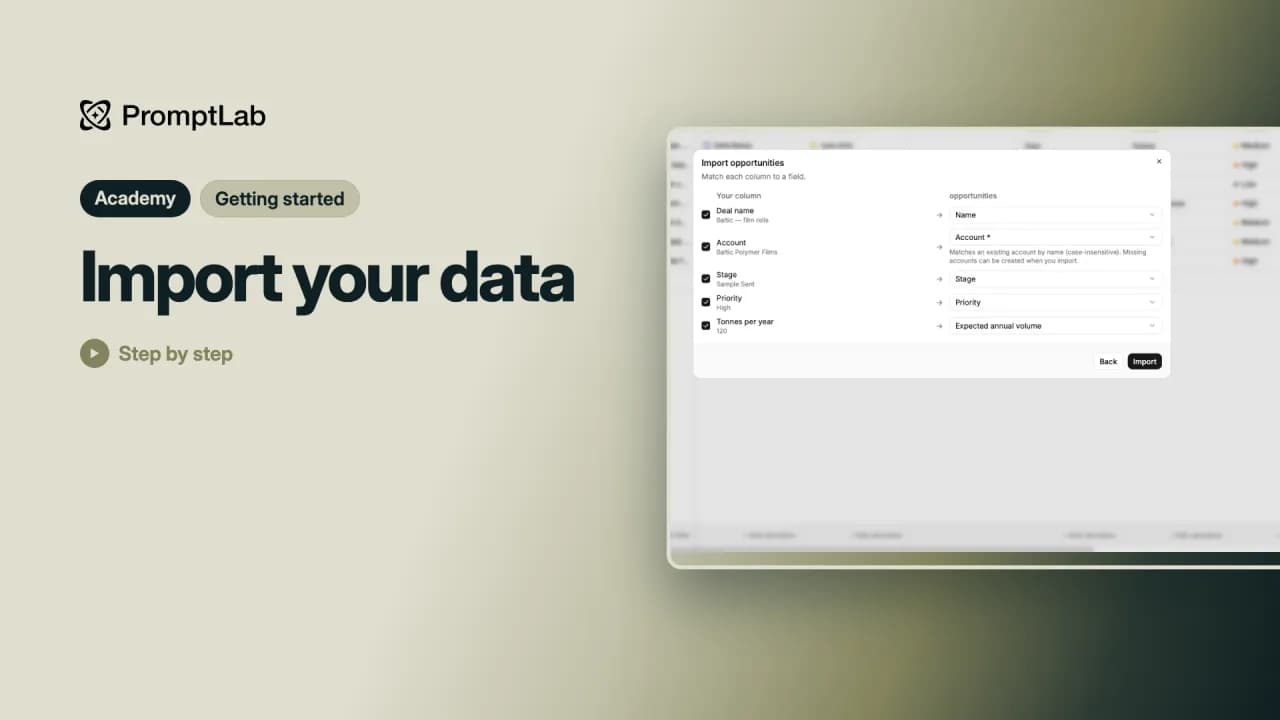 3:01Import your dataImport your accounts and then their deals from a spreadsheet, match the columns and check what came in.
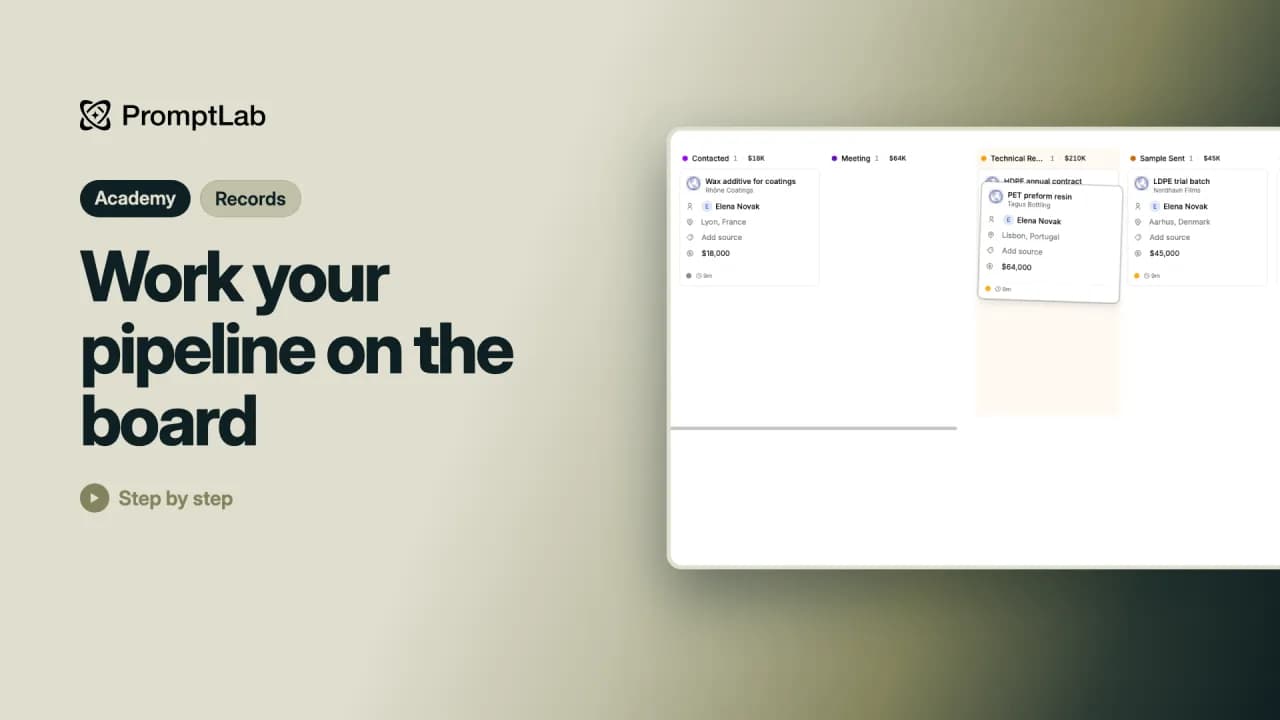 1:56Work your pipeline on the boardSwitch Opportunities to the board, drag deals from stage to stage and close them as won or lost.
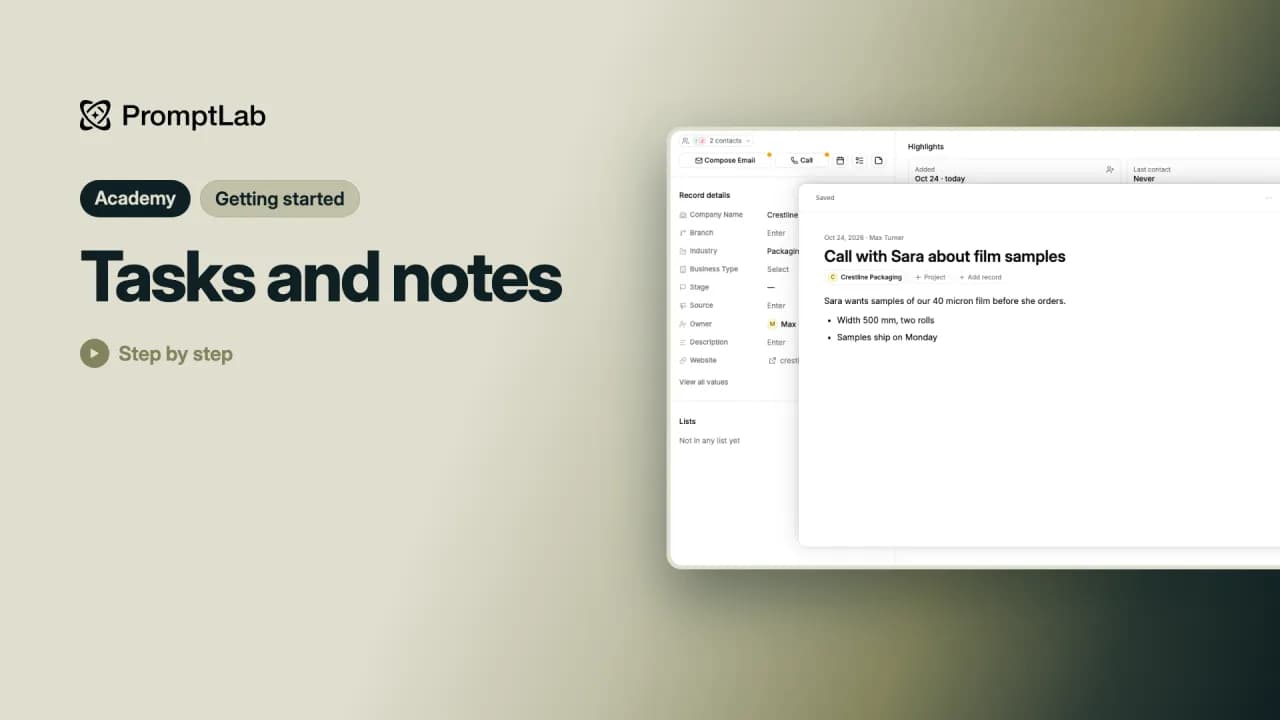 2:08Tasks and notesAdd a task for what you need to do and a note for what you learned, both linked to the account they belong to.
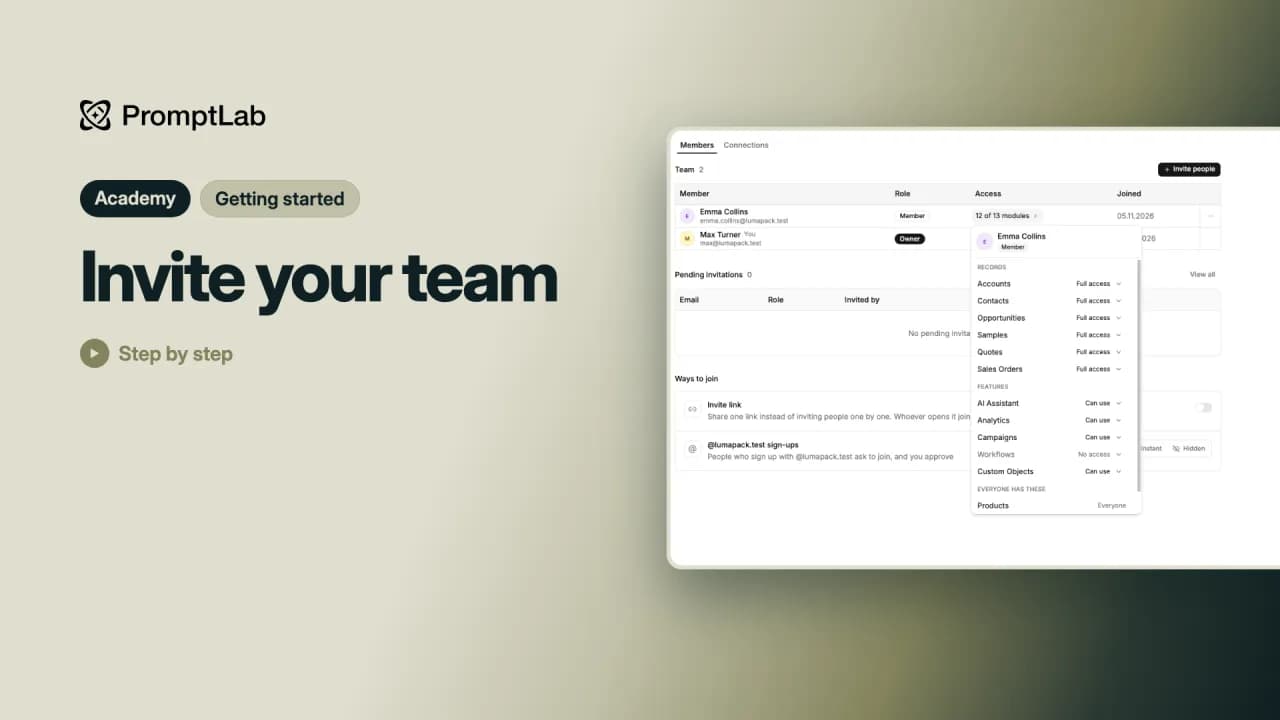 2:15Invite your teamInvite teammates from the sidebar, choose each person's role and the modules they can use, and manage the team in Workspace settings.
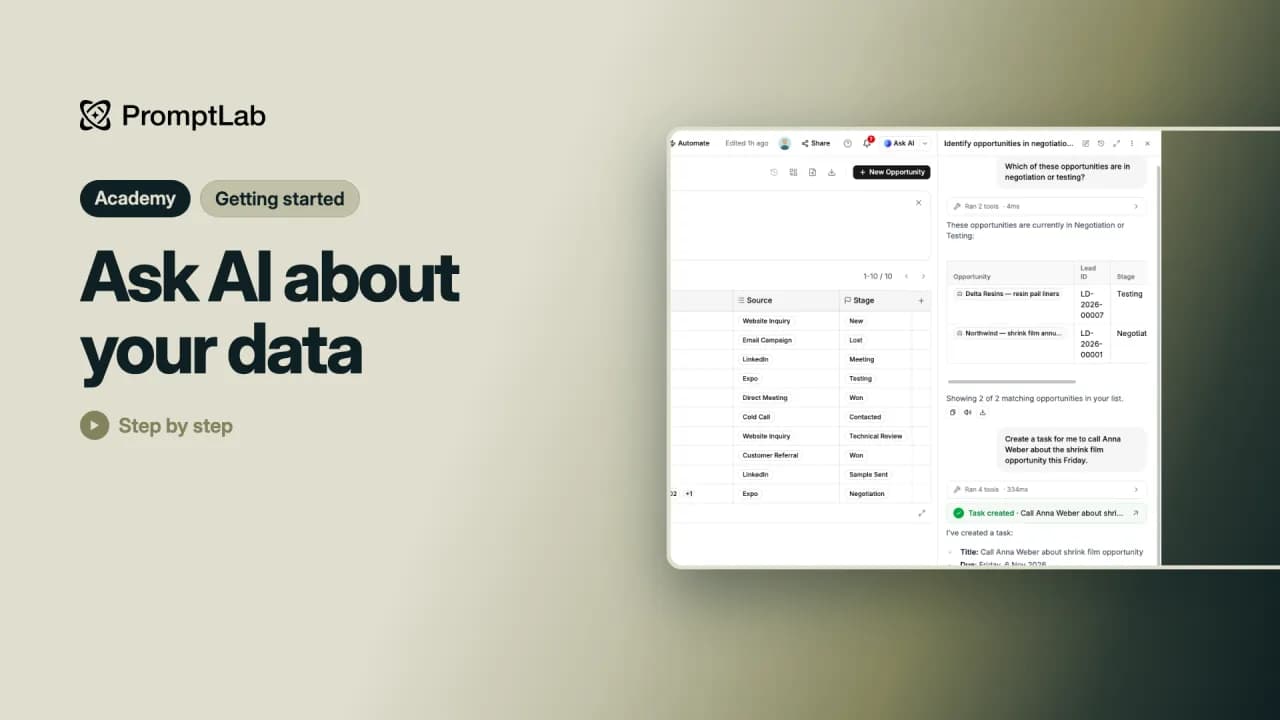 3:02Ask AI about your dataAsk PromptLab's AI about the page you're on in plain words, and let it do small jobs for you, like adding a task or drafting an email.
Daten organisieren
5 Lektionen11 Min.
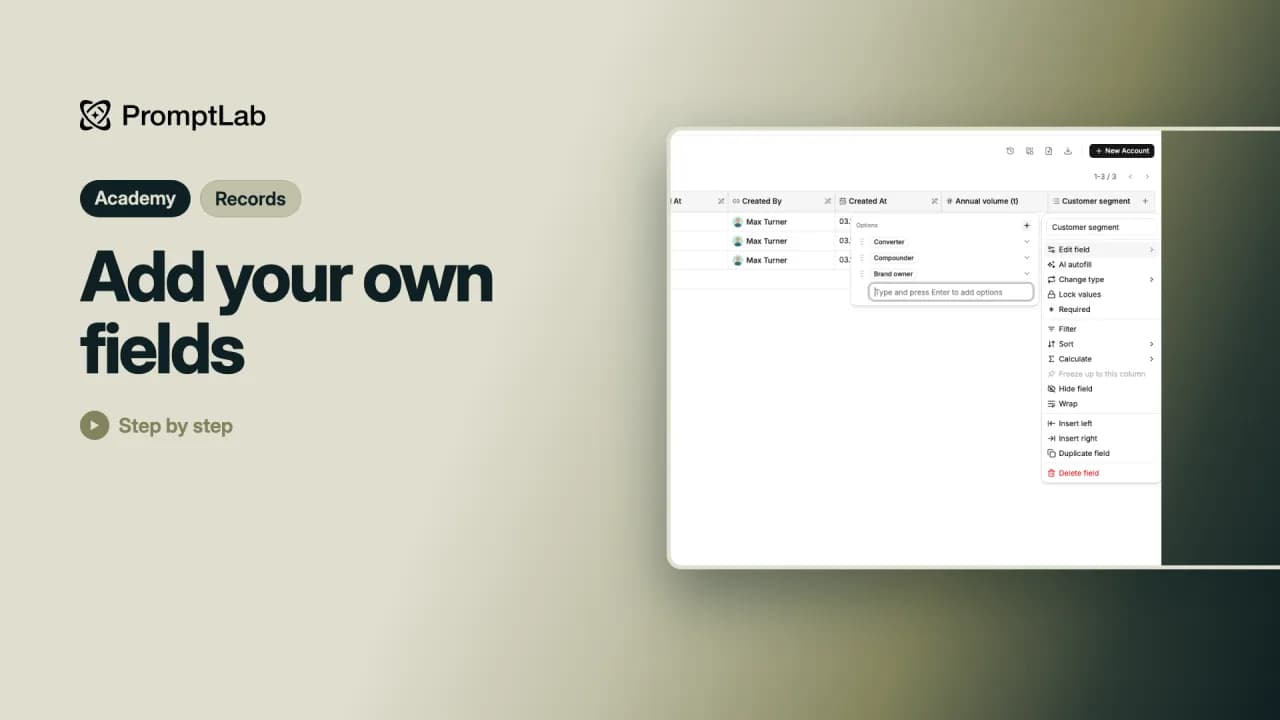 1:49Add your own fieldsAdd your own fields to accounts, such as a number or a drop-down, and make a field every new account has to fill in.
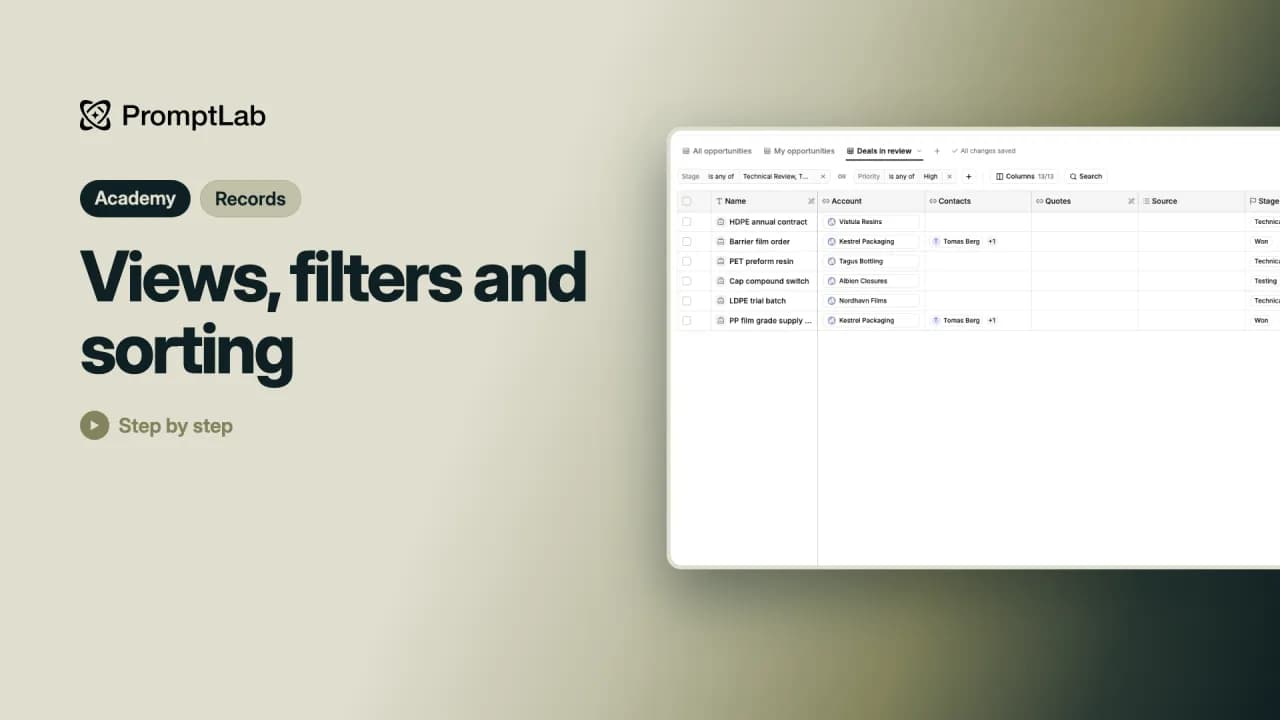 2:32Views, filters and sortingMake your own view of your deals with filters, sorting and only the columns you need. A view saves every change by itself.
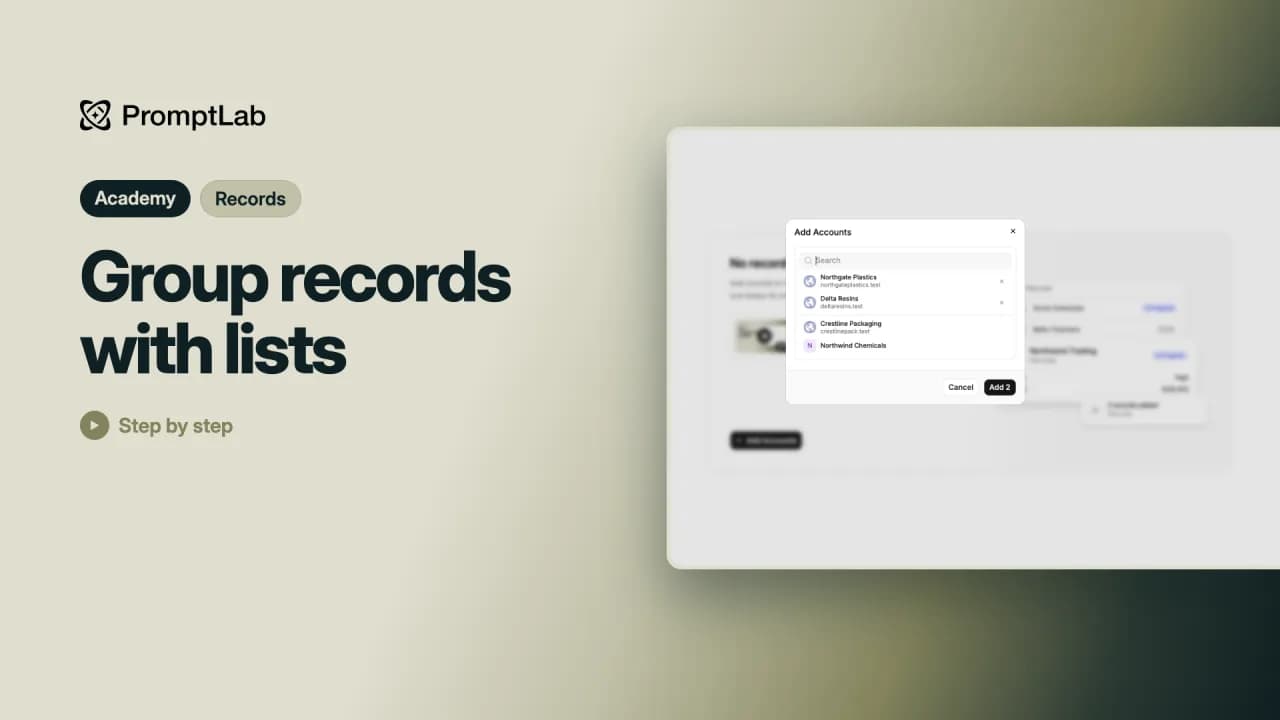 2:22Group records with listsGroup hand-picked records into a list, add and remove them, and rename or delete the list.
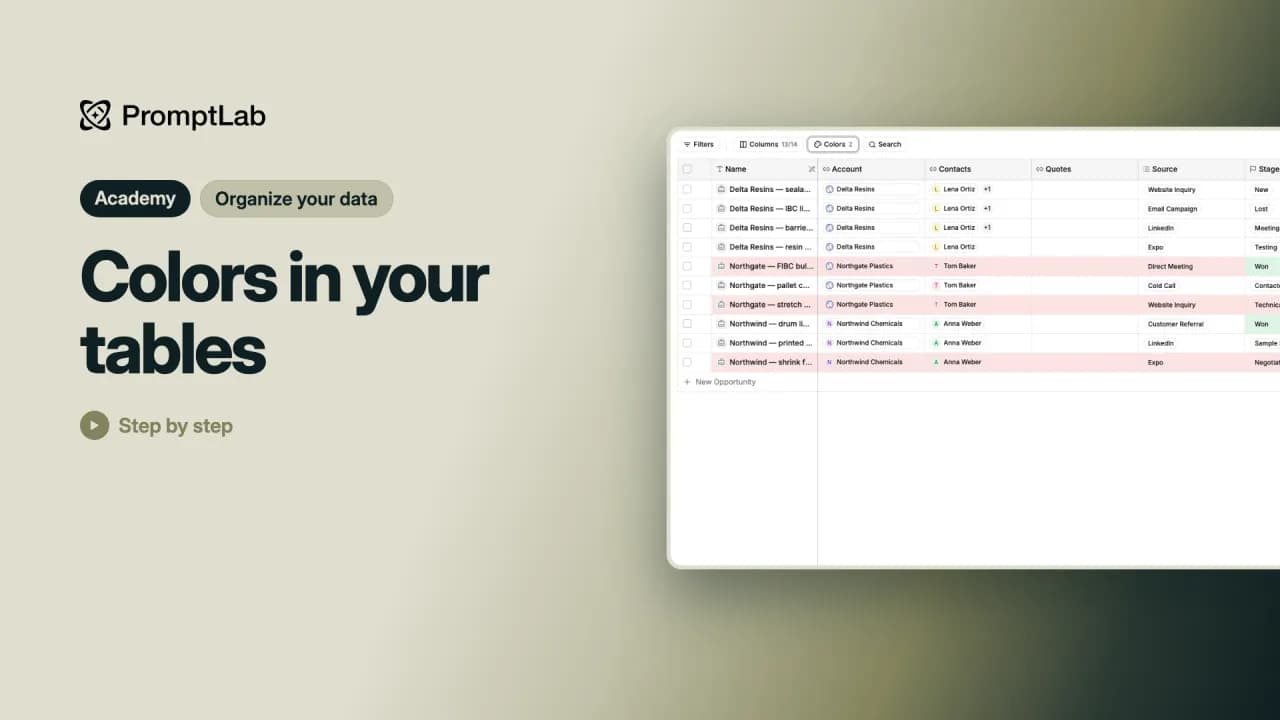 1:19Colors in your tablesAdd color rules to a table so the deals that need you stand out at a glance.
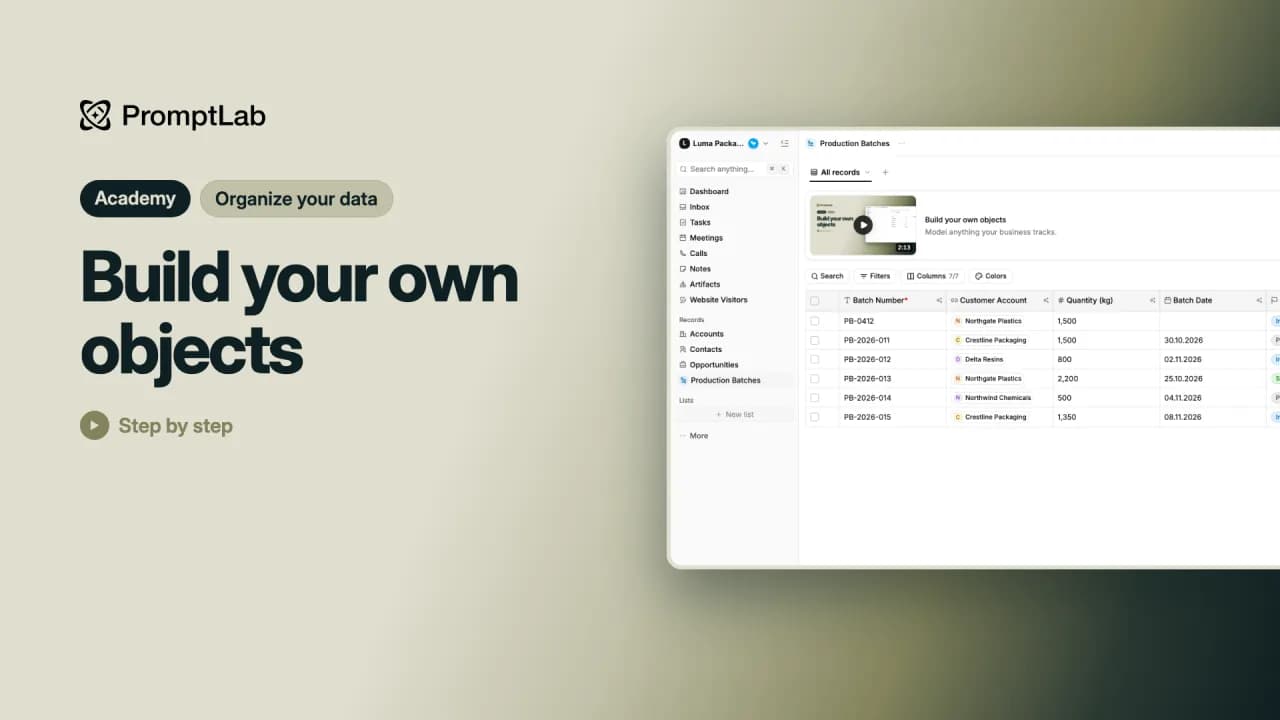 2:52Build your own objectsBuild your own object, such as production batches, with its own fields and records, right from the sidebar.
Vom Katalog zum Auftrag
5 Lektionen10 Min.
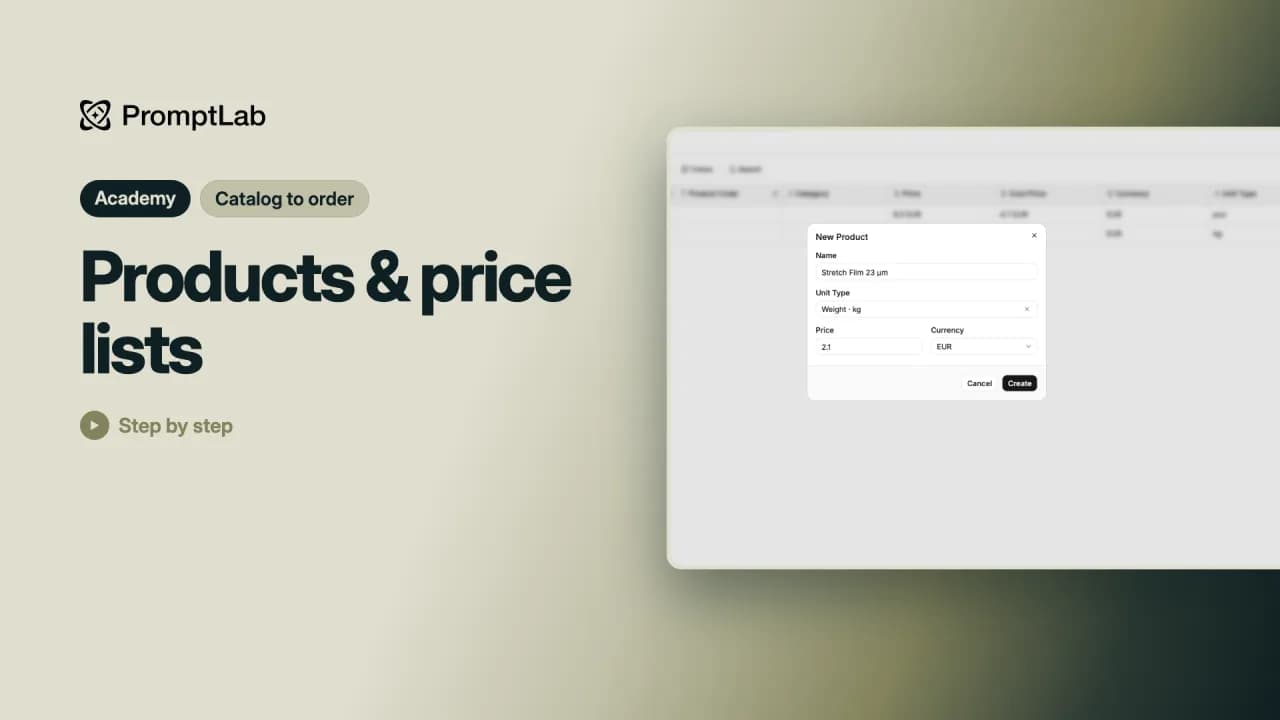 2:12Products & price listsAdd a product to your catalog, then make a price list with your customer prices to use on quotes.
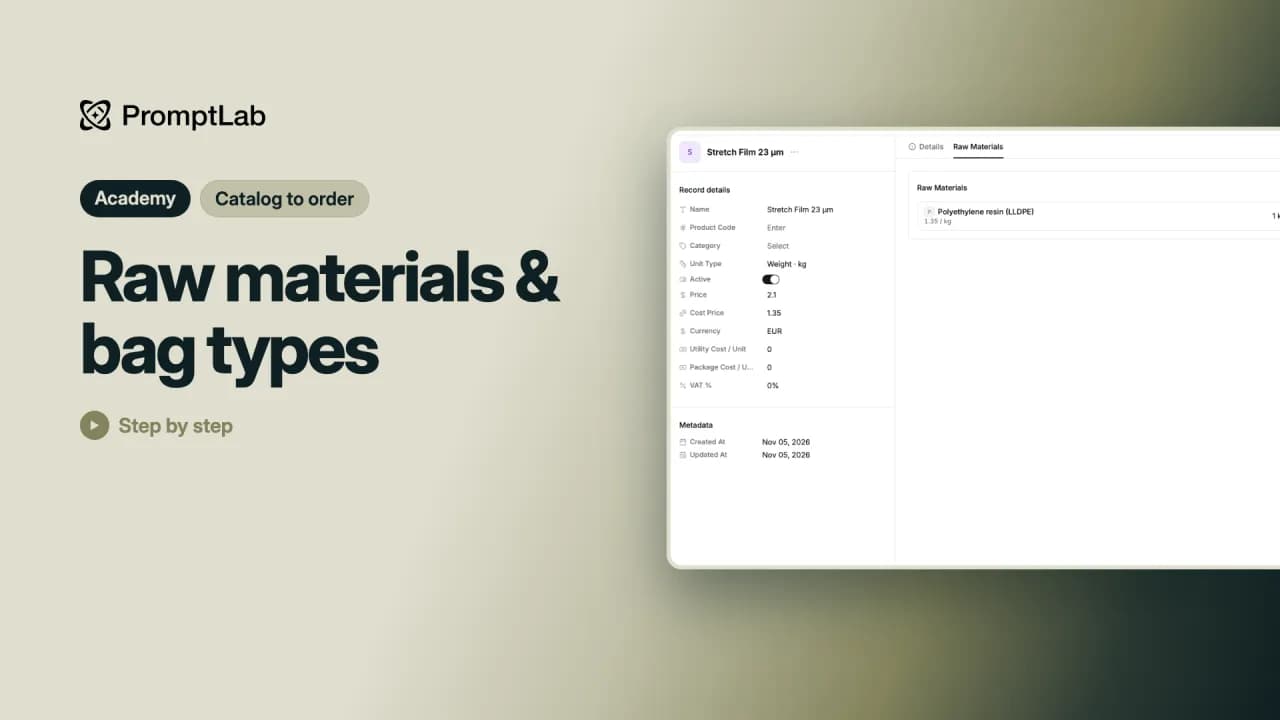 1:57Raw materials & bag typesSet up the raw materials your products are made from and the bag types you sell in.
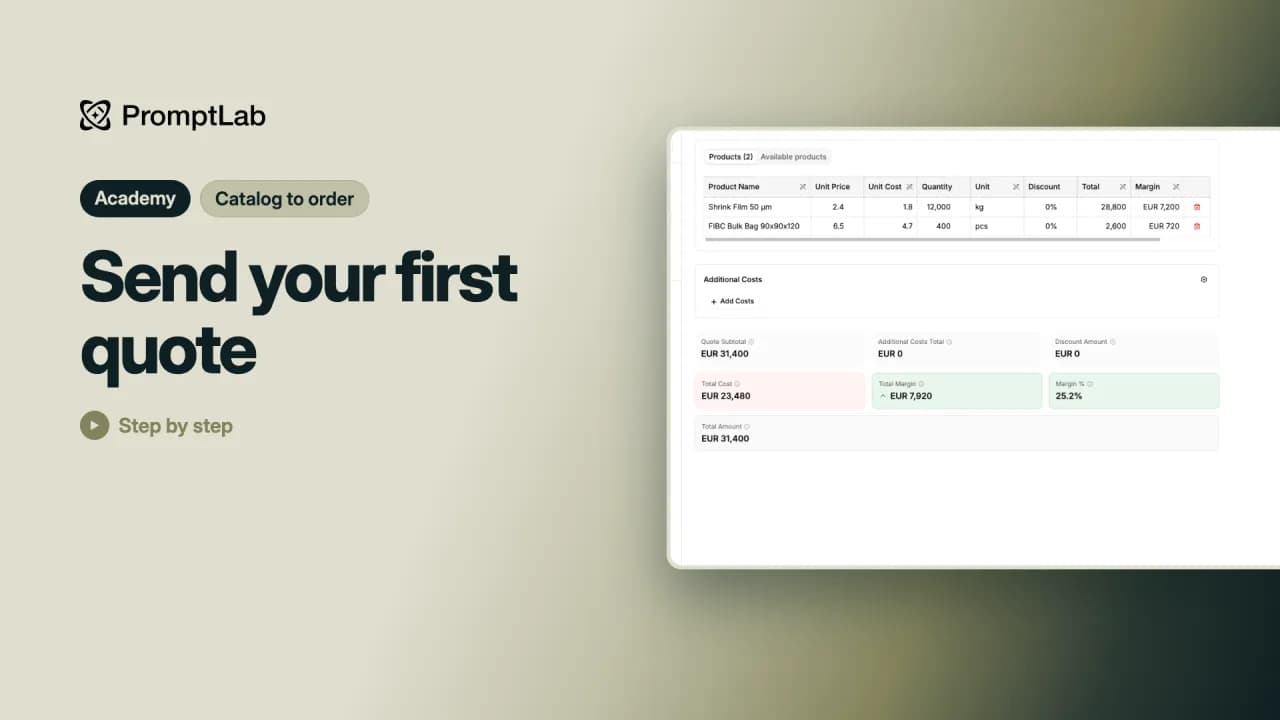 2:10Send your first quoteMake a quote from a deal, add products from a price list, check your margin and download the PDF for your customer.
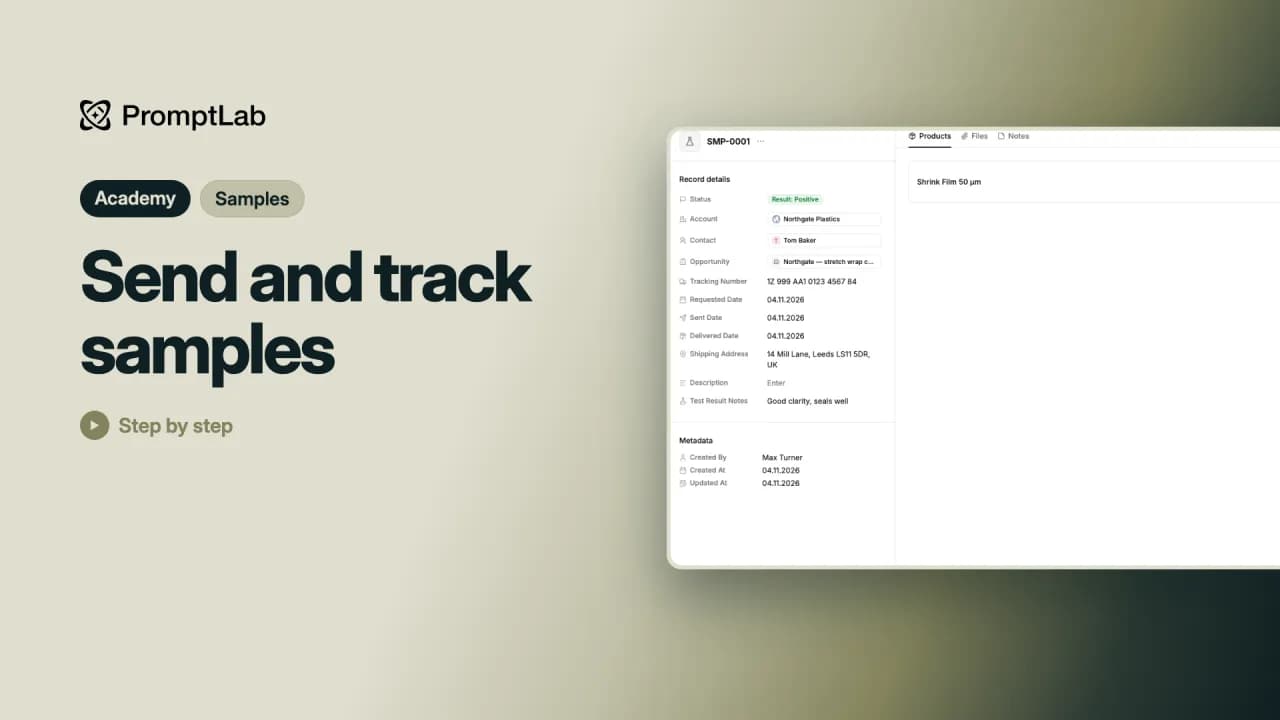 1:54Send and track samplesSend a customer a sample and follow it from the request all the way to the test result.
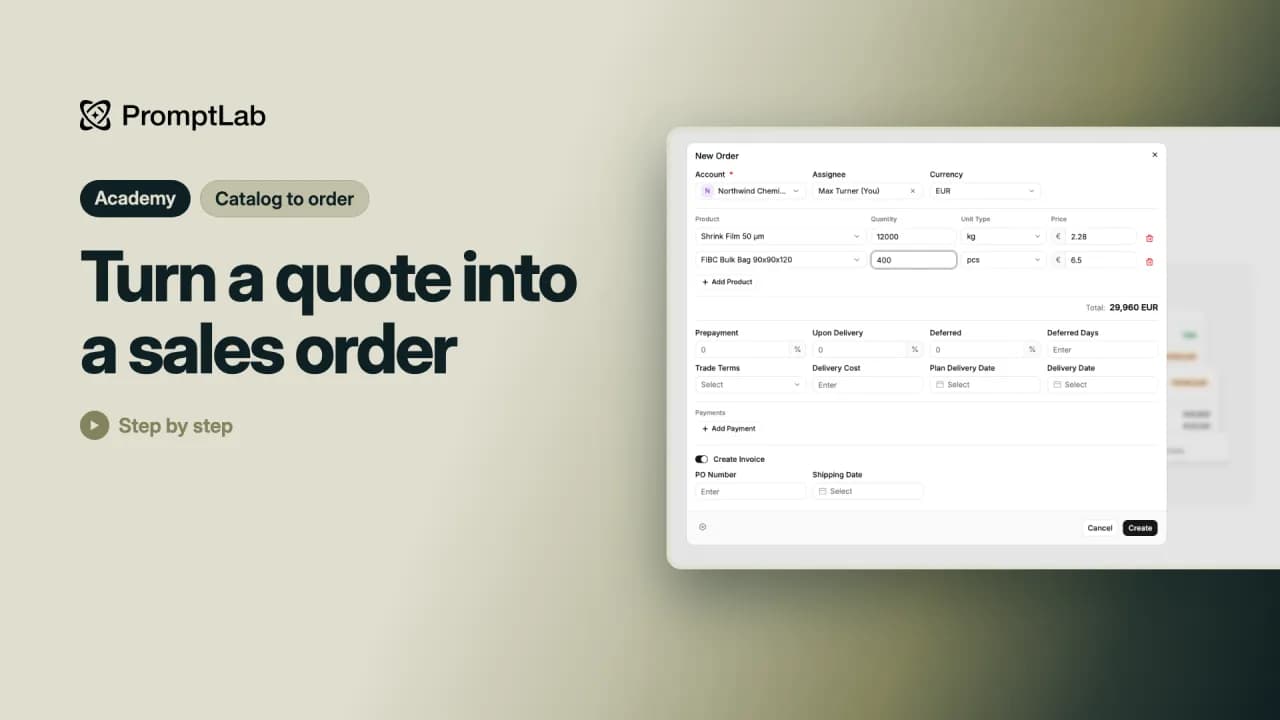 2:13Turn a quote into a sales orderTurn an approved quote into a sales order with its invoice, then record the first payment.
Kunden erreichen
5 Lektionen12 Min.
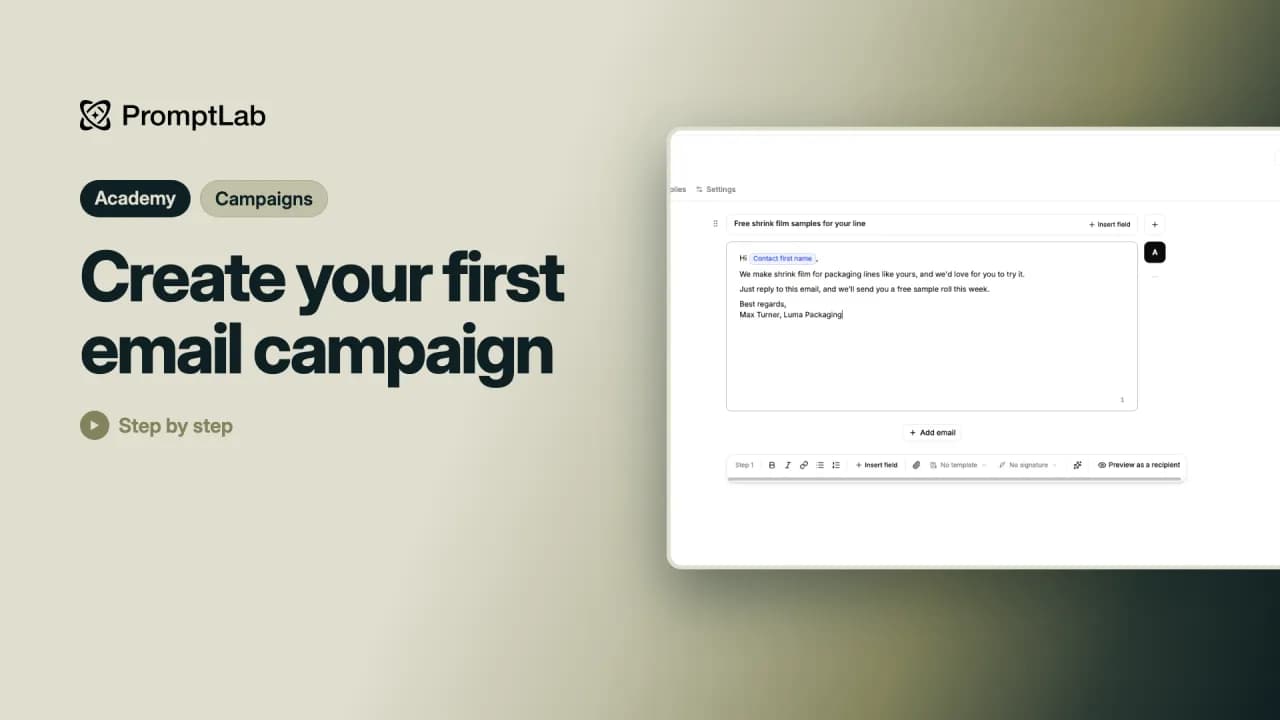 3:07Create your first email campaignBuild your first email campaign: who gets it, what it says and when it goes out, then check it and launch it.
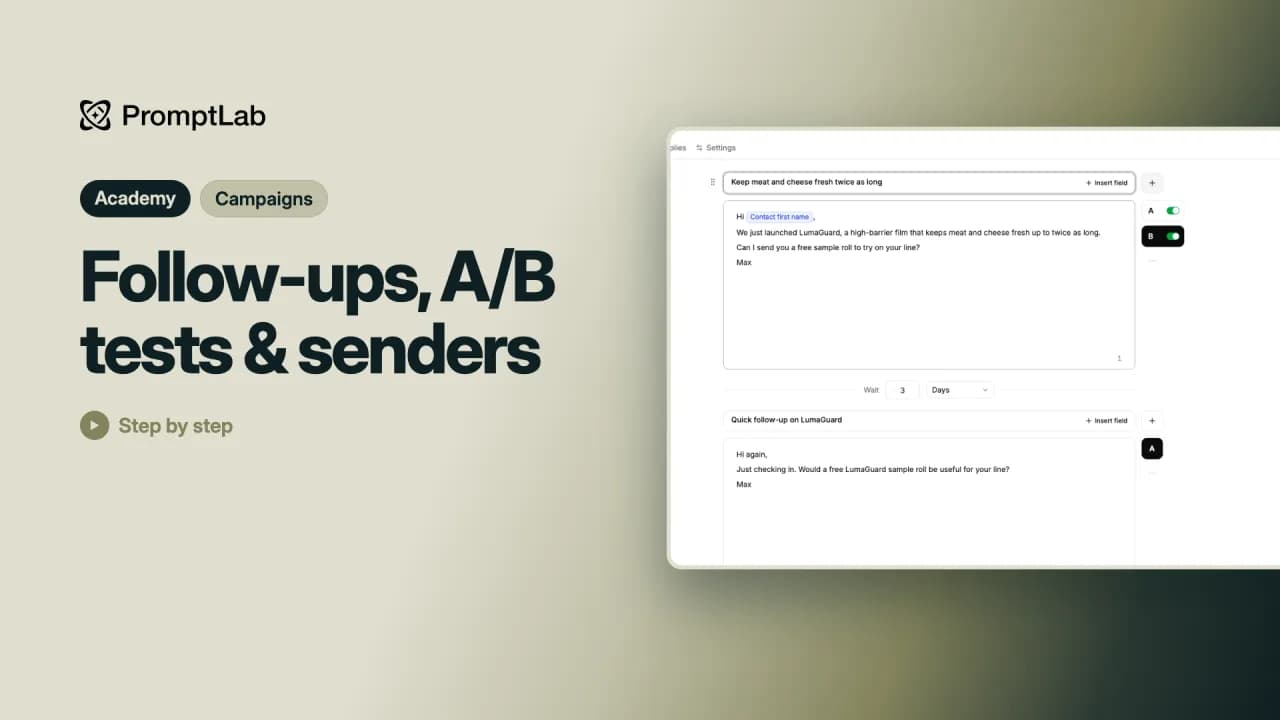 2:12Follow-ups, A/B tests & sendersAdd a follow-up email to a campaign, test two subject lines against each other and send from more than one mailbox.
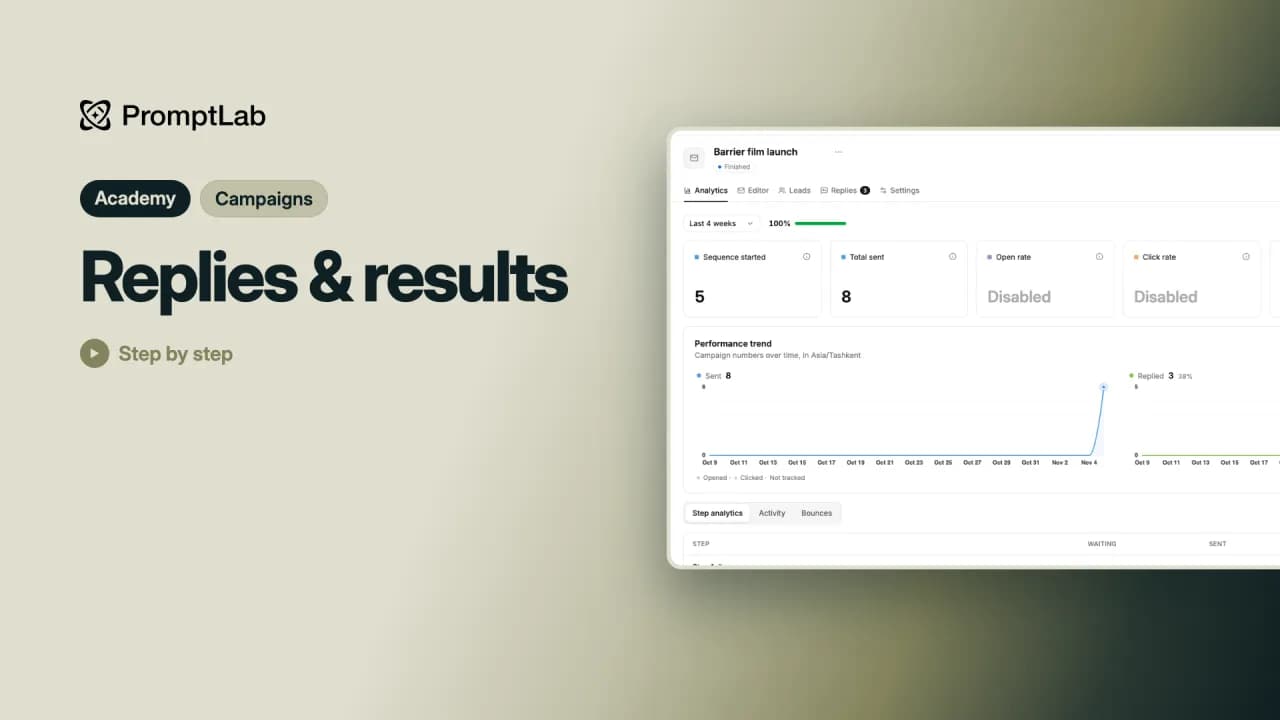 1:48Replies & resultsRead a campaign's results step by step, see every email and reply, and answer the people who wrote back.
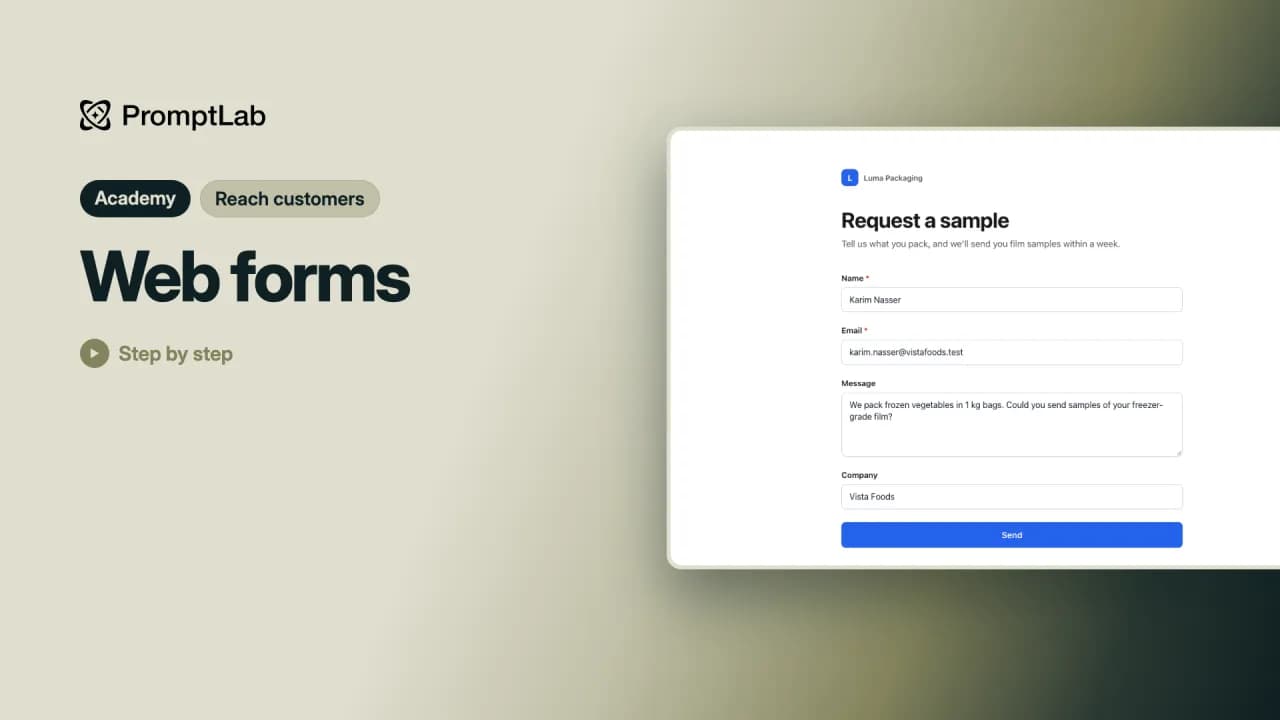 2:23Web formsBuild a web form on your Contacts page, share it or put it on your website, and every response lands in PromptLab as a new contact.
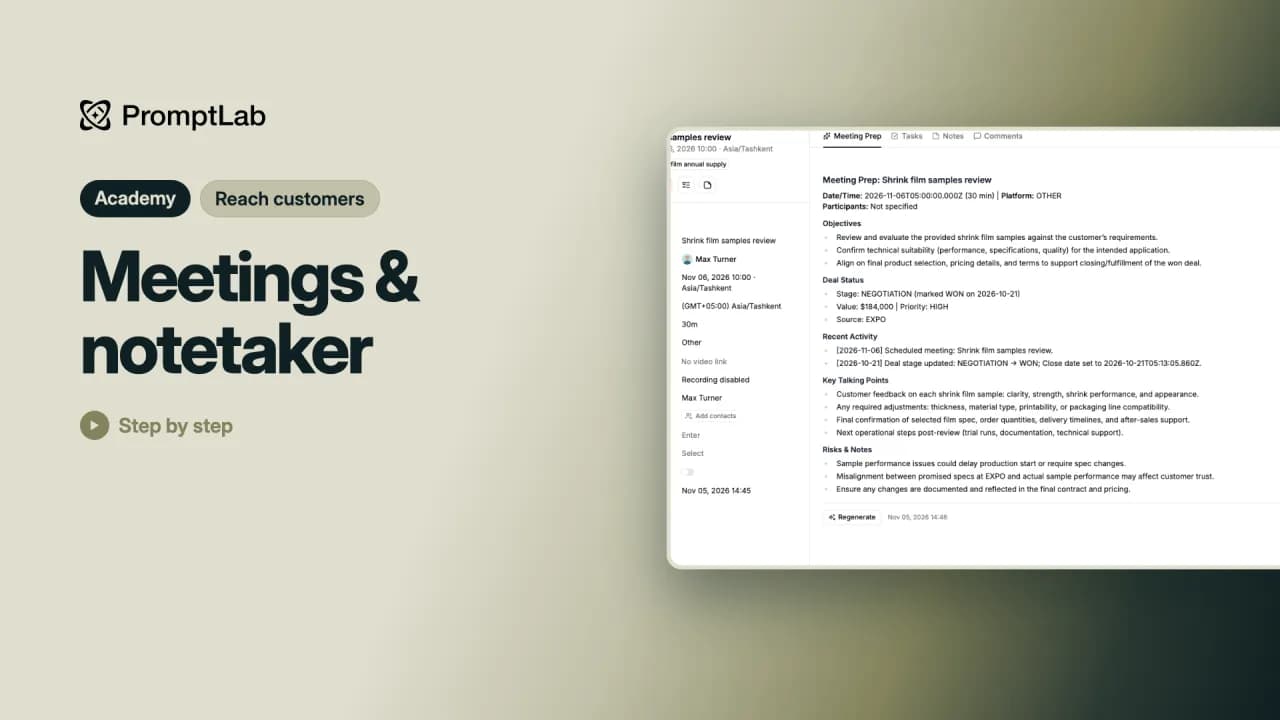 2:51Meetings & notetakerSchedule a meeting, get an AI brief before it, keep notes on it, and set up the notetaker that records your video calls.
Berichte & Automatisierung
5 Lektionen14 Min.
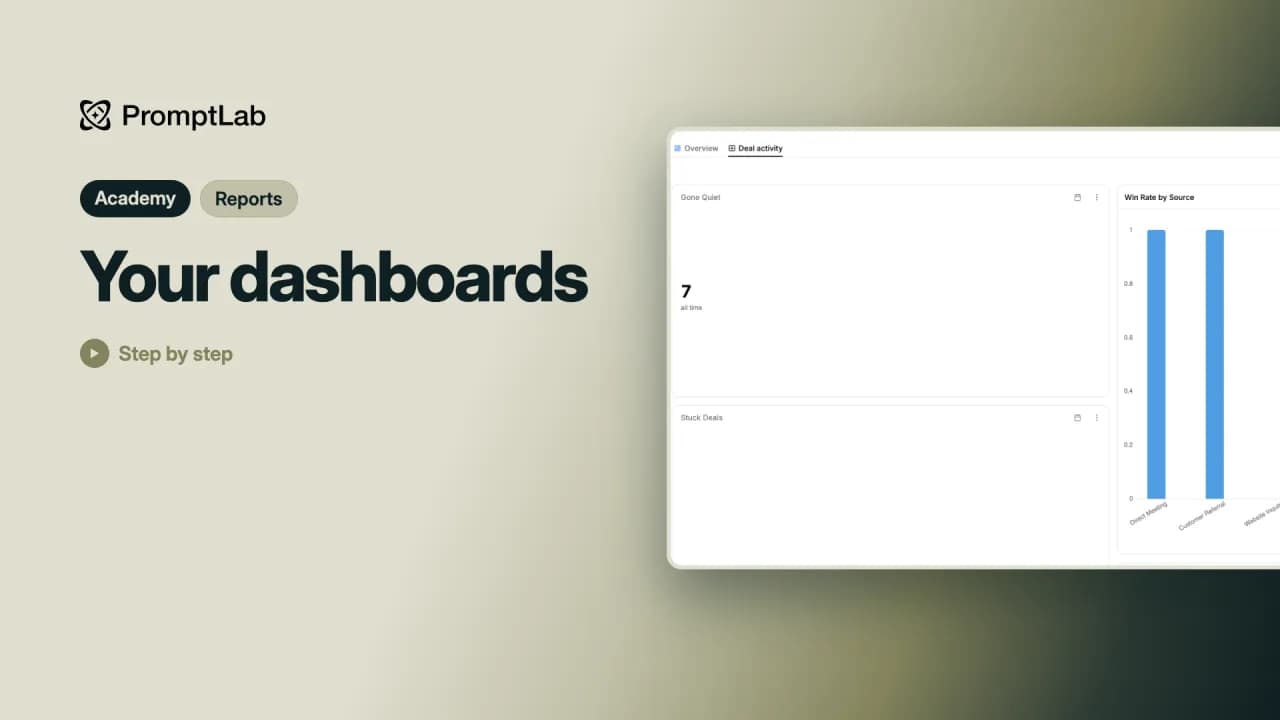 3:08Your dashboardsStart from a ready-made dashboard, then build one of your own from the report library and arrange its cards.
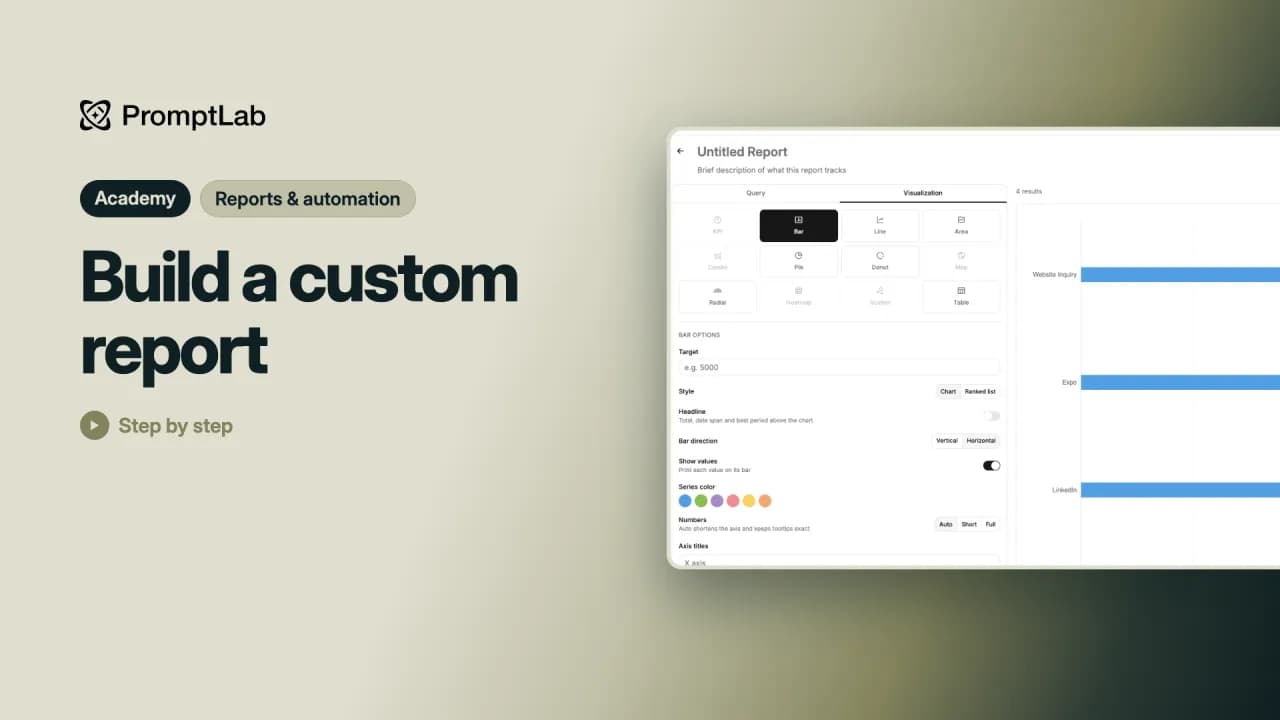 2:23Build a custom reportBuild your own report in the report builder, for example open deals by source, and save it as a card on your dashboard.
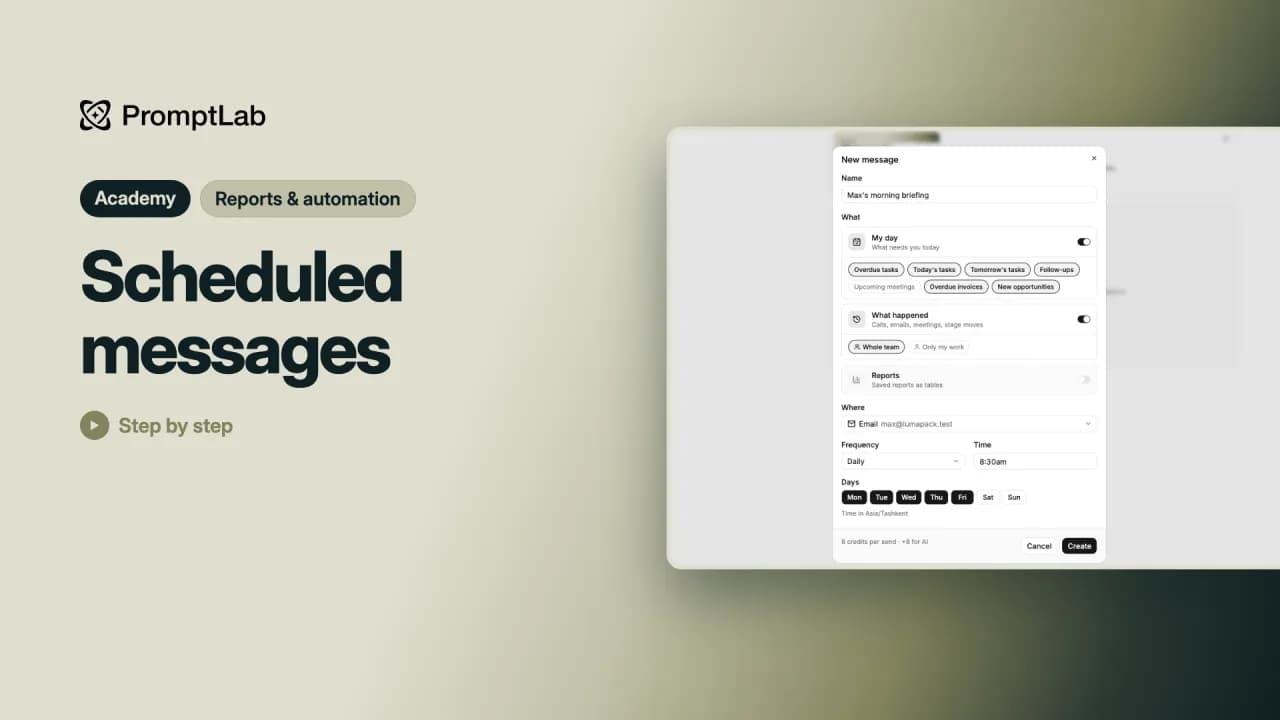 2:37Scheduled messagesSet up a morning briefing that PromptLab sends you every weekday with your day and an AI recap of the day before, by email, Telegram, Slack or WhatsApp.
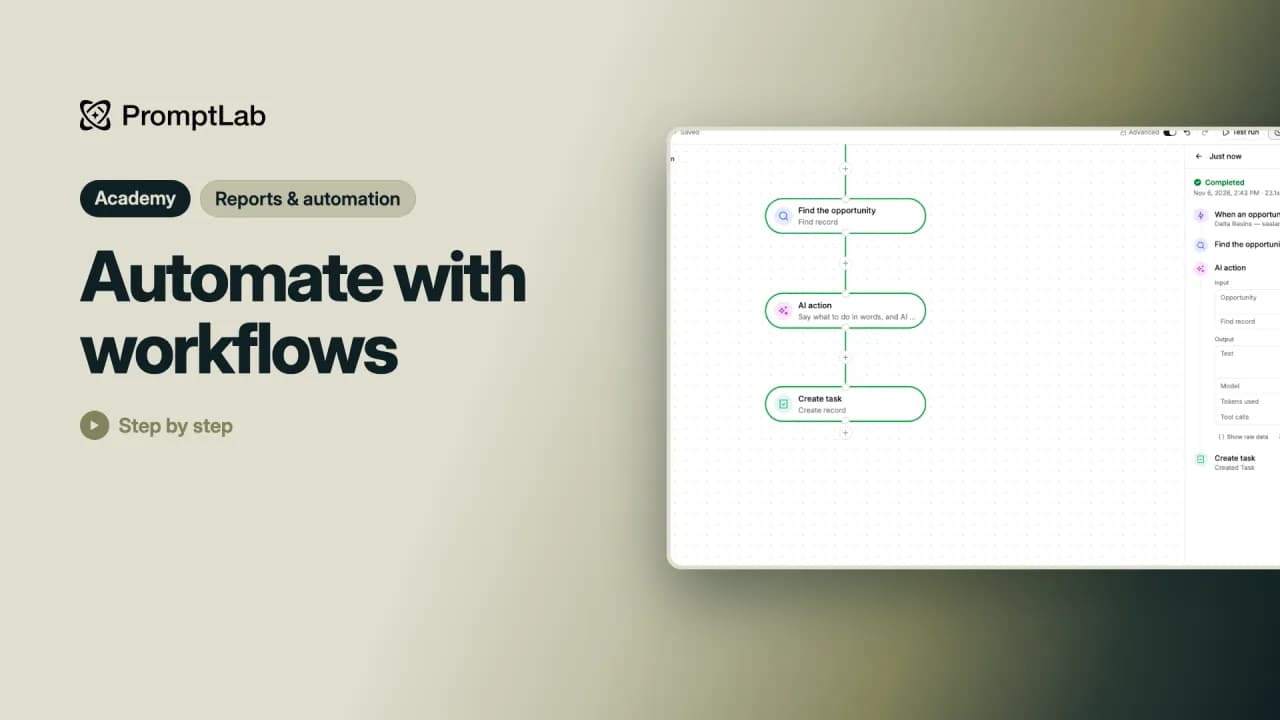 3:00Automate with workflowsBuild a workflow that gives every new opportunity its next step as a task, written by the AI, then test it and turn it on.
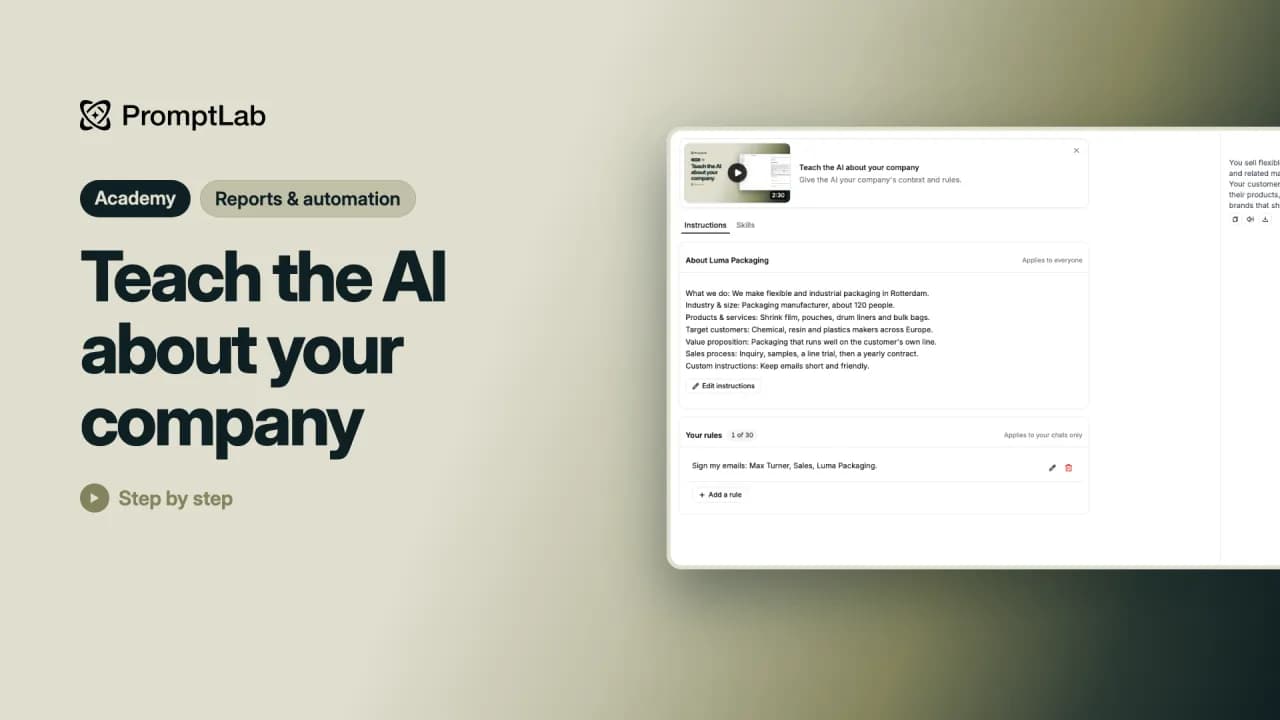 3:18Teach the AI about your companyTell PromptLab's AI what your company sells and to whom, add your own rules and skills, and watch its answers and emails get your business right.
Deep Dives
23 Lektionen35 Min.
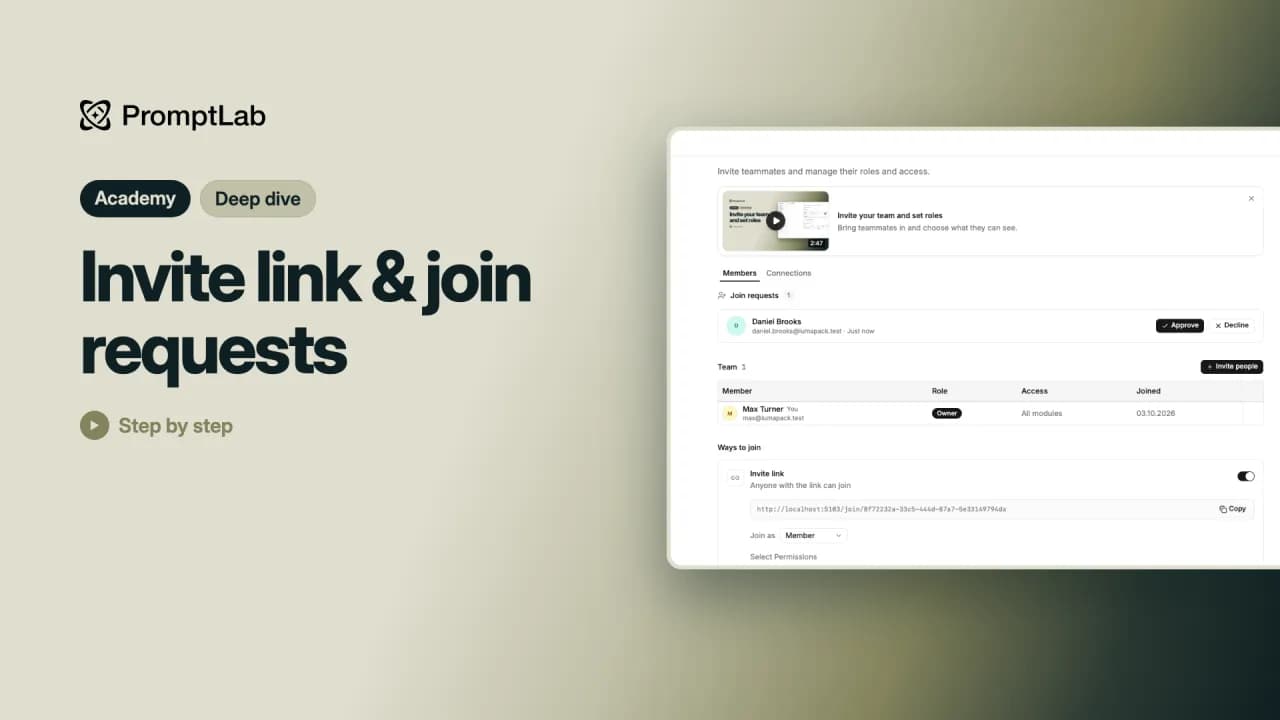 2:04Invite link & join requestsTwo quicker ways to grow your team than inviting people one by one: an invite link, and sign-ups from your own email domain.
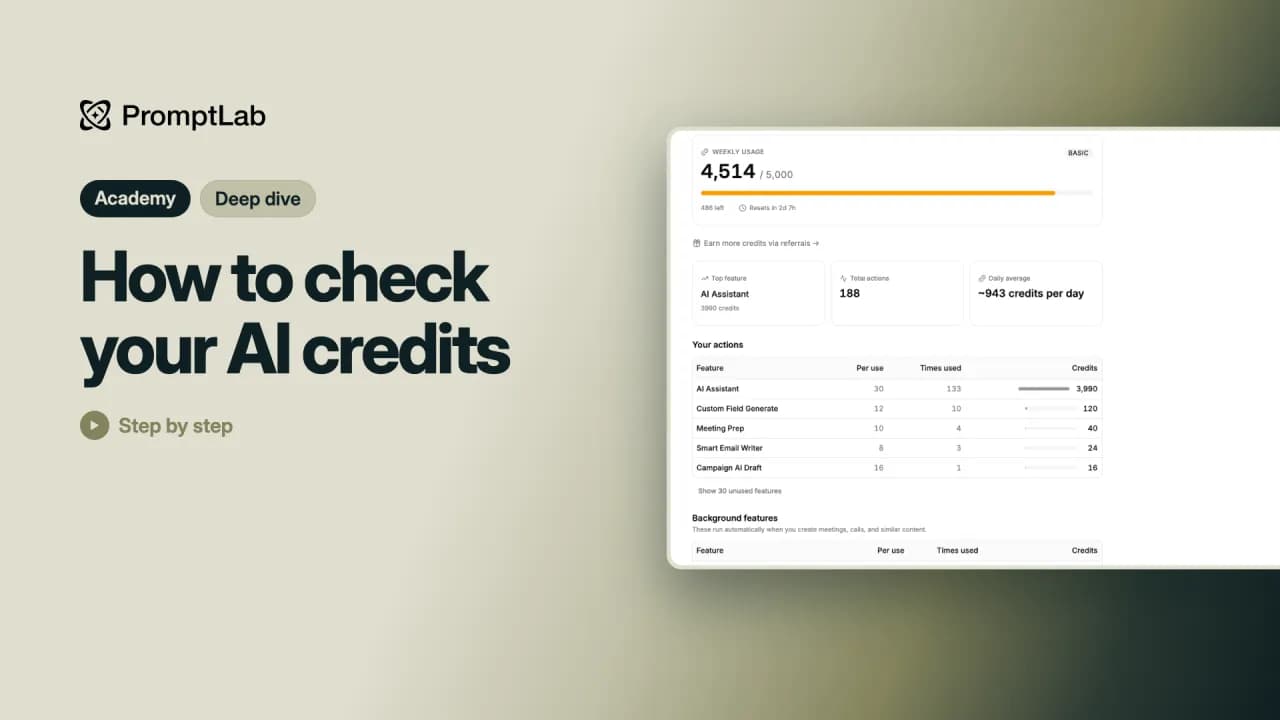 1:37How to check your AI creditsSee how many AI credits you have left this week, when they reset and what has been using them.
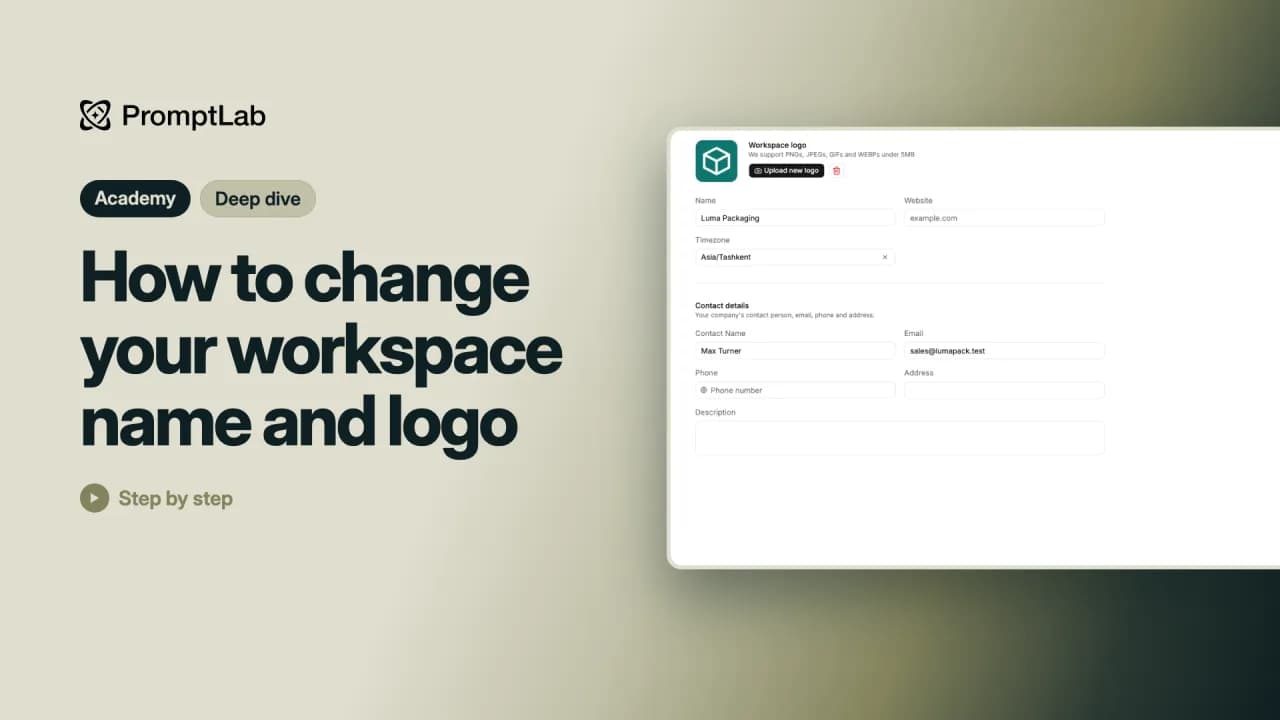 1:18How to change your workspace name and logoGive your workspace your logo, name, website and contact details in Workspace settings.
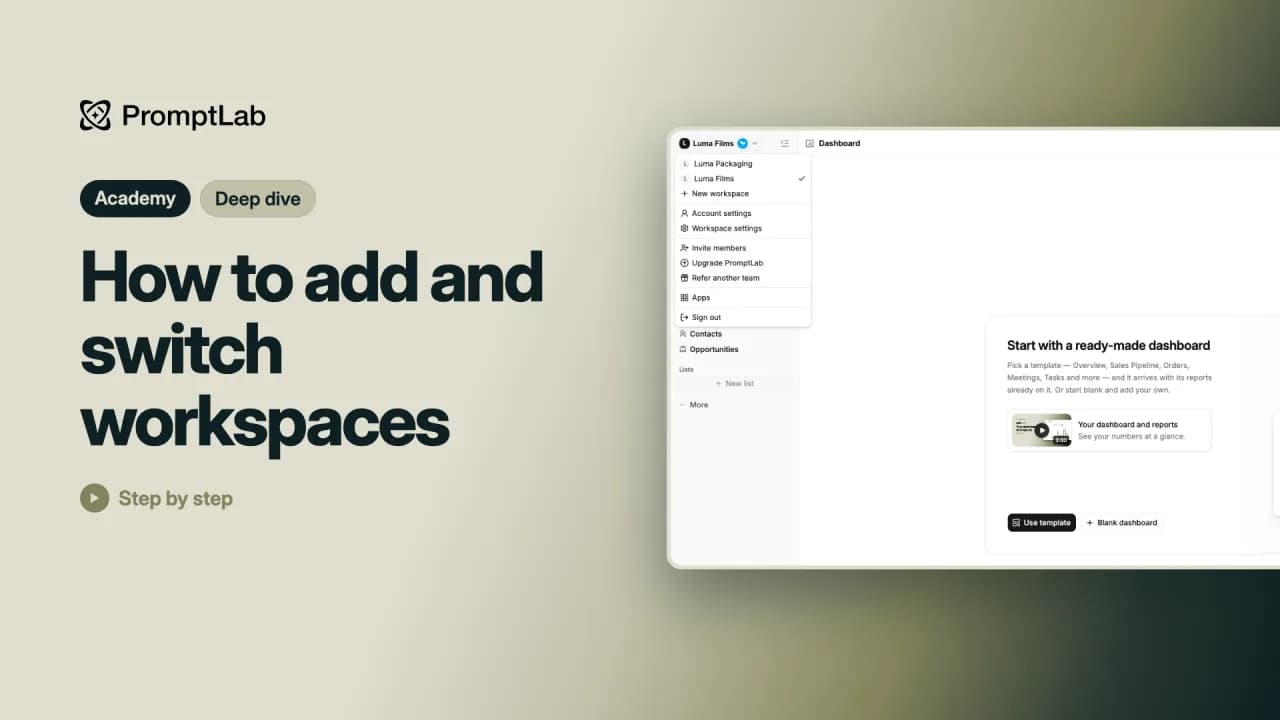 1:00How to add and switch workspacesAdd a second workspace for another team or division, and switch between your workspaces in one click.
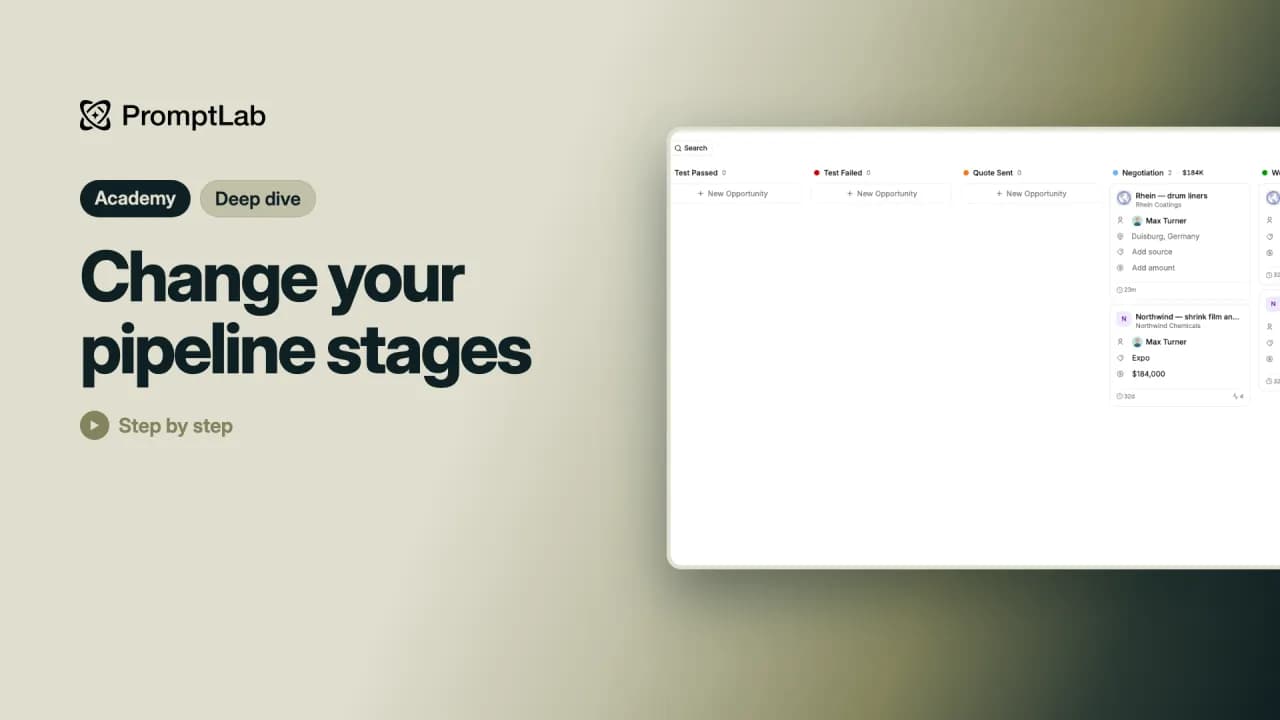 1:24Change your pipeline stagesMake your pipeline match the way you really sell: add a stage, rename it, give it a color and move it into place, right on the board.
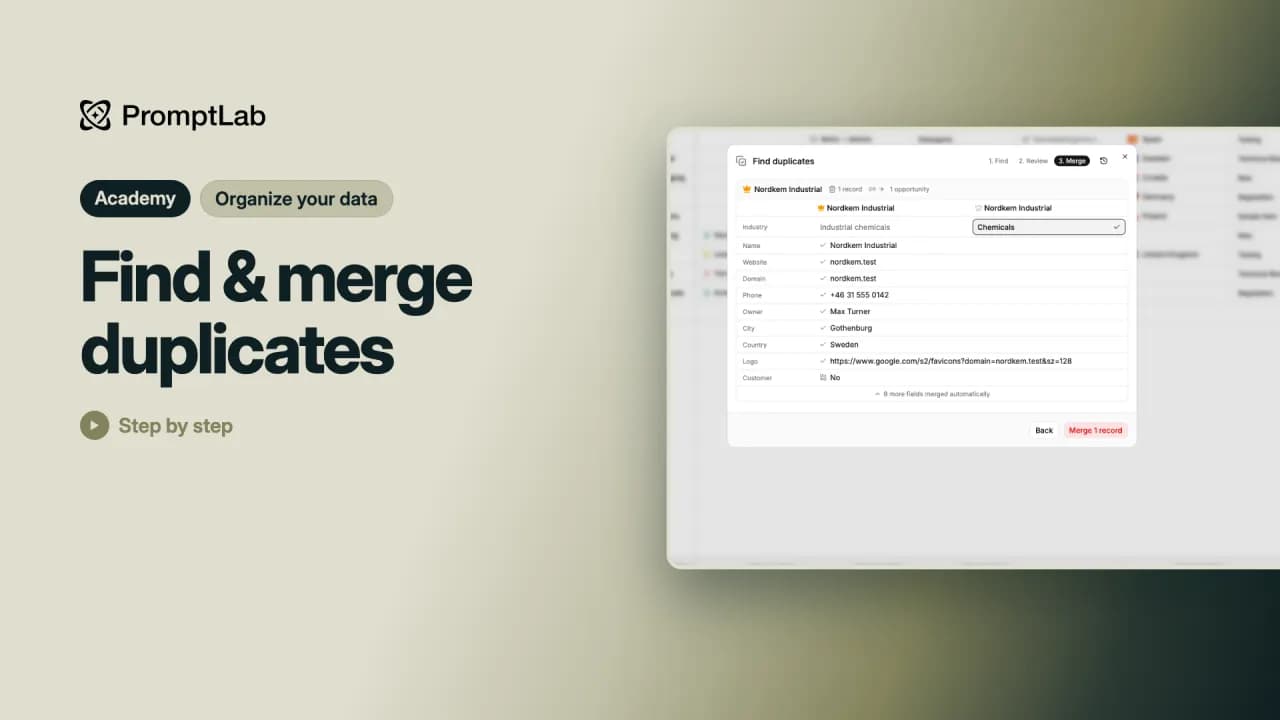 1:50Find & merge duplicatesWhen the same company ends up in PromptLab twice, find the duplicates and merge them into one record, with nothing lost.
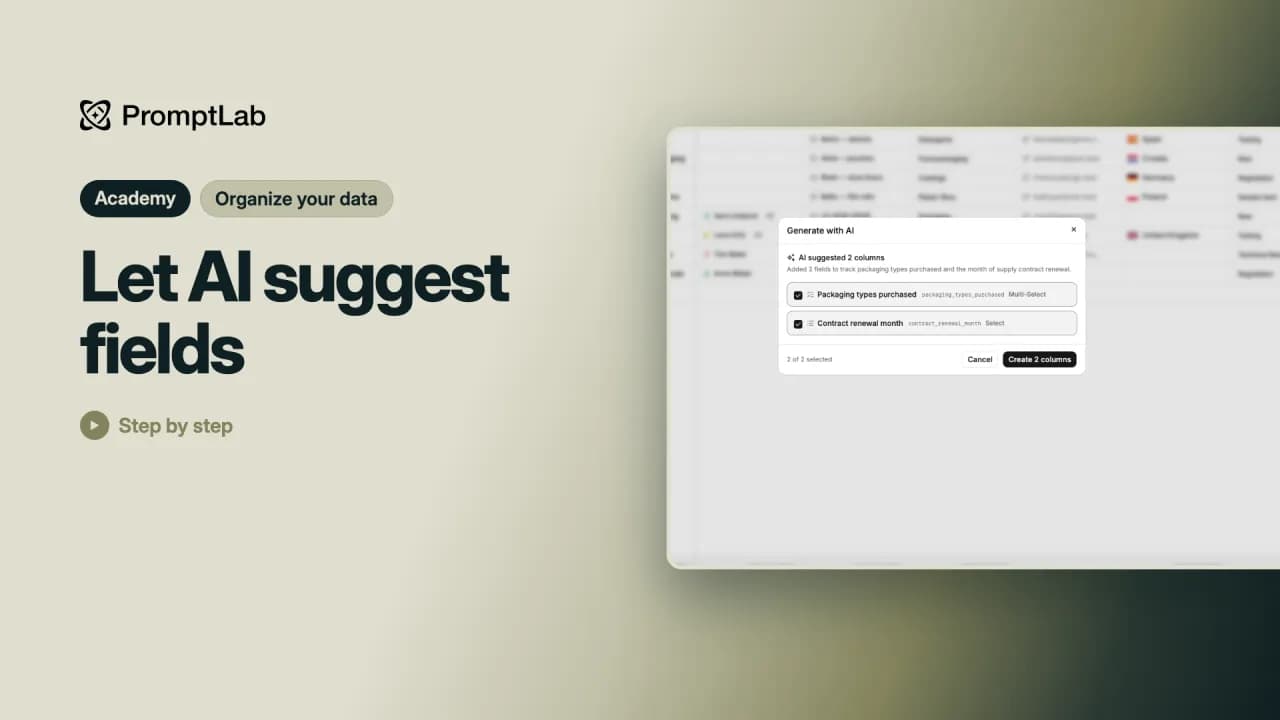 1:36Let AI suggest fieldsDescribe what you want to track in plain words and let the AI build the fields for you, drop-down options included.
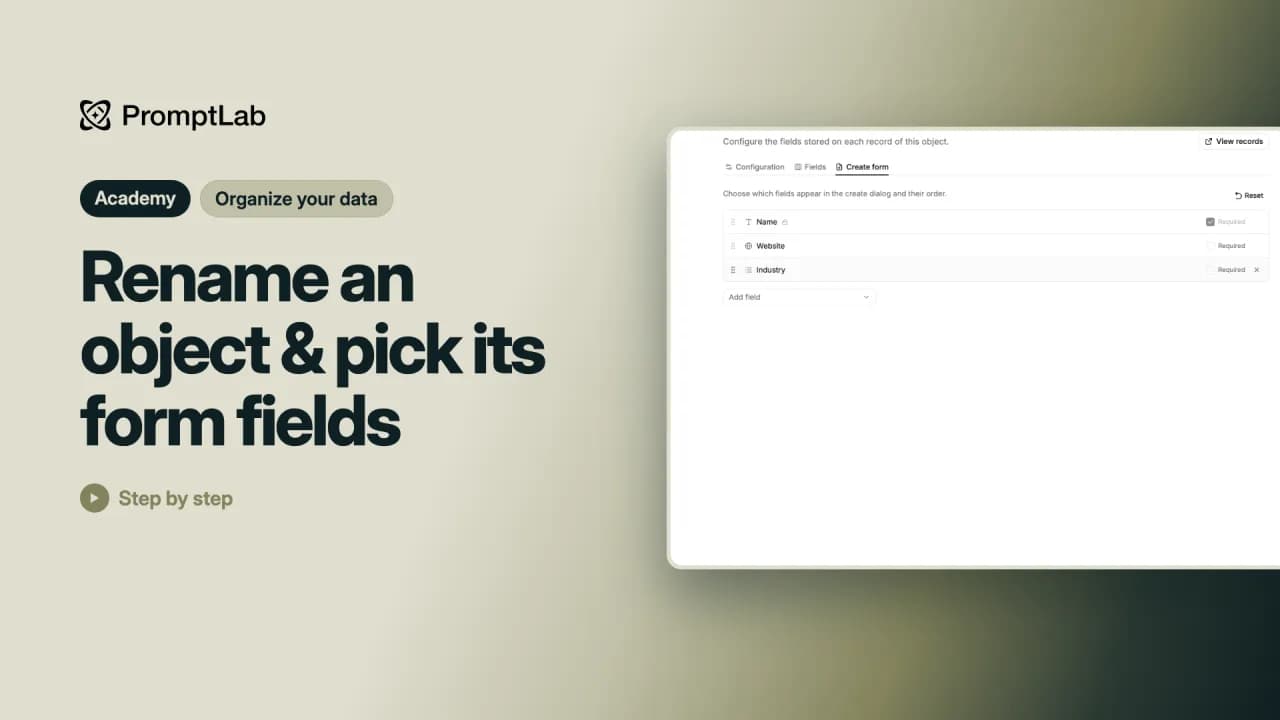 1:52Rename an object & pick its form fieldsRename an object you built, manage its fields, and choose which fields the New account form asks for.
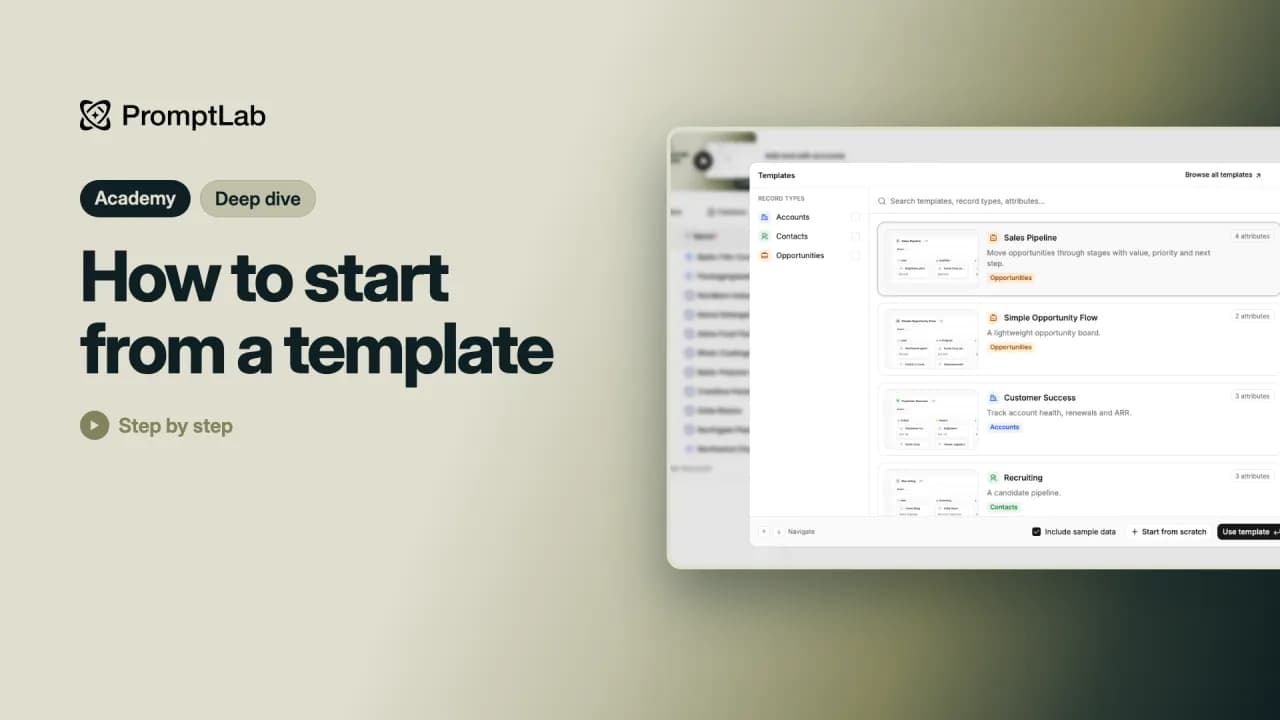 2:03How to start from a templateStart a list or a whole object from a ready-made template instead of from nothing, with sample data to try it out.
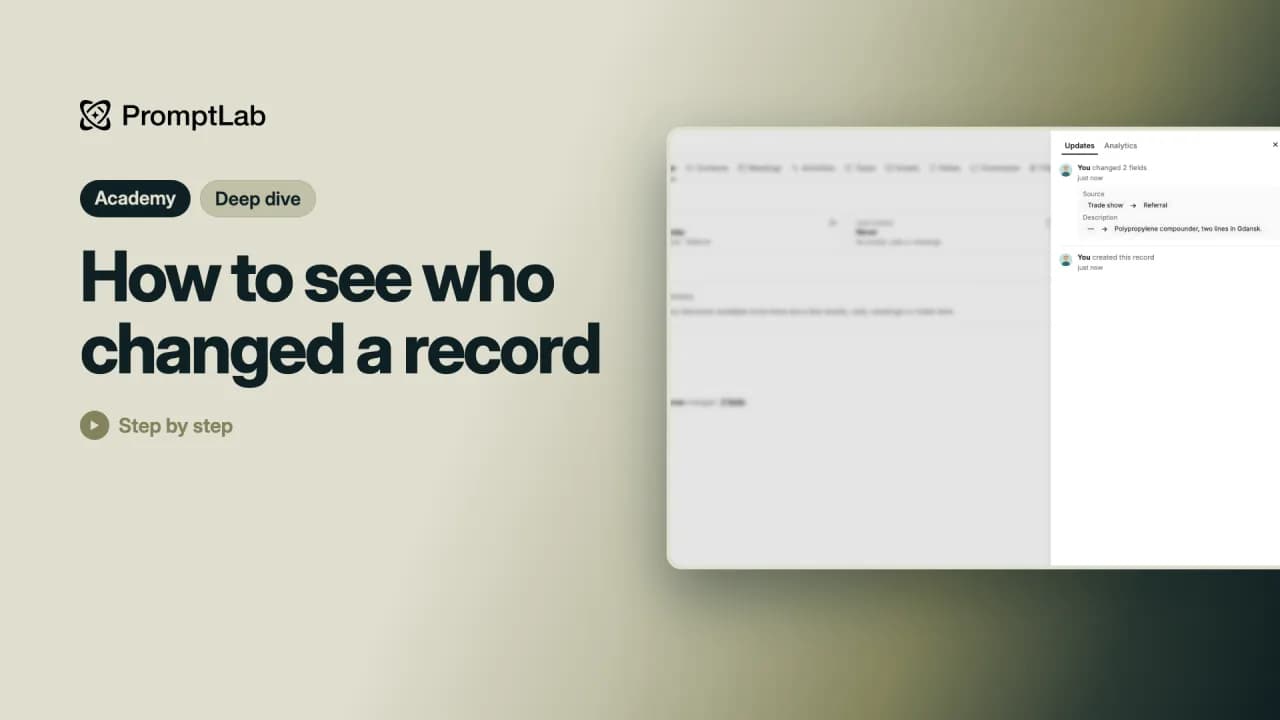 1:12How to see who changed a recordSee who changed a record, what they changed and when, and who has been looking at it.
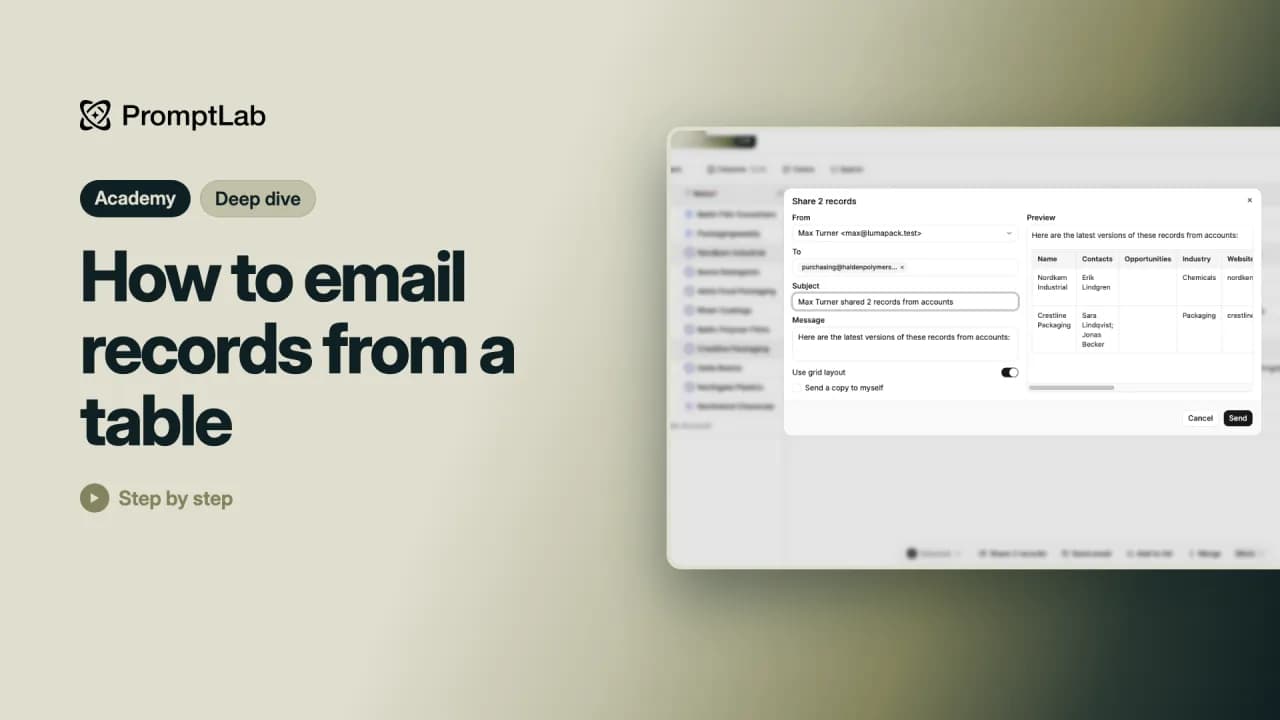 1:22How to email records from a tableEmail a few rows from a table to someone who doesn't use PromptLab, or write to each record's main contact.
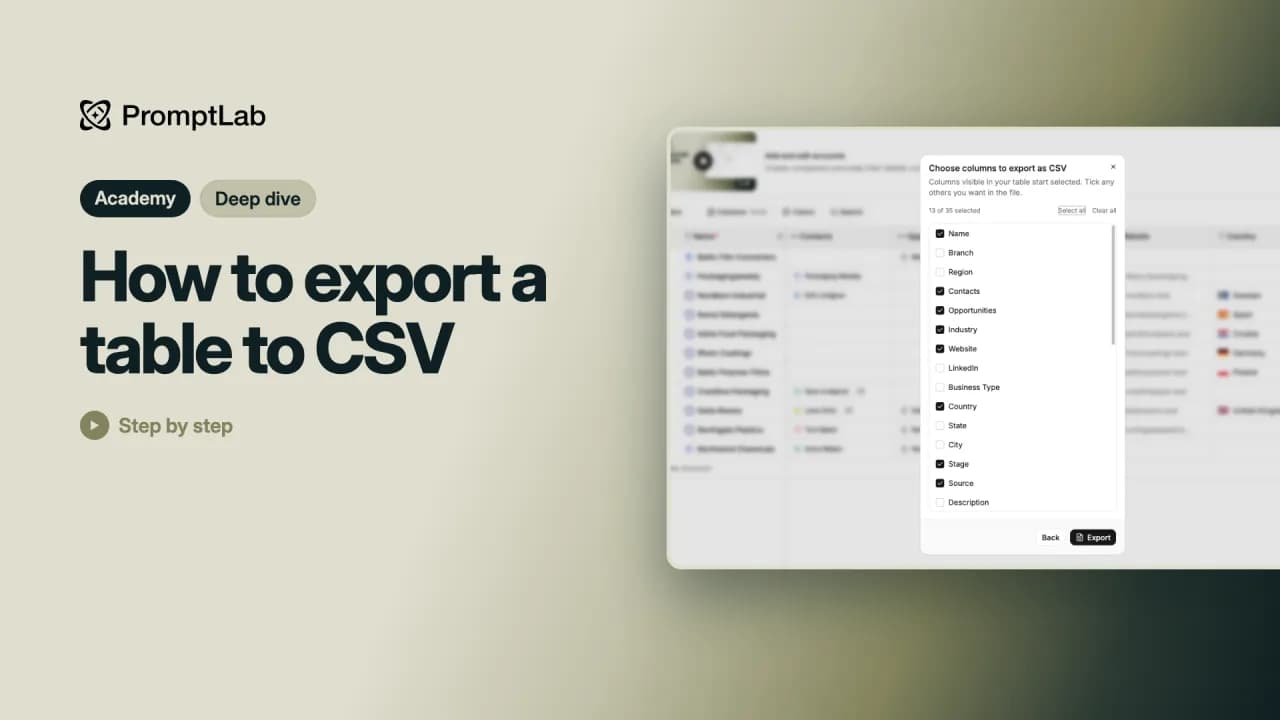 1:02How to export a table to CSVTake your records out of PromptLab for a spreadsheet or a report: export any table to CSV or Excel.
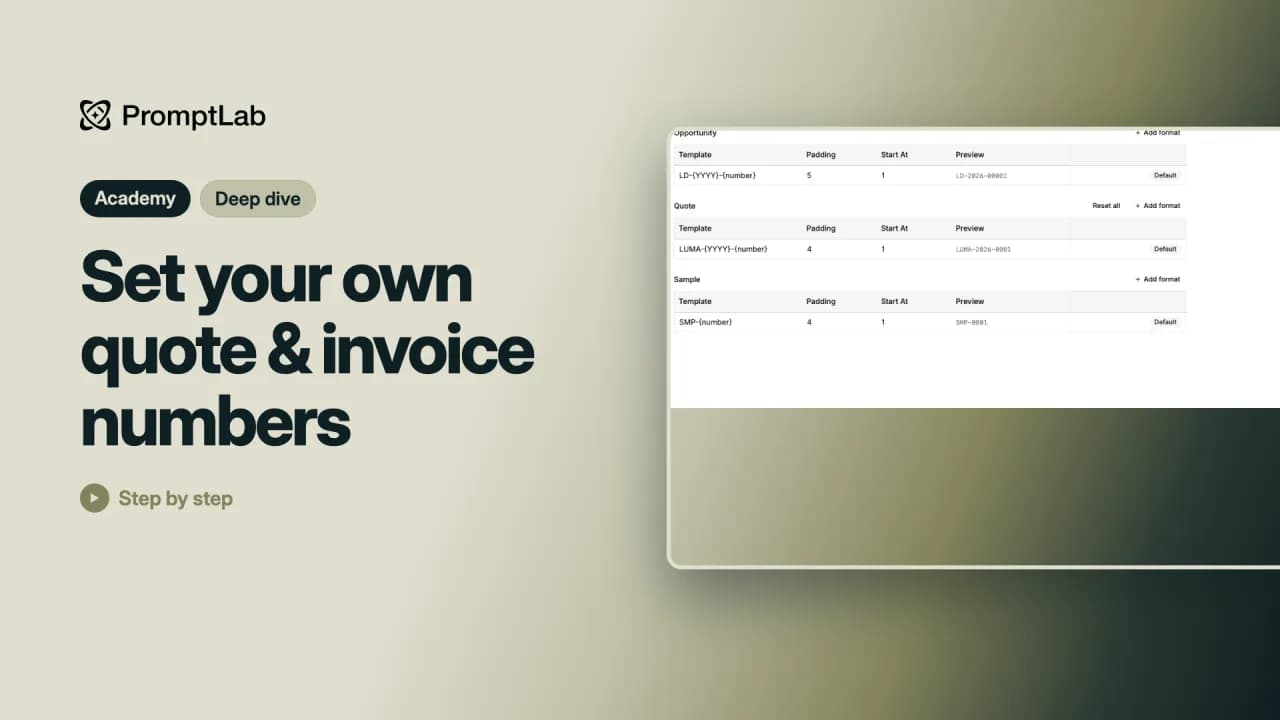 1:40Set your own quote & invoice numbersGive your quotes, invoices and other documents their own numbers, such as your name and the year before the number.
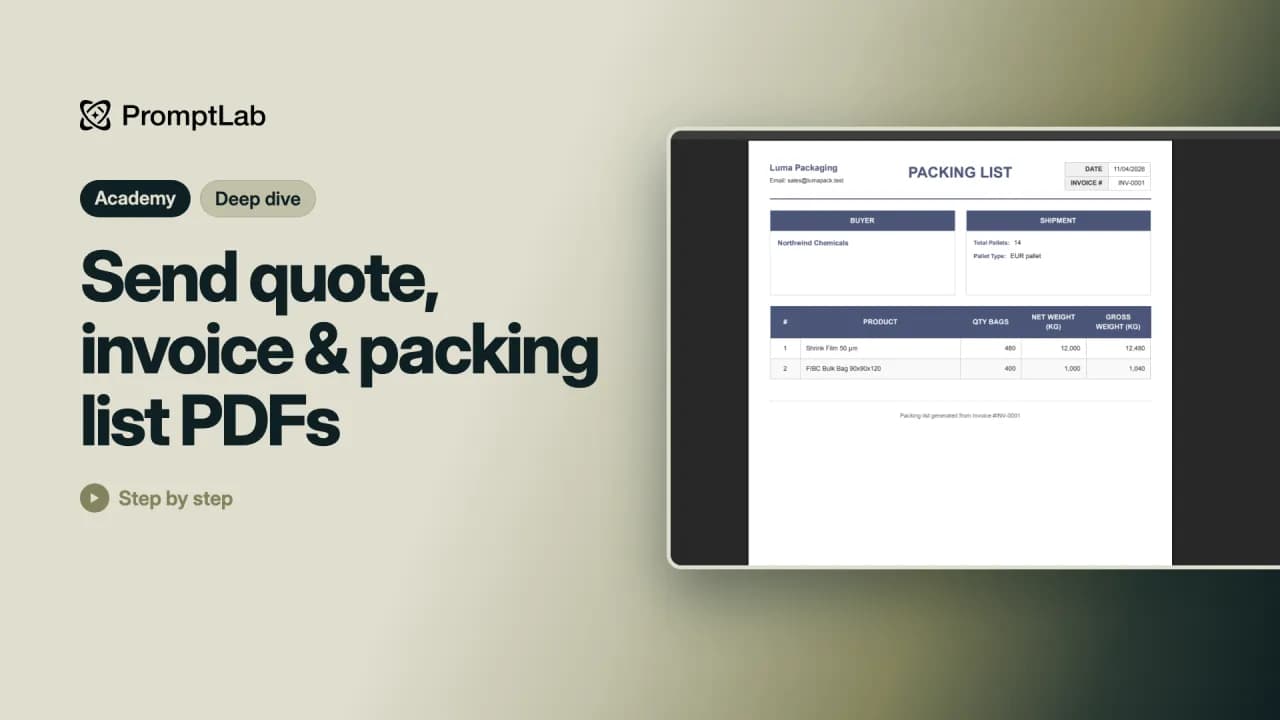 1:33Send quote, invoice & packing list PDFsMake the PDFs your customers need: the quote, and the invoice and packing list for an order.
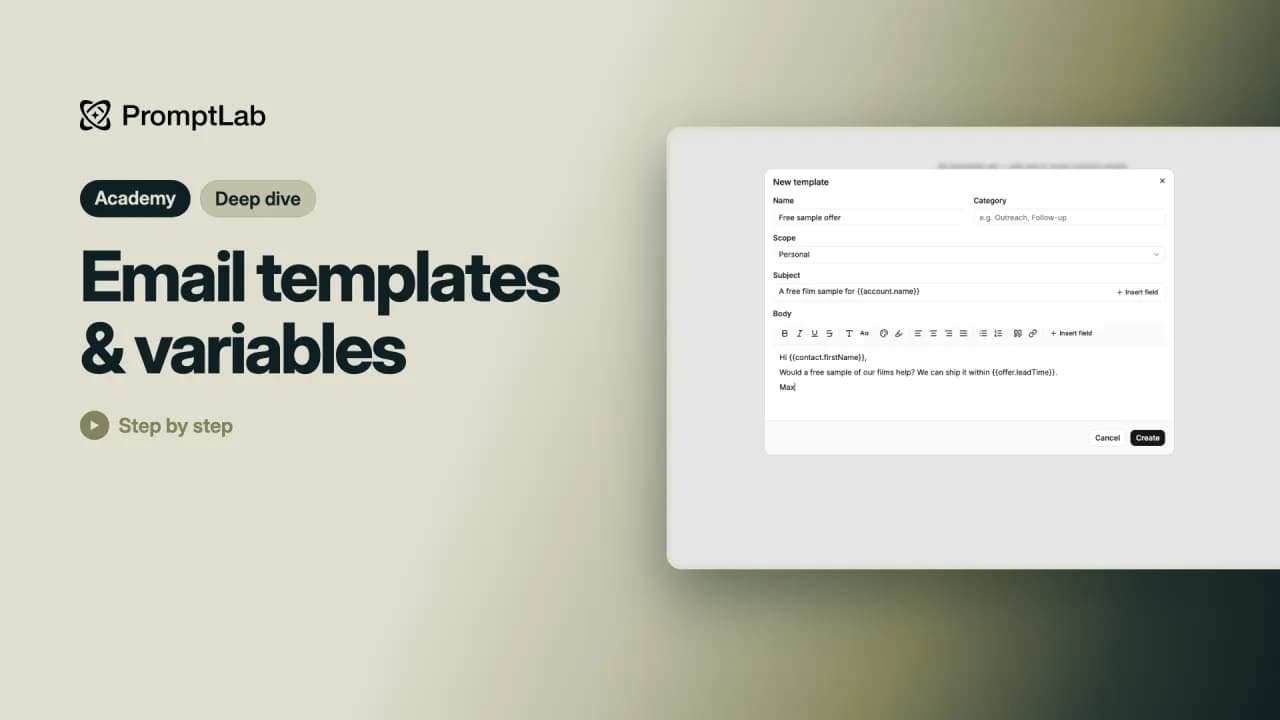 1:42Email templates & variablesSave an email you send again and again as a template, with variables that fill in each person's details for you.
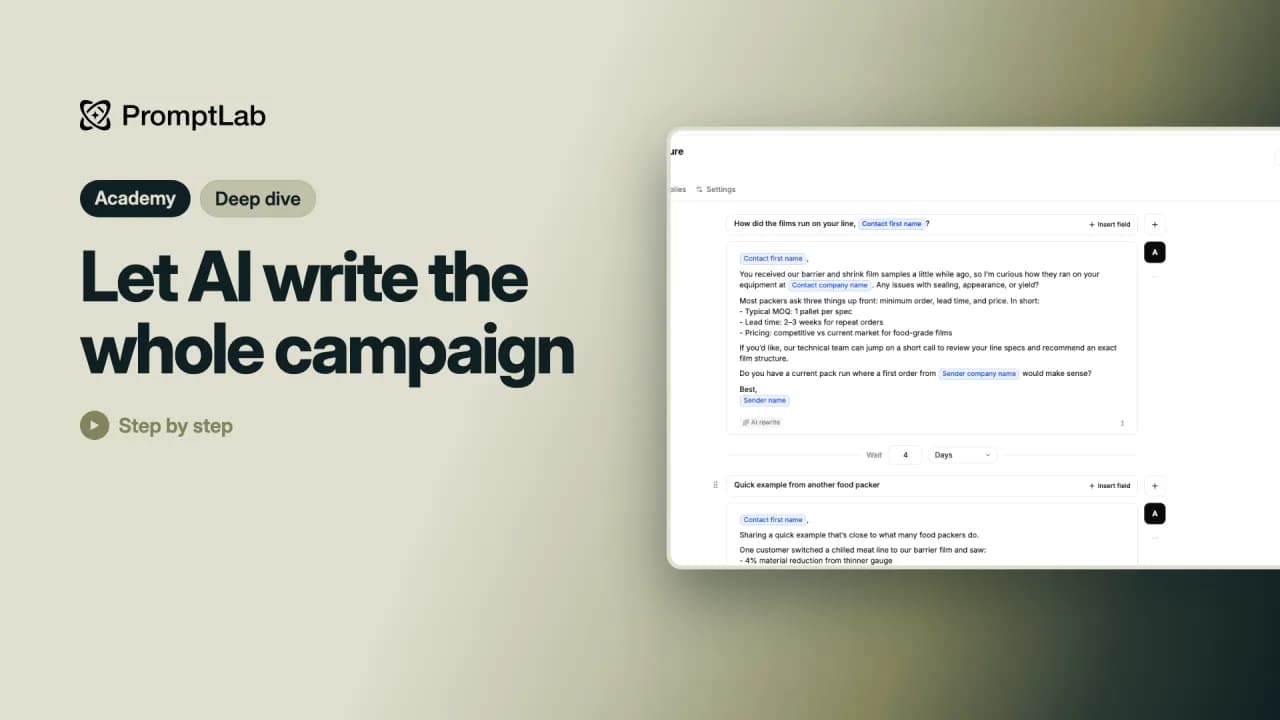 1:30Let AI write the whole campaignLet AI write a whole email sequence for you, then check every email and launch it like any other campaign.
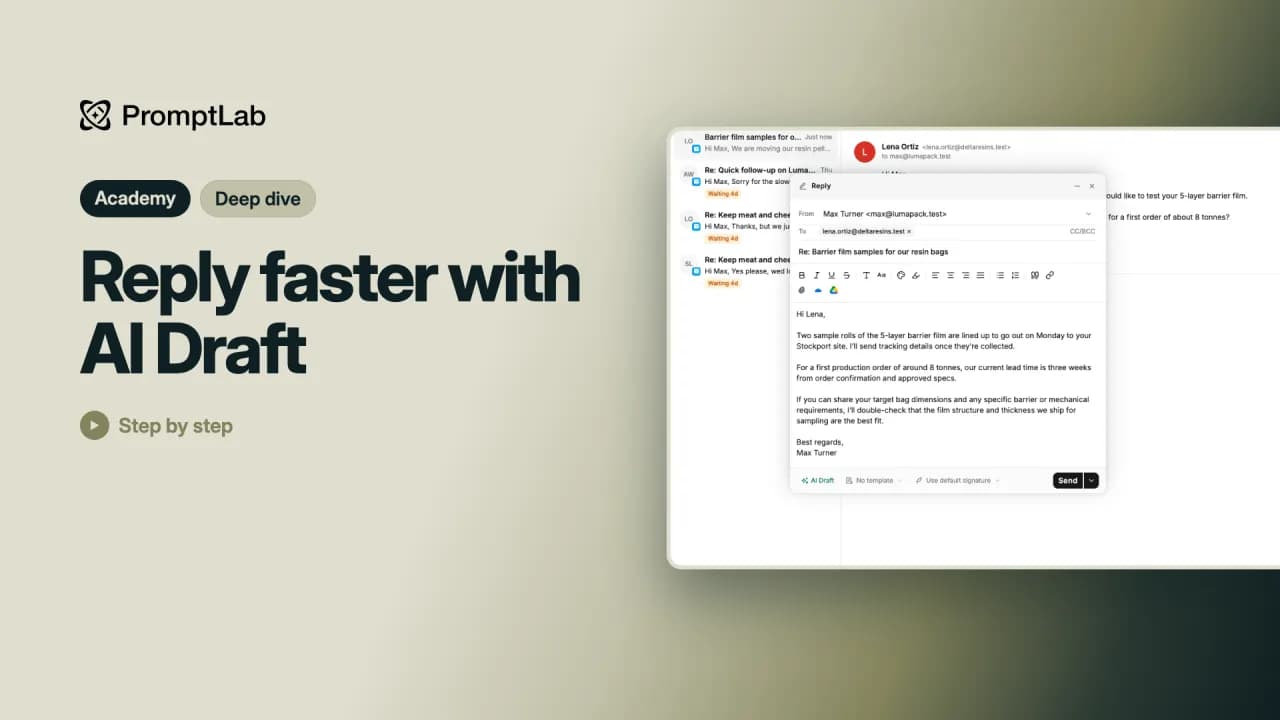 1:24Reply faster with AI DraftLet AI Draft write a reply to a customer email from the facts you give it, then check it and send it from your own address.
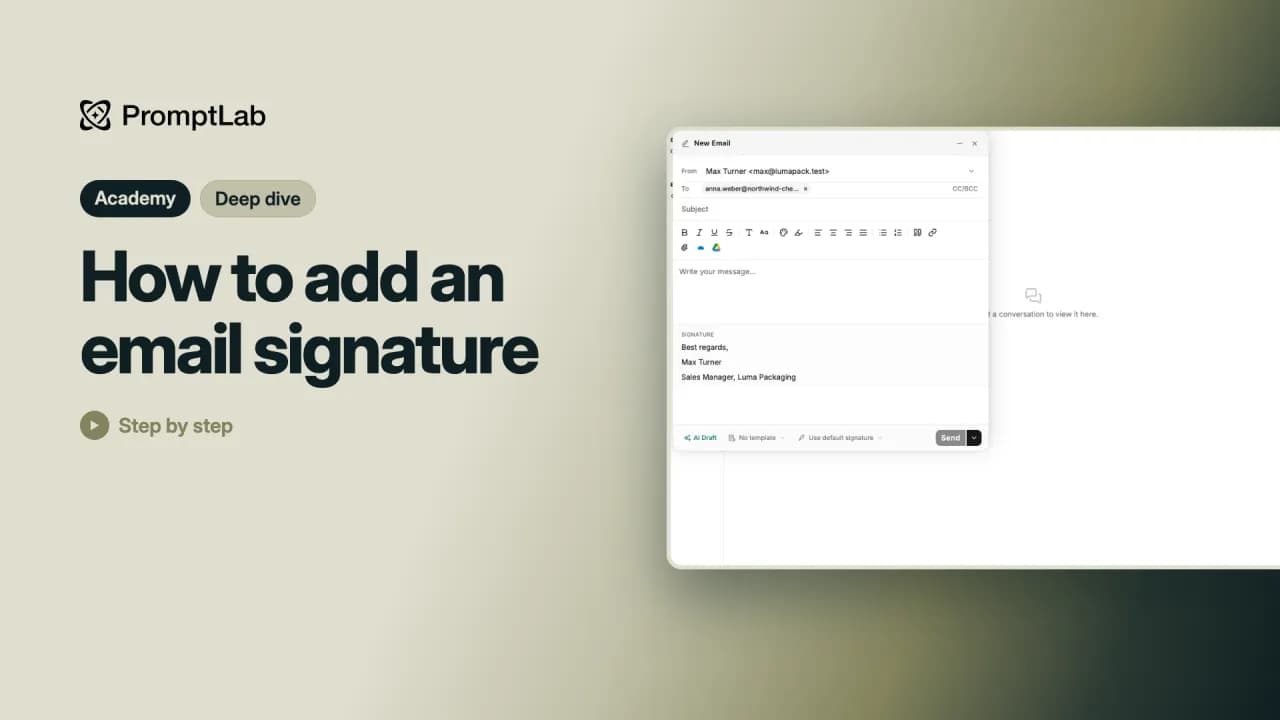 1:38How to add an email signatureSet up a signature with your name and title once, and every new email ends with it.
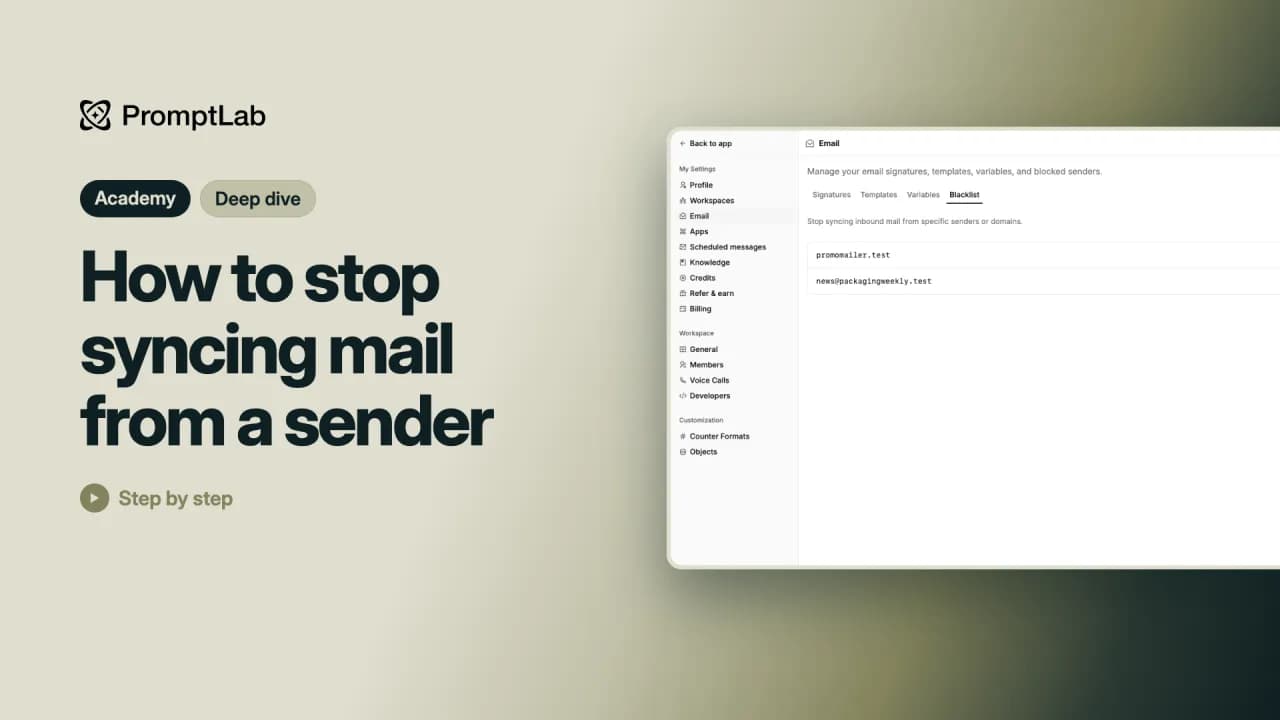 1:40How to stop syncing mail from a senderStop noise like newsletters from coming into PromptLab, from one sender or a whole company's domain.
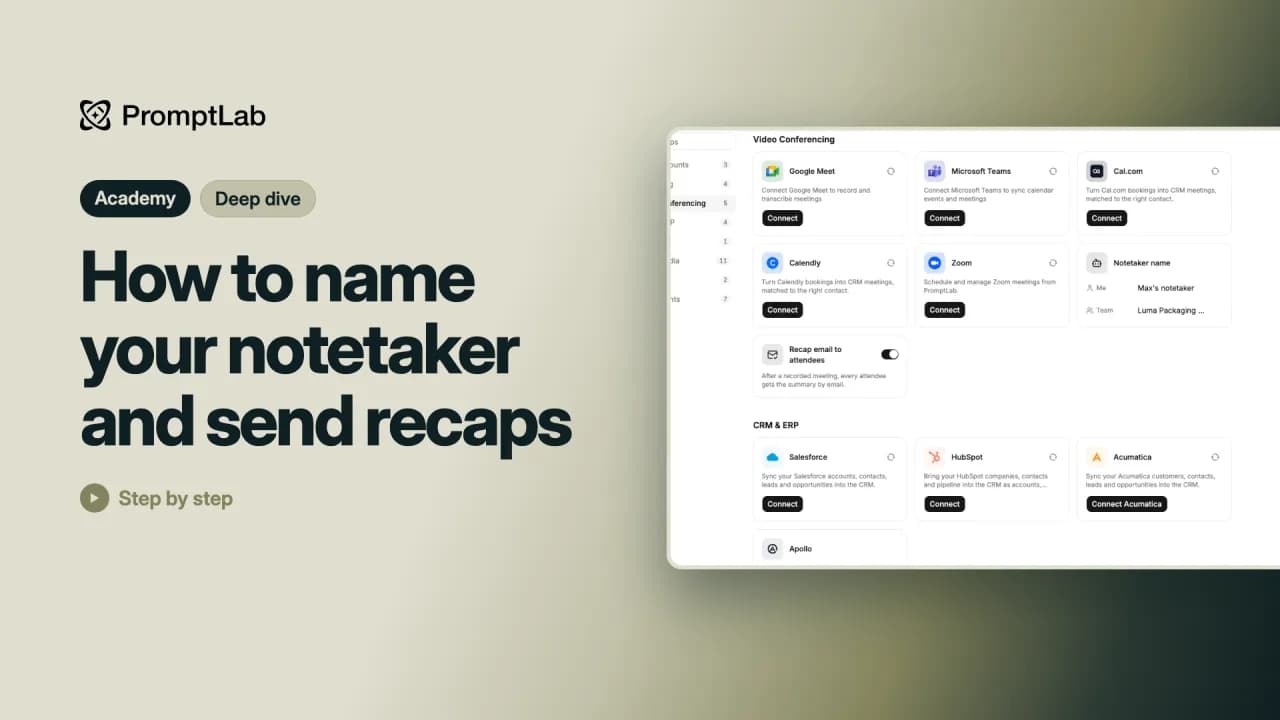 1:20How to name your notetaker and send recapsGive the notetaker that joins your meetings a name people recognize, and choose whether everyone gets a recap by email.
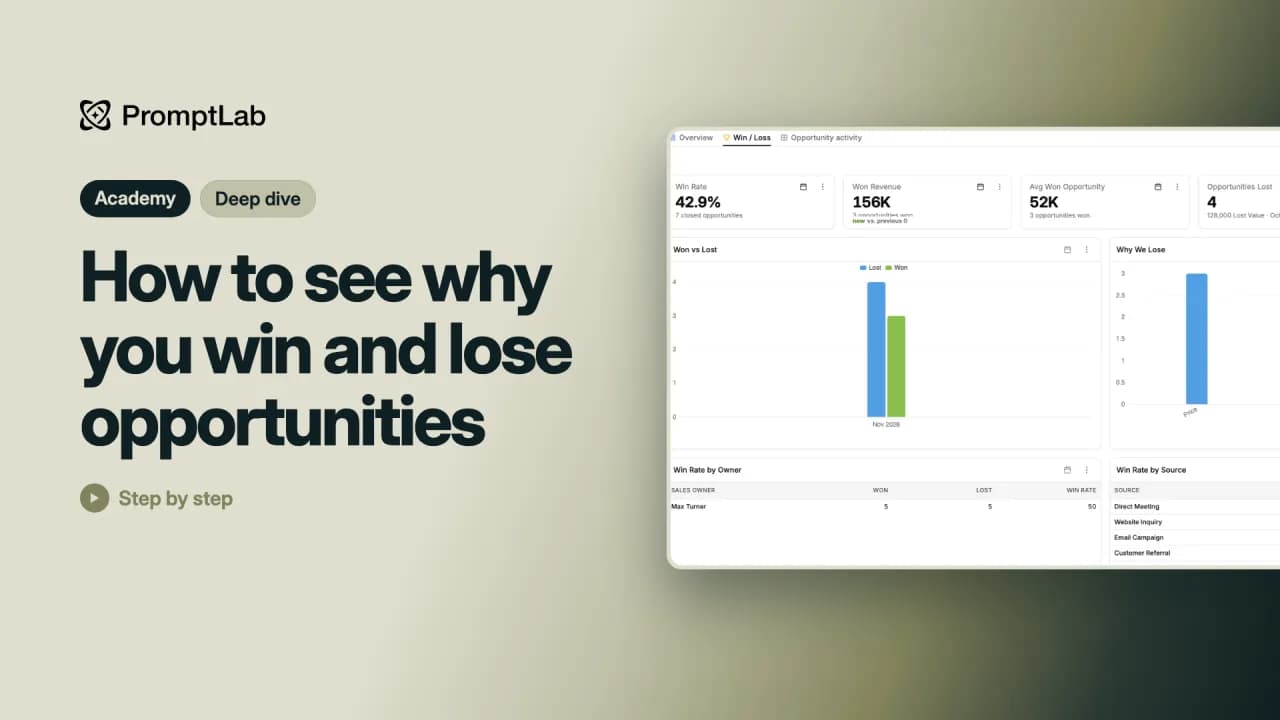 1:42How to see why you win and lose opportunitiesRecord why each opportunity was won or lost, then see the pattern on a ready-made Win / Loss dashboard.
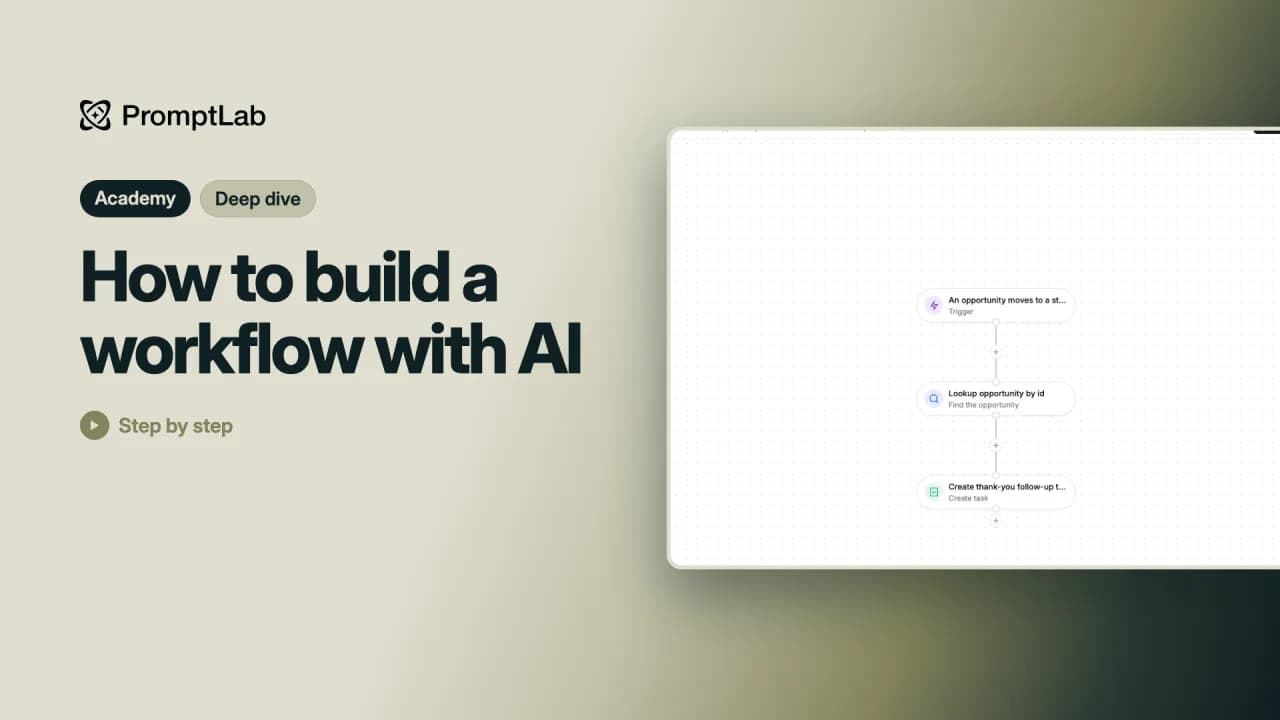 1:17How to build a workflow with AIBuild a whole workflow from one sentence: describe it in plain words and let the AI set up every step.
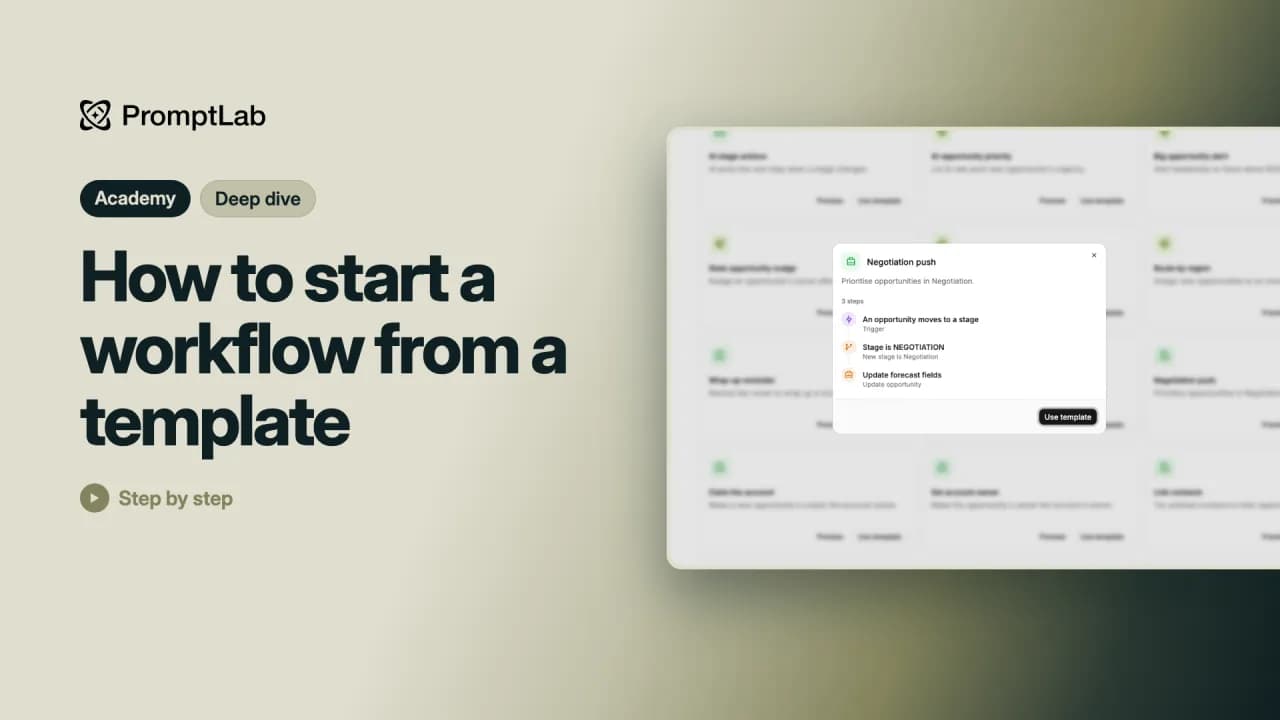 1:18How to start a workflow from a templateStart a workflow from a ready-made template instead of from nothing, check its steps and make it your own.
Kurse
- Erste SchritteLegen Sie Ihr Konto an, verbinden Sie Ihre E-Mail, legen Sie Accounts und Kontakte an oder importieren Sie sie, arbeiten Sie mit der Pipeline, laden Sie Ihr Team ein und stellen Sie der KI Fragen zu Ihren Daten.10 Lektionen27 Min.
- Daten organisierenGestalten Sie Ihre Datensätze mit eigenen Feldern, Ansichten und Filtern, Listen, Tabellenfarben und eigenen Objekten.5 Lektionen11 Min.
- Vom Katalog zum AuftragRichten Sie Produkte, Preislisten, Rohstoffe und Sacktypen ein, versenden Sie Angebote und Muster und machen Sie aus einem Angebot einen Kundenauftrag.5 Lektionen10 Min.
- Kunden erreichenVersenden Sie E-Mail-Kampagnen mit Follow-ups und A/B-Tests, lesen Sie Antworten und Ergebnisse, gewinnen Sie Leads mit Webformularen und zeichnen Sie Ihre Meetings auf.5 Lektionen12 Min.
- Berichte & AutomatisierungErstellen Sie Dashboards und eigene Berichte, planen Sie Nachrichten, automatisieren Sie Routinearbeit mit Workflows und bringen Sie der KI Ihr Unternehmen bei.5 Lektionen14 Min.
- Deep DivesEin bis zwei Minuten zu jeweils einer Funktion: Einladungslinks und Workspaces, Pipeline-Phasen und Duplikate, Angebots-PDFs, E-Mail-Vorlagen und Signaturen, KI-Entwürfe, Gewinn- und Verlustgründe und Workflows.23 Lektionen35 Min.
- KurzrundgängeEtwa eine Minute zu jeder Seite, die Sie täglich nutzen: Meetings, Aufgaben, Notizen, Accounts und Kontakte.5 Lektionen7 Min.