

















Website lead capture checklist
A website lead capture checklist for B2B product sellers: the right forms, fields, placement, spam protection, follow-up and tracking, tested before launch.
 By the PromptLab team31 October 20265 min read
A website that gets visits but no enquiries is a brochure. A buyer who wants a sample, a quote or a distributor price should find the form in seconds, fill it in without effort and hear back the same day. Lead capture is the set of small things that make that happen.
Use this checklist when you build, rebuild or audit the forms on your site. It is written for manufacturers, distributors and wholesalers. For the thinking behind the forms, read how to capture leads from your website, and for what to do with visits from your campaign emails, how to track which leads visit your website.
Choose the forms you need
Product buyers rarely want to "contact us". They want something specific.
The forms
Keep the fields short and useful
Each extra field is one more reason to give up. Ask only for what you need to take the next step.
The fields
Place the forms where buyers look
A form on the contact page alone is easy to miss.
Placement
Protect the forms from spam
A form full of junk gets ignored, and then real enquiries are missed.
Spam and quality
Make sure every submission goes somewhere
A lead that lands in a general mailbox with no owner waits until someone happens to notice it.
After submit
Test and track
Test as a buyer would, then watch what happens.
Testing and tracking
The items people skip
- Testing on a phone. A form that works on a desktop can break on a small screen.
- The owner and the alert. Without these, a submission sits for days.
- Duplicate matching. The same buyer turns up three times with three spellings and nobody sees the history.
- Telling the buyer what happens next. A thank-you page that says nothing invites a second, angrier message.
How PromptLab helps
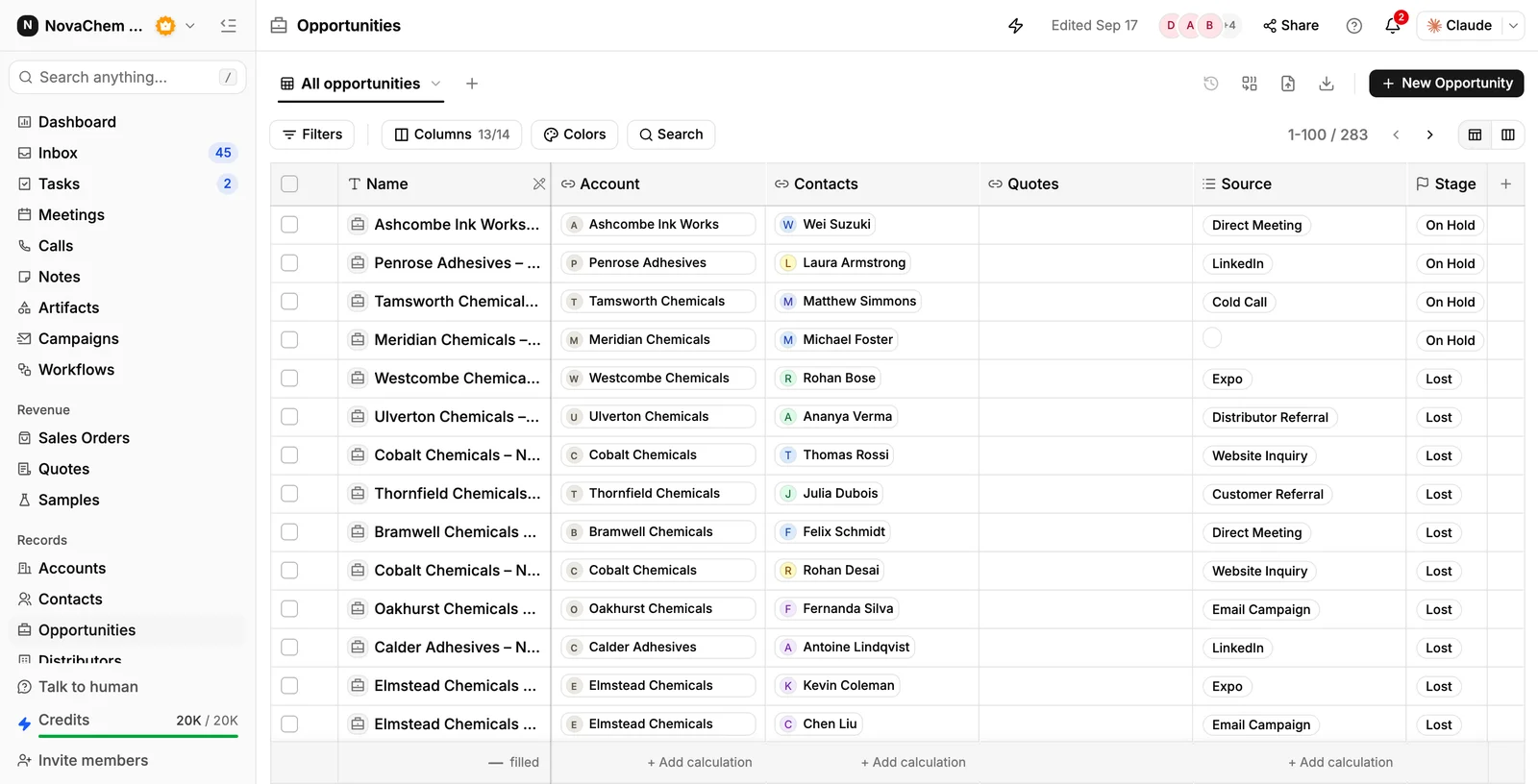
PromptLab web forms can be built on Contacts, Accounts or Opportunities. You can embed them with a script, share a hosted page or print a QR code. Each submission creates the record with a note of the answers, and can add the person to a campaign. Spam protection is a honeypot and rate limiting. A workflow that starts when a form is submitted can assign an owner and create the reply task, so someone answers the same day. If you put the website visitors script in your site's head, you see which pages people read after a campaign email, and can set an alert in Slack or Telegram. It does not identify anonymous visitors. See the forms and website visitors references.
Frequently asked questions
What forms should a B2B product website have?
At least a sample request, a quote request and a general contact form. Add a distributor enquiry form if you sell through partners and a QR form if you go to trade shows. Each should be short and ask for what you need to take the next step.
How many fields should a lead form have?
As few as you need to follow up. Name, company and work email are usually required, and the sample and quote forms add product, quantity and delivery country. Every extra field can cost you submissions.
How do I stop spam on my lead forms?
Use a hidden honeypot field and rate limiting, require a work email and review submissions regularly. PromptLab forms use a honeypot and rate limiting and do not use a captcha.
What should happen after someone submits a form?
A record should be created with the answers, an owner told and a task set to reply. The buyer should get a confirmation that says what happens next. Without those, the lead waits in an inbox.
How do I know which website visitors are leads?
Form submissions are leads by definition. For visitors who do not fill in a form, PromptLab's website visitors view names those who arrive from your campaign emails and shows the pages they read. It does not identify anonymous visitors.