













Win-back email templates for lapsed customers
Eight win-back emails for customers who stopped reordering: a simple check-in, a new product, a price update, a supply fix and a final goodbye.
 By the PromptLab team6 October 20264 min read
A customer who stops reordering rarely sends a goodbye. The orders get smaller, then they stop. By the time anyone notices, a competitor has the account. A short, human email can reopen the conversation, because the reason is often small: a late delivery, a price gap, a change of buyer.
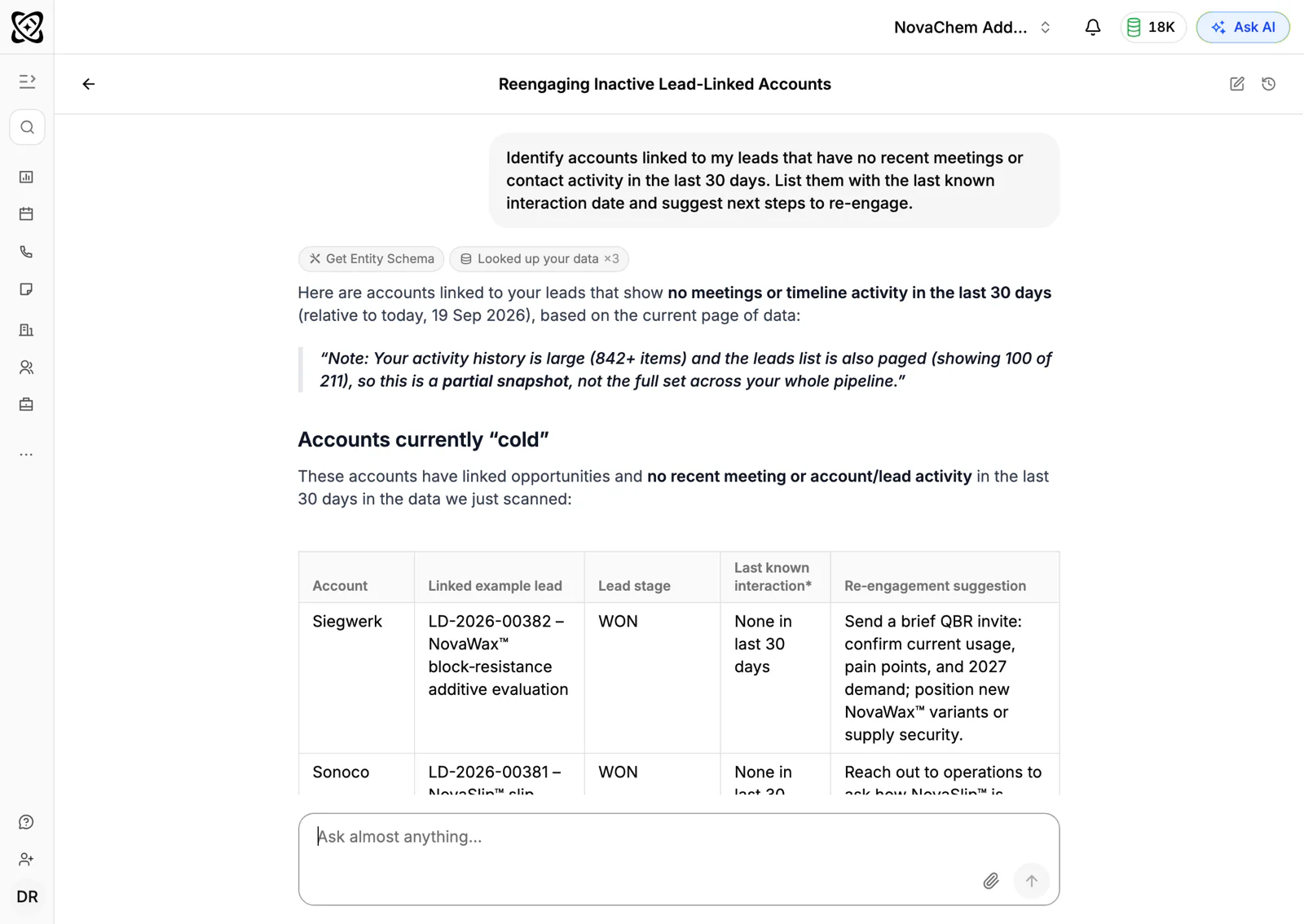
These templates are for suppliers with reorder customers, such as packaging, chemicals, coatings and industrial supplies. Send them one at a time, from the rep who knows the account. Find the lapsed accounts first by listing customers whose last order is older than their usual cycle.
First contact with a lapsed customer
Subject: Checking in, [First name]
Hi [First name],

I noticed we haven't had an order from [Company] since [Month]. Before that, you ordered [Product] about every [Number] weeks.

Has something changed? If it's a problem on our side, I'd rather hear it. If your needs have moved on, that's useful to know too.

[Your name]
Use it when you don't know why they stopped.
Subject: About your last order
Hi [First name],

I've been thinking about the delay on your order in [Month]. It wasn't the service we want to give you, and I'm sorry.

Since then we've [Specific change, for example added safety stock or changed carrier]. I'd like the chance to show you it works. Could we start with a small trial order?

[Your name]
Use it when you know a delivery or quality issue was the cause.
Subject: Introduction: supplier of [Product] to [Company]
Hi [First name],

I understand you've taken over purchasing at [Company]. We supplied [Product] to your team until [Month], and I look after the account.

I'd like to introduce myself and make sure you have our current price list and data sheets. Would a short call be useful?

[Your name]
Use it when the buyer who knew you has left.
Giving them a reason to reorder
Subject: A new grade of [Product]: relevant to [Company]?
Hi [First name],

Since your last order, we've introduced [New product], which [One benefit, for example cures faster or needs less packaging]. You used to buy [Old product], so I thought it might be relevant.

I can send a sample with no obligation. Where should I ship it?

[Your name]
Use it when the new product fits what they bought.
Subject: Updated prices for [Product]
Hi [First name],

We've updated the price list for [Product category], and some lines are lower than when you last ordered. Your list is attached.

If price was part of why you moved, I'd welcome the chance to quote against your current supplier. Send me the volume and I'll reply the same day.

[Your name]
Use it only when prices have actually come down for that customer.
Subject: Stock position on [Product]
Hi [First name],

Supply of [Product category] has been uneven this year. We now hold [Quantity or number of weeks] of stock locally and can offer a call-off agreement, so you aren't caught short.

If supply was a reason you looked elsewhere, I'd like to show you what we can do now.

[Your name]
Use it when unreliable supply, yours or the market's, drove the customer away.
When it is time to let go
Subject: One question, [First name]
Hi [First name],

I've written a few times and understand if you've moved on. One request: could you tell me, in a line, why you stopped ordering from us?

There's no pitch attached. Your answer helps us fix things for other customers.

[Your name]
Use it after two or three attempts. The answers are useful whether or not the customer returns.
Subject: Leaving the door open
Hi [First name],

This is my last note for now. Thank you for the years you bought [Product] from us. If your plans change, my number is [Phone] and I'll pick up.

All the best,
[Your name]
Use it as the last message. Record the reason on the account and set a date to review it.
How to personalise them
The more specific the email, the better the answer.
- Use their order history. "You ordered 20 drums every six weeks until March" proves you know them.
- Name the likely cause. If a shipment was late or a quote went unanswered, say so. Vague apologies don't land.
- Match the rep to the account. The email works best from the person they used to speak to.
- Pair email with a call. A two-minute call from the account owner often does more than a third email. If a price rise caused the loss, see the price increase letter templates before the next one.
Send them from your CRM
Frequently asked questions
When is a customer considered lapsed?
When the time since their last order is clearly longer than their usual cycle. A customer who orders every month and has been silent for three has lapsed. One who orders twice a year has not.
How many win-back emails should I send?
Two to four, spaced a week or two apart, with a call in between. Each should offer something different: a check-in, a new product, a price update, a question.
Should I offer a discount to win a customer back?
Not first. Find out why they left. If it was price, a quote against their current supplier is better than a blanket cut. If it was service, fix the service.
Who should send the win-back email?
The rep who knows the account, or the owner of the business for larger customers. A message from a person they know gets read more than one from a general address.
How do I spot lapsing customers early?
Compare each customer's last order date with their usual rhythm, and watch for accounts that have gone quiet on email and calls as well. A shrinking order is often the first sign. See what is a sales order.