



















Backorder notification email templates
Eight backorder emails for distributors and manufacturers: stock delay, partial shipment, new date, alternative product and the message when stock lands.
 By the PromptLab team29 October 20264 min read
A backorder is bad news the buyer would rather hear early than discover on the dock. The email you send decides whether it is a small delay or the reason they order from someone else. Tell them quickly, give a date you can keep and offer a way round.
These templates cover the whole backorder, from the first warning to the message when the stock arrives. Keep each one short and put the new date in the first lines. Once stock is back and you want the next order, see our reorder reminder templates.
Warn the buyer early
Subject: Update on order [Order number]: [Product] delayed
Hi [First name],

Thank you for your order. I want to tell you straight away that [Product] is out of stock at the moment. The next delivery to our warehouse is expected on [Date], so we expect to ship to you by [Date].

If that date is a problem, tell me what you need and I'll see what we can do.

[Your name]
Send it the day you know, not the day the order was due to ship.
Subject: Lead time for [Product]
Hi [First name],

Before you place the order, a heads-up: [Product] is on allocation, and the current lead time is [Number] weeks. Orders confirmed by [Date] should ship on [Date].

If you'd like to reserve a quantity, I can hold [Quantity] for you.

[Your name]
Use it when you know stock is tight and can warn a buyer before they commit.
Offer options
Subject: Order [Order number]: partial shipment?
Hi [First name],

We can ship [Quantity in stock] of [Product] now and the remaining [Quantity] by [Date].

Would you like us to split the delivery, or hold everything and ship together on [Date]? A split delivery may add freight of [Amount]. Tell me which you prefer.

[Your name]
Use it when part of the order is in stock and the buyer may be waiting on it.
Subject: An alternative to [Product] you can have this week
Hi [First name],

While [Product] is on backorder until [Date], [Alternative product] is available now. It has the same [Key specification], with a difference in [Difference].

I can send a sample or the data sheet if you'd like to check it first. Shall I?

[Your name]
Use it only when the alternative truly fits. Say what is different, not just what is the same.
When the date moves
Subject: New date for order [Order number]
Hi [First name],

I'm sorry, the date for [Product] has moved from [Old date] to [New date] because [Reason].

If you'd rather cancel the line or switch to [Alternative], I'll arrange it without delay. Otherwise I'll keep your place in the queue and confirm the day it ships.

[Your name]
Use it every time the date changes. One more delay, told early, costs less than a surprise.
Subject: Backorder status: [Product]
Hi [First name],

Your order of [Quantity] [Product] is still on backorder. The supplier confirmed delivery to us on [Date], so we are on track to ship on [Date].

Nothing is needed from you. I'll write again when it has shipped.

[Your name]
Use it on long backorders, about every two weeks, so the buyer never has to ask.
When stock arrives
Subject: [Product] is in stock: order [Order number] ships [Date]
Hi [First name],

Good news: [Product] has arrived and your order is being packed. It ships on [Date] with [Courier], and the tracking number is [Number].

Thank you for your patience.

[Your name]
Use it as soon as the stock is received.
Hi [First name], [Product] is back in stock. Your order [Order number] ships on [Date]. I'll send the tracking number once it's on its way. [Your name]
Use it for buyers who prefer chat. Send it only to those who already message you there.
How to personalise them
- Lead with the new date. The buyer wants to know when, so put it before the reason.
- Say what you can do now. A partial shipment or an alternative is better than an apology alone.
- Prioritise your best accounts out loud. If you can allocate to a strategic buyer first, tell them.
- Don't promise a date you can't back. Add a day of margin to what the supplier tells you.
Send them from your CRM
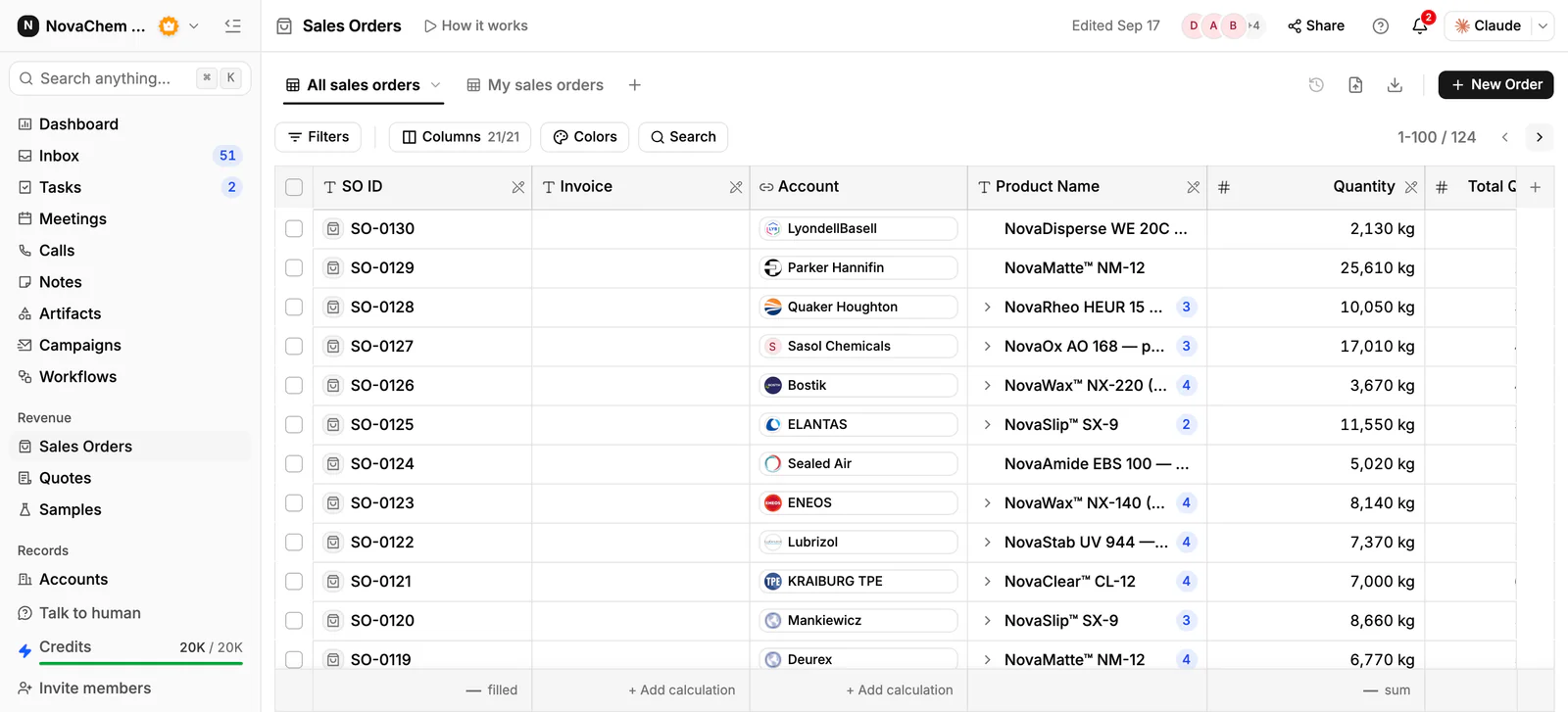
The warning only helps if you know which accounts are affected. In PromptLab, each sales order sits on its account with its products, so a report on order lines for that product, grouped by account, shows who orders it before you write. Create a task with the new date as its due date, and message the buyer from the Inbox, whether by email, WhatsApp or Telegram. See the sales orders reference.
Frequently asked questions
How soon should I tell a customer about a backorder?
The day you know. A buyer who hears early can plan around it. One who finds out when the delivery doesn't arrive remembers it.
Should I offer a discount on a backordered item?
Only if it is your policy and you have agreed it internally. A better first offer is a partial shipment, an alternative or priority allocation.
What if I don't have a firm restock date?
Say so, and give the date by which you will have one. "I'll confirm the date by Friday" is more useful than a guess.
Can I send backorder updates by WhatsApp?
Yes, when the buyer already uses it with you. Keep it to the date and the next step, and follow up by email for anything that needs a written record.