



















CRM for bearings and power transmission distributors
How bearings and power transmission distribution sells, from cross-references to repair shops and reorders, and a CRM setup for quotes and price lists.
 By the PromptLab team29 October 20265 min read
A bearings and power transmission distributor sells a deep catalogue to maintenance teams who need the right part now. The CRM has to remember what each account buys, what price it pays and which brands it will accept, so a rep can answer a breakdown call without hunting for the history.
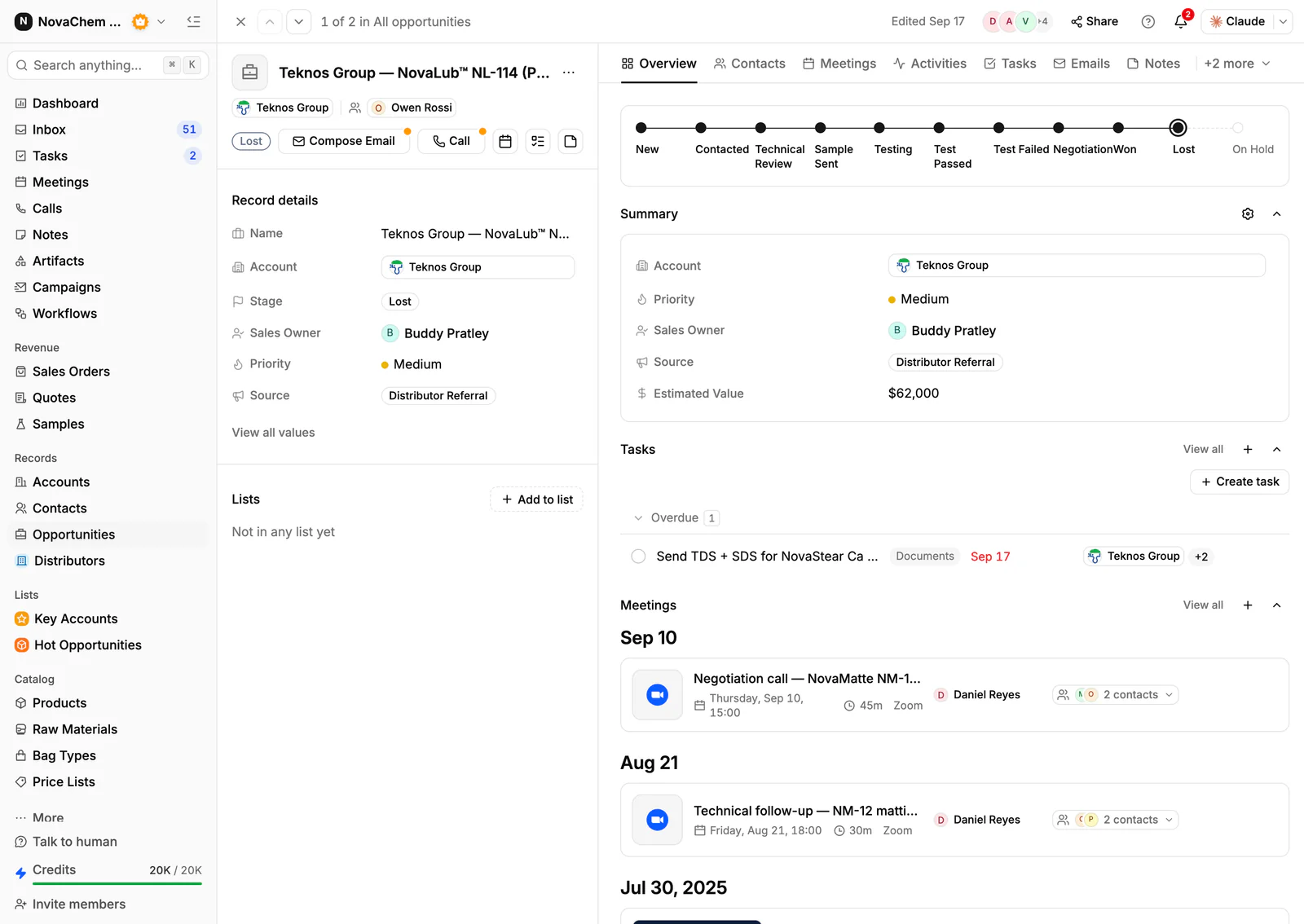
In PromptLab, each account's agreed prices sit in a customer price list you pick on each quote, quotes carry the margin on each line, and sales orders, samples and every email, WhatsApp and Telegram message sit on the same record. Plant accounts, repair shops and OEM customers share one pipeline, told apart by a field. For the wider picture, see the industrial distributors guide.
How does bearings and power transmission distribution sell?
The catalogue covers bearings, belts, chains, sprockets, couplings, gearboxes, seals and lubricants. The customers are different kinds of buyer. A plant maintenance team buys against breakdowns and planned shutdowns. A repair shop or rebuilder buys components for the machines it fixes. An OEM or machine builder buys the same part repeatedly for what it manufactures.
Most of the volume is repeat. A maintenance planner who finds a supplier that picks up the phone and delivers the right part tends to stay. The new business comes from the plant down the road that has a different supplier and a bad week.
What do buyers ask for?
Parts are identified by number, and the number is the whole conversation. Expect these requests:
- Cross-references. A buyer names a competitor's part number and asks what you can supply instead. Keep the equivalents you have agreed in a custom field on the product or in a note on the account.
- Availability and lead time. "Have you got it and when will it arrive" decides the sale. See what is lead time.
- Brand preference. Some accounts want one brand, some accept an equivalent. Record it as a field on the account.
- Technical support. Selection, fit and failure analysis questions come in during a breakdown. The rep needs the account history in front of them.
- Agreed pricing. Large accounts negotiate a discount structure by brand or product group. A rep who quotes list price to such an account loses trust.
Why do reorders and planned shutdowns matter?
A plant with a planned shutdown orders a long list at once, and the supplier that has it all in stock wins the next shutdown too. A rep who sees the date on the account, with a task a few weeks ahead, can ring before the buyer starts shopping around.
The quiet churn is the account that used to buy belts and now doesn't. Order history by product shows it. Without that view, the loss is invisible until the whole account has moved.
What pipeline stages fit this trade?
PromptLab has one deal pipeline per workspace. Use a field for the account type (plant, repair shop, OEM) and save a view for each. Stages that suit the trade:
| Stage | Entry condition |
|---|---|
| Enquiry | A buyer has named parts, a machine or a problem |
| Quote sent | A quote is built from the account's price list |
| Trial or sample | A part is supplied for fit or test and logged |
| Approved | The buyer has accepted the part and the price |
| First order | A sales order exists on the account |
| Repeat supply | The account reorders, or has a service agreement |
What must the CRM track?
- A price list per account or per account tier, so agreed discounts hold on every quote.
- Quotes with the margin on each line, in the statuses Draft, Pending and Approved.
- Order history by product, so reps spot what an account stopped buying.
- Plant details on the account as custom fields: shutdown month, brand preference, main contact in maintenance and in purchasing.
- Samples and trial parts, with a feedback note when the part is fitted.
- Every message from email, WhatsApp and Telegram. Maintenance teams message from the shop floor.
How do you set this up in PromptLab?
- 1
Import and tag accounts
Import accounts, contacts and products from CSV or Excel. Add fields for account type, brand preference and shutdown month.
- 2
Create price lists by tier
Build a customer price list for each key account and one for each tier. Editing a list reprices every quote linked to it, so a price change goes in a new list. See what is a customer price list.
- 3
Quote fast
Pick the products and the list, adjust line discounts and check the margin. Send a PDF or a public link.
- 4
Remind yourself before the shutdown
Create a task on the account a few weeks before its shutdown month, so the quote goes out before the buyer asks. A workflow can create a task when a quote changes status.
- 5
Connect the channels
Connect email, WhatsApp Business and a company Telegram bot to the shared Inbox. Setting up a shared inbox for sales walks through it.
How does PromptLab compare for bearings and power transmission distributors?
Swipe the table sideways to see every CRM →
| Checked on 30 September 2026 | PromptLab |  Zoho CRM Zoho CRM |  Dynamics 365 Dynamics 365 |  Salesforce Salesforce |
|---|---|---|---|---|
| Pricing | ||||
| Paid plans, a month | $11.99 – $99per seat | $14 – $52per seat | $65 – $150per seat | $25 – $550per seat |
| Number of plans | 3 | 4 | 3 | 5 |
| Free trial | ||||
| Billing | Billed monthly | Billed annually | Billed annually | Billed annually |
| Import from CSV and Excel | ||||
| Sales management | ||||
| Deal pipelines | ||||
| Quotes | From$23/month | From$100/month | ||
| Sales orders | From$23/month | From$100/month | ||
| Sample tracking | ||||
| Price lists | From$23/month | From$100/month | ||
| Meetings and calls | ||||
| Meeting recording and transcripts | Via marketplace | From$105/month | Add-on | |
| AI meeting summaries | From$105/month | Add-on | ||
| AI follow-up email drafts | From$23/month | From$105/month | Add-on | |
| Meeting scheduler and call dialer | From$23.99/month | Via marketplace | From$105/month | Add-on |
| AI and automation | ||||
| CRM fields filled in from calls | From$40/month | From$150/month | From$195/month | |
| Connect Claude or ChatGPT (MCP) | From$150/month | From$195/month | ||
| Workflow automation | ||||
| API and webhooks | From$23.99/month | From$195/month | ||
| Conversations | ||||
| Gmail and Outlook email sync | ||||
| WhatsApp conversations | Add-on | Add-on | ||
| Telegram conversations | ||||
| Save LinkedIn profiles | From$23/month | Add-on | Via marketplace | |
| Privacy and security | ||||
| Single sign-on (SSO) | From$99/month | From$40/month |
Zoho CRM is the cheapest way in: free for three users, then from $14 a user a month, billed annually, with quotes, sales orders and price books from $23. It doesn't model samples, and calls are recorded only through marketplace telephony apps.
Dynamics 365 Sales has quotes, price lists and orders from $65 a user a month, billed annually, and suits a company on a Dynamics ERP. Meeting recording waits for Enterprise at $105. Salesforce is the most configurable option, with five editions from $25 to $550 a user a month, billed annually, but quotes and price lists start at $100, and building it usually takes an admin or partner. See the Dynamics 365 Sales and Salesforce comparisons.
Frequently asked questions
What should a CRM for a bearings distributor include?
It should hold a price list per account, quotes, sales orders, order history by product and every message from the buyer. PromptLab includes these on every plan from $11.99 per user per month.
Can I store cross-reference part numbers?
Yes. Add the equivalents in a custom field on the product, and log the number the buyer asked for on the quote or deal. The next rep then sees what was supplied instead.
How do I keep different discounts for different accounts?
Create a customer price list per account or per tier and pick it on each quote. A change to a list reprices the quotes linked to it, so put a price change in a new list.
Can reps work from WhatsApp?
Yes. Connect your WhatsApp Business number and the chats land in the shared Inbox, on the account they belong to. Your company's Telegram bot works the same way, once the buyer messages first.
Is there a free trial?
Basic and Professional come with a 14-day free trial, with no card needed. There is no free plan.