



















How to manage sales territories
How to design, assign and review sales territories for B2B product teams: pick a split, balance workload, handle shared accounts and track it all in your CRM.
 By the PromptLab team24 October 20266 min read
To manage sales territories, choose one way to split your customers (region, industry, product or account size), give every account exactly one owner, balance the territories by workload rather than by map size, and review the split every quarter. Write the rules for edge cases down, because most territory arguments are about the accounts that do not fit.
This guide is for sales leaders at companies that sell physical products through reps, distributors or both. It covers the main ways to split a market, how to balance them, and how to run territories in a CRM without a spreadsheet nobody trusts.
What a sales territory is
A territory is the set of customers a rep is responsible for. It is usually defined by place, but it does not have to be. A chemicals supplier may split by end industry, because a rep who knows water treatment sells better than one who covers a map. A building materials distributor may split by branch area, because delivery trucks do.
The goal is simple: every buyer has one clear contact at your company, and no rep spends days driving past good accounts to reach poor ones.
Four ways to split a market
By geography
The classic split: a rep covers a region, a state or a group of postcodes. It suits products that need local delivery, site visits or fast support. Its weakness is uneven demand. One region may hold three big plants and another forty small shops.
By industry or application
Reps own a market segment, such as food packaging, automotive coatings or construction. It suits products where technical knowledge decides the sale. Its weakness is travel: a rep may serve customers in five countries.
By product line
Reps own a product family, such as resins or additives. It suits catalogues with deep technical ranges. Its weakness is that two reps may call the same buyer on the same day, so you need a clear rule for who leads.
By account size
Large key accounts go to senior reps, and small accounts to a smaller team or inside sales. It suits a customer base with a few big buyers and a long tail. Its weakness is that growing accounts change hands, and the handover can lose goodwill.
Many teams mix two methods: geography for the long tail, and named key accounts for the top twenty. That is fine, as long as the rule is written and each account has one owner.
Step by step: design your territories
- 1
List every account and its yearly value
Export your accounts and add last year's revenue or orders, even roughly. You cannot balance what you have not counted. Mark the top accounts that must have a named owner whatever the region.
- 2
Choose the primary split
Pick the one dimension that matches how your customers buy. If your buyers want a local contact, choose geography. If they want technical depth, choose industry. Do not try to satisfy all four.
- 3
Balance by workload, not by area
Count three things per territory: the number of active accounts, last year's revenue and the open pipeline. Aim for territories that are close on all three. Say you have three reps. If one territory holds 60 accounts and the others 25, the first rep cannot give anyone proper attention.
- 4
Write the tie-break rules
Decide who owns a customer with sites in two regions, a distributor that serves two territories, or an enquiry that arrives through the website. A good default is that the account's head office decides, and the sale is credited to the rep who closed it.
- 5
Record the territory on the account
Set the owner and a territory value on every account, so you can filter and report on both. A territory that only exists in a slide deck is not managed.
- 6
Announce it and handle the handover
When an account changes owner, the new rep needs the history: past orders, open quotes, samples out and the last conversation. Plan a short call between the old and new rep for the top accounts.
Balance territories with a simple check
Before you finalise, build a small table with one row per rep.
| Territory | Active accounts | Last year's revenue | Open pipeline |
|---|---|---|---|
| North | 32 | $1.1M | $240k |
| South | 28 | $0.9M | $210k |
| Export | 14 | $1.0M | $300k |
The figures here are made up. Look for rows that are far out of line, and ask why. A territory with few accounts but high revenue is a key-account job and needs a senior rep. A territory with many small accounts may need inside sales support for reorders.
Handle the awkward cases
- Distributors. A distributor that resells into several territories is usually owned by one rep or a channel manager. Reps in the end-user areas get visibility, not credit. See how to sell through distributors.
- Shared accounts. Pick one account owner. Others can be named on tasks or notes, but only one name sits in the owner field.
- Leaving reps. Reassign their accounts on their last day, not on their first day away. Open quotes and samples are the most urgent.
- New enquiries. Decide who receives an unassigned enquiry and by when. One person should check for them daily.
- Customers who move. If a buyer changes company, follow the person or the account? Write the rule once.
Review territories every quarter
Territories go stale. A big customer closes, a new plant opens, or a rep grows faster than the plan. Once a quarter, ask:
- Which territory has the most open pipeline per rep, and which has the least?
- Which accounts have had no activity for 60 days or more?
- Which won and lost deals came from outside the owner's usual patch?
- Do the loss reasons cluster in one territory?
Change a few accounts at a time rather than redrawing the whole map. Frequent big reshuffles make customers feel passed around. Connect the review to your targets: how to set sales targets shows how to split a number across reps.
How PromptLab helps
Every account in PromptLab has an owner and a Region field, and you can add a custom field such as Territory, or build a list for each territory. Lists and tables filter by owner, so a rep sees their accounts and a manager sees all of them.
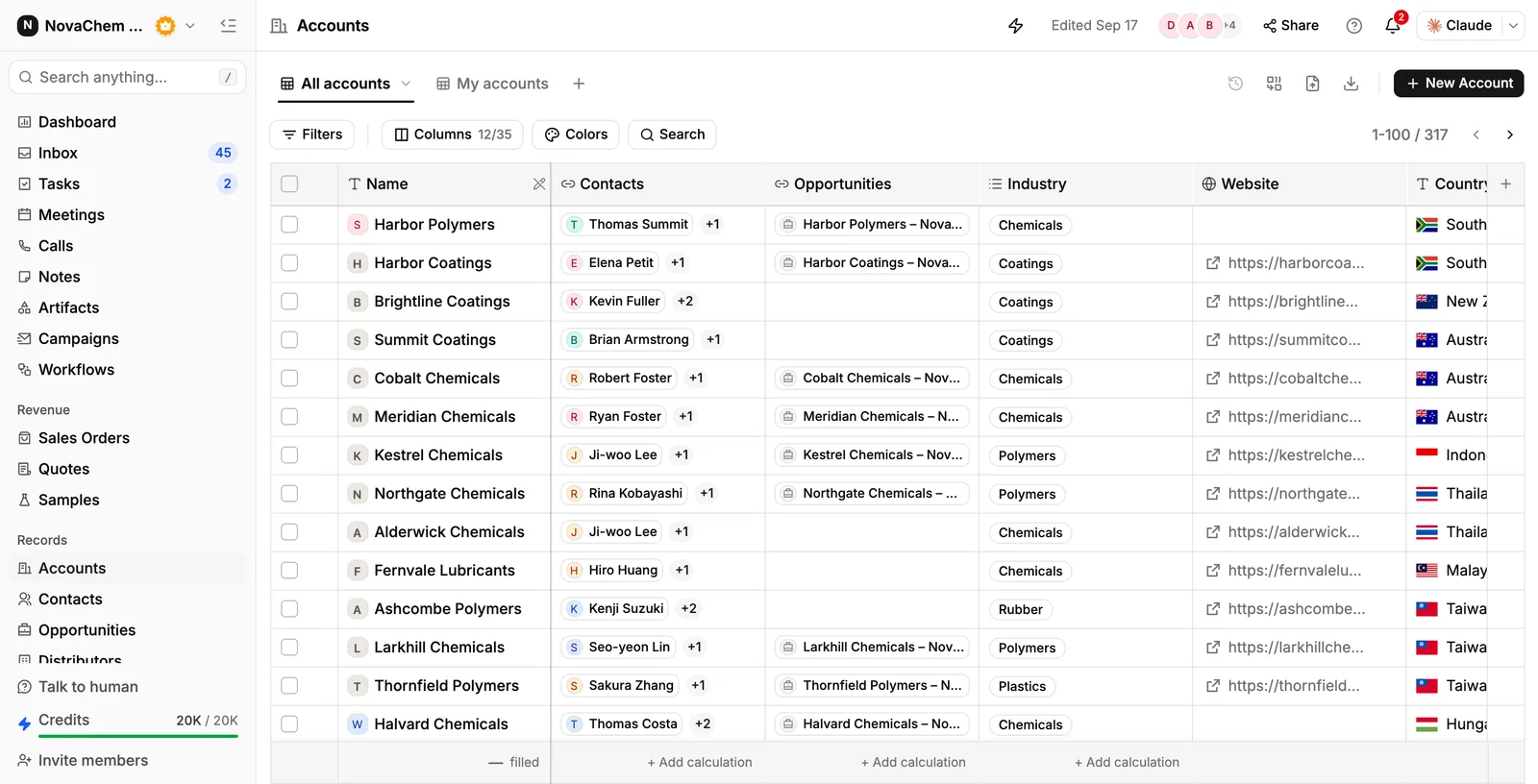
When an account changes hands, the history comes with it: emails, WhatsApp and Telegram messages in the shared Inbox, meeting transcripts and summaries, quotes, sales orders and sample requests all sit on the account. The new rep can open one page and read it, or ask Ask AI for a summary of the account.
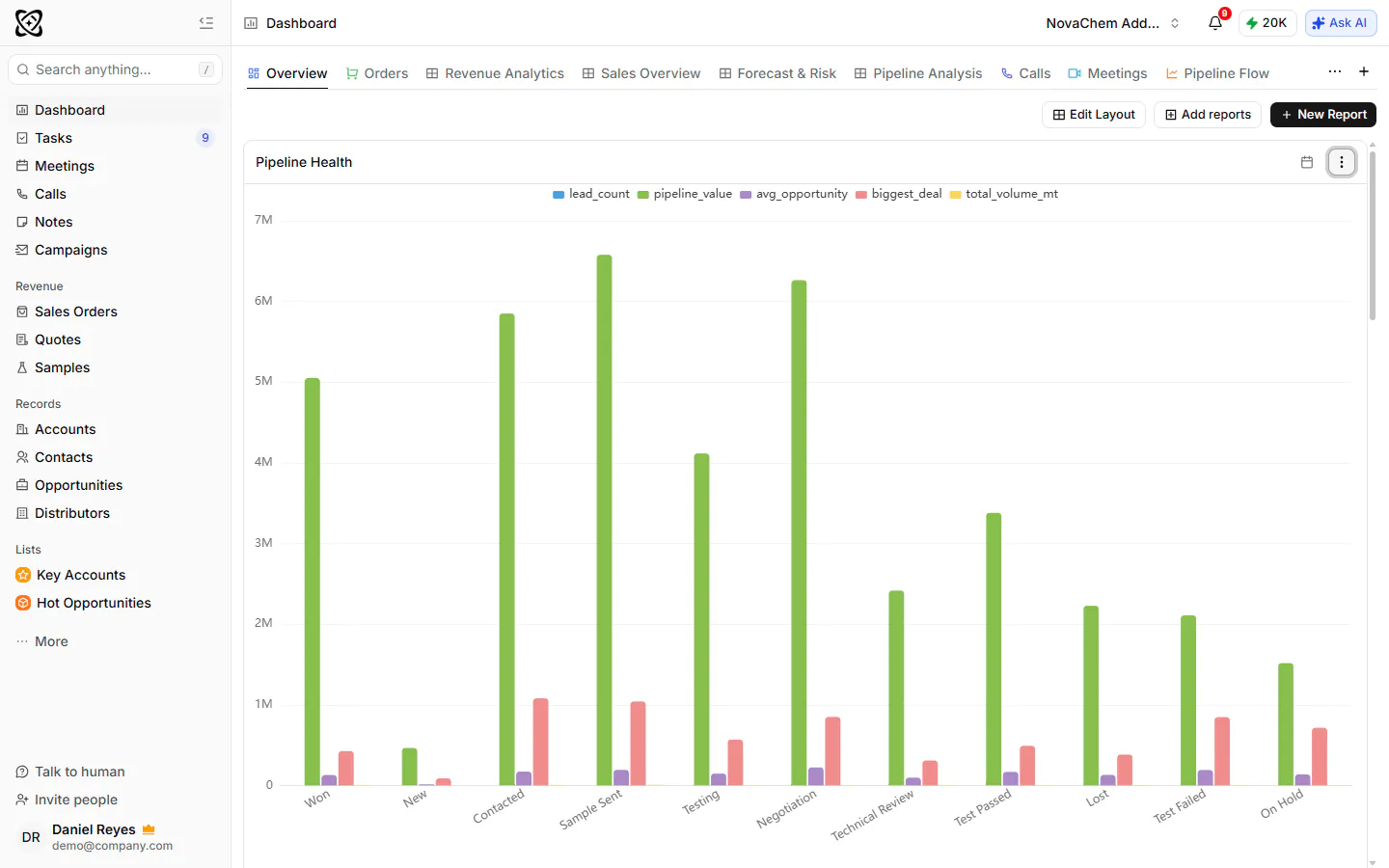
For the review, the dashboard templates for sales pipeline, team activity, customers and win and loss show how each rep and each stage is doing. A workflow can assign an owner and create a task when a trigger fires, such as a deal changing stage, so a follow-up does not depend on a manager noticing.
Frequently asked questions
What is the best way to split sales territories?
Choose the split that matches how your customers buy. Geography suits local delivery and visits, industry suits technical selling, and account size suits a few big buyers with a long tail. Many teams combine two, with named key accounts on top.
How many accounts should one rep have?
There is no fixed number. It depends on order size, how often customers reorder and how much technical support they need. Compare territories on active accounts, last year's revenue and open pipeline, and aim for rough balance on all three.
How often should I change sales territories?
Review them every quarter and change them rarely. Move a few accounts at a time, and avoid reshuffling the whole map. Customers prefer a stable contact.
Who gets credit when two territories are involved?
Decide in advance and write it down. A common rule is that the account's head office sets the owner and the rep who closes the deal gets the credit. Whatever you choose, apply it the same way every time.
Can I manage territories in a CRM without a special module?
Yes. Give every account an owner, add a custom field for the territory and filter lists by both. Dashboards then show pipeline and activity per rep, which is what most teams need.