



















CRM for printing inks manufacturers
How printing ink sales works, from colour matching and press trials to approvals and reorders, and a CRM setup that tracks samples, prices and accounts.
 By the PromptLab team29 October 20265 min read
A printing inks manufacturer needs a CRM that keeps colour matches, press trials and reorders on the customer's account. The sale turns on whether your ink prints the right colour on the printer's substrate, runs on their press and dries in their time. Price comes after that.
In PromptLab, each trial goes in as a sample record with feedback, each printer's agreed prices sit in a customer price list, and printers, converters and distributors share one pipeline, told apart by a field. The wider factory view is on the manufacturers page.
How does printing ink sales work?
Customers include commercial printers, packaging converters, label printers and the distributors that supply smaller shops. They print by different processes, such as flexo, offset, gravure, screen or digital, and each ink system is formulated for its process and substrate.
A technical sales rep visits, hears what the printer runs and what is going wrong, and proposes a product. The printer's pressroom manager then wants to try it. The sale lives in that trial.
Distributors work differently. They stock your standard range, sell it to many small printers and care about margin, pack sizes and delivery.
What are colour matches, trials and approvals?
A colour match is a custom shade made to a customer's reference. It may take several rounds: a drawdown in your lab, a comparison, an adjustment and another sample. Each round should be on the record, with the shade reference and the customer's comment.
A press trial puts the ink on the customer's own machine, on their substrate, with your technician present. The verdict covers colour, adhesion, drying and how it runs.
Approval follows. Many brand owners and packaging buyers control which inks a printer may use, and a switch can mean a new round of testing. That is why a won ink is sticky: once you are approved, the printer often keeps reordering for a long time, and a competitor has to repeat the same trial to displace you.
Why do reorders and batches matter?
Ink is a consumable. A press that runs on your ink uses it every week, so the value of a won account is in the repeats. Two things protect it. First, noticing the printer who quietly stops reordering because someone else matched the colour. Second, being able to repeat an exact custom shade. If a rep can see which shade reference an account uses, a reorder is a quick quote, not a hunt through a lab notebook.
Buyers expect a safety data sheet and a technical data sheet for each product. Our explainers on the technical data sheet and the safety data sheet cover what buyers expect.
What pipeline stages fit a printing inks manufacturer?
PromptLab has one deal pipeline per workspace. Use a field for printer, converter or distributor, and save a view for each. Stages:
| Stage | Entry condition |
|---|---|
| Enquiry | A printer has described a press, a substrate or a colour problem |
| Sample out | An ink sample or drawdown is logged with a date |
| Press trial | A trial is booked or run, with the result recorded |
| Approved | The ink is in the printer's spec or approved list |
| First order | A sales order exists on the account |
| Repeat supply | The account reorders without being chased |
What must the CRM track?
- Samples and trials, each with a ship date, product, substrate, process and the customer's verdict. How to track product samples covers the routine.
- Colour references as fields on the account or the sample.
- Documents sent, such as data sheets, on the account's Files tab.
- A price list per customer, by product and pack size.
- Order history by product, so reps see what an account buys and what it dropped.
- Messages from every channel. Pressroom managers often prefer WhatsApp to email.
How do you set this up in PromptLab?
- 1
Set stages and fields
Add the stages above, plus fields for print process, substrate and colour reference. Save a view per customer type.
- 2
Log every round as a sample
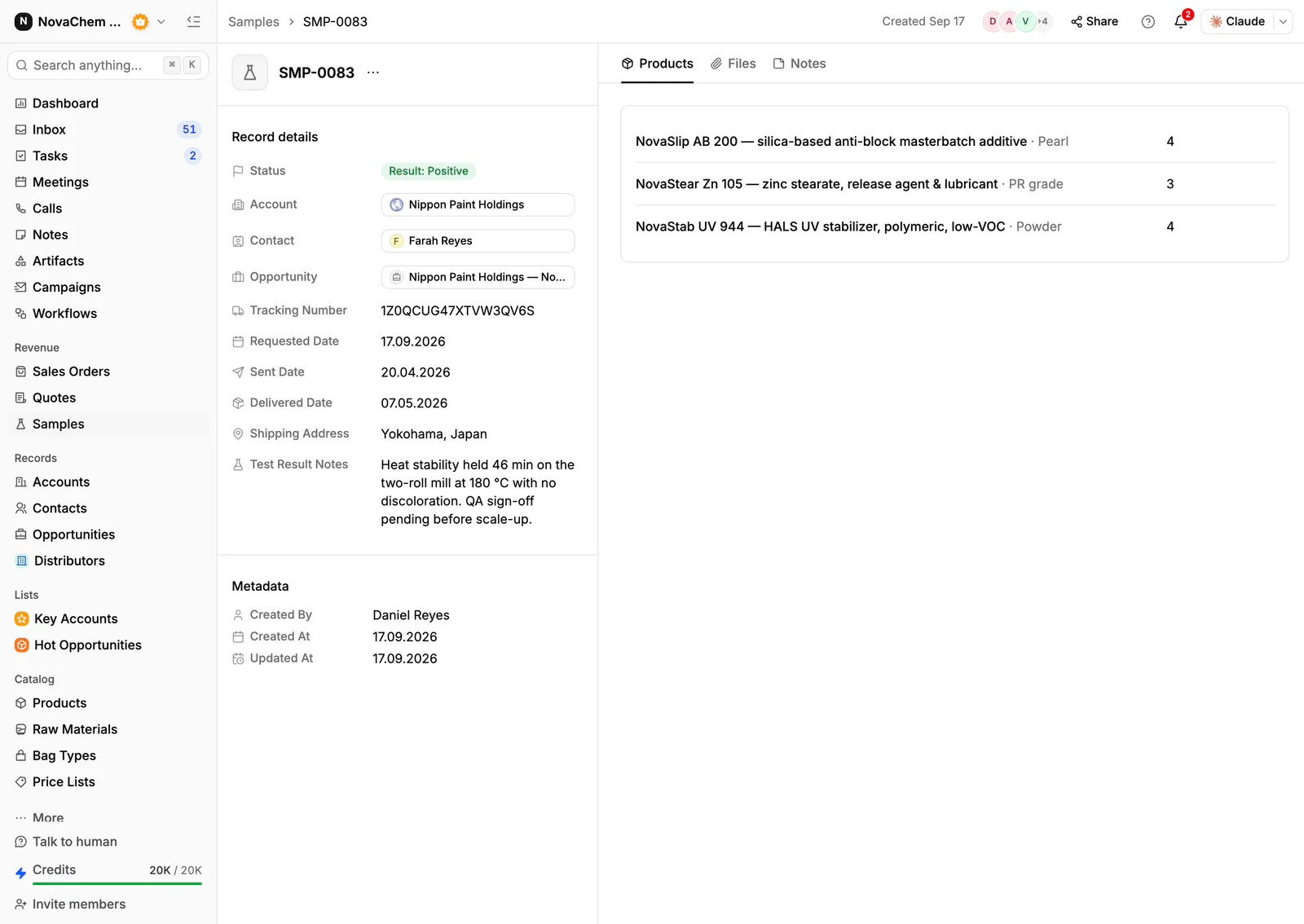
Record each drawdown and press trial as a sample on the account, with the product and the test. Put the printer's verdict in the sample's feedback.
- 3
Attach the documents
Put data sheets and approvals on the account's Files tab, so the next rep sees what has been sent.
- 4
Build price lists
Create a customer price list per printer and per distributor tier. Quotes use them, and the margin shows on each line, from each product's cost price. See how to manage customer price lists.
- 5
Chase the result
Use a workflow to create a task when a sample changes status, so a trial that has shipped is never left without a follow-up. The sample follow-up templates help with the words.
- 6
Connect the channels
Connect email, WhatsApp Business and a company Telegram bot to the shared Inbox.
How does PromptLab compare for printing inks manufacturers?
Swipe the table sideways to see every CRM →
| Checked on 30 September 2026 | PromptLab |  Pipedrive Pipedrive |  Attio Attio |  Zoho CRM Zoho CRM |
|---|---|---|---|---|
| Pricing | ||||
| Paid plans, a month | $11.99 – $99per seat | $14 – $79per seat | $35 – $79per seat | $14 – $52per seat |
| Number of plans | 3 | 4 | 4 | 4 |
| Free trial | ||||
| Billing | Billed monthly | Billed annually | Billed annually; free plan for 3 seats | Billed annually |
| Import from CSV and Excel | ||||
| Sales management | ||||
| Deal pipelines | ||||
| Quotes | From$59/month | From$23/month | ||
| Sales orders | From$23/month | |||
| Sample tracking | ||||
| Price lists | From$23/month | |||
| Meetings and calls | ||||
| Meeting recording and transcripts | From$79/month | Via marketplace | ||
| AI meeting summaries | From$79/month | |||
| AI follow-up email drafts | From$59/month | From$79/month | From$23/month | |
| Meeting scheduler and call dialer | From$23.99/month | From$39/month | Via marketplace | |
| AI and automation | ||||
| CRM fields filled in from calls | From$79/month | From$40/month | ||
| Connect Claude or ChatGPT (MCP) | ||||
| Workflow automation | From$39/month | |||
| API and webhooks | From$23.99/month | |||
| Conversations | ||||
| Gmail and Outlook email sync | From$39/month | |||
| WhatsApp conversations | From$39/month | |||
| Telegram conversations | ||||
| Save LinkedIn profiles | Via marketplace | Via marketplace | From$23/month | |
| Privacy and security | ||||
| Single sign-on (SSO) | From$99/month | Enterprise plan | From$40/month |
Pipedrive has a pipeline a technical rep picks up quickly, with plans from $14 a seat a month, billed annually. It has no sample tracking or price list per customer, and quotes wait for Premium at $59. Attio suits a team that wants to design its own data model, with up to three seats free, but quotes and price lists are left to build, and call recording waits for the Pro plan at $79 a seat, billed annually.
Zoho CRM has quotes, sales orders and price books from $23 a user a month, billed annually, and a free plan for three users. It doesn't model samples at any tier, so trials would go untracked. See the Pipedrive and Zoho CRM comparisons.
Frequently asked questions
What should a CRM for an ink manufacturer include?
It should hold samples and trials, quotes, customer price lists and sales orders, with printers and distributors kept apart so each gets the right price. PromptLab ships these on every plan from $11.99 per user per month.
Can I track colour matches in a CRM?
Yes. Treat each round as a sample with a product, a date and the customer's feedback, and store the colour reference as a field. The history then stays on the account.
How do I manage distributor pricing?
Keep a price list per distributor tier and pick it on each quote. A price change goes in a new list, because editing a list reprices the quotes linked to it.
Where should data sheets live?
Keep master copies in your quality system and attach the version you sent to the account's Files tab.
Is there a free trial?
Basic and Professional come with a 14-day free trial, with no card needed. There is no free plan.