



















How to assign leads to sales reps
Four ways to assign leads to sales reps (territory, product, round robin and account owner), with the rules to write down and how to keep it fair.
 By the PromptLab team6 November 20265 min read
Assign leads by one clear rule that every rep can state: territory, product line, existing account owner or turn order. Write it down, give every new lead an owner within a working day, and check each month that the split is fair. The method matters less than having one, because a lead with no owner is a lead nobody calls.
This guide is for a sales lead at a manufacturer or distributor with three to twenty reps. It covers the four common methods, how to choose, and how to run it without arguments.
The four ways to assign leads
By territory
Each rep owns a region, and any lead from that region goes to them. It suits field teams and companies where customers want a local contact. The weakness is uneven territories: one rep drowns while another waits. See how to manage sales territories.
By product line
A rep who knows adhesives gets the adhesive enquiries; another handles packaging. It suits technical products where a wrong answer loses the sale. The weakness is overlap: a customer who wants both gets two reps unless you decide who leads.
By existing account
If the lead's company is already a customer, the account owner gets the lead. This protects relationships and stops two reps emailing one buyer. Always check for an existing account before you assign.
By turn (round robin)
Leads go to each rep in turn. It is simple and fair when reps and leads are alike. It is a poor fit when territories or products differ, because a lead can land with someone who cannot serve it.
How to choose
Pick the first rule that fits, and use it as the main rule with one exception:
- If the company is a customer, the account owner gets it.
- Otherwise, if your products need expert knowledge, assign by product line.
- Otherwise, if reps travel, assign by territory.
- If none apply, take turns.
Say a chemicals distributor has four reps. A lead arrives from a paint maker already buying solvents. It goes to the solvents account owner. A new lead asks about water treatment in the north: it goes to the northern rep. A web form lead with no clear fit goes to whoever is next in turn.
Step by step: set up assignment
- 1
Write the rule in one paragraph
"Existing customers go to the account owner. New leads go by territory, and anything unclear goes to the sales lead, who assigns it by the end of the day." Share it with the whole team.
- 2
Decide the response time
Set a standard: every new lead has an owner in a working day and a first contact in the next one. See how to respond to inbound leads fast.
- 3
Name who assigns
One person owns the unassigned queue, with a back-up. If everyone watches it, nobody does.
- 4
Check for duplicates first
Search the CRM for the company and the contact before assigning. A duplicate sent to a second rep causes the embarrassing double email.
- 5
Handle holidays and absences
Name a cover for each rep. Reassign open leads when someone is away for more than a few days.
- 6
Review the split monthly
Count leads per rep, first-contact time and conversion. If one rep is far over, change the rule, not the rep.
Keep assignment fair
- Count quality, not just number. Ten large-account leads are not equal to ten small ones.
- Don't let reps cherry-pick. If they choose, the easy leads go first and the hard ones age.
- Reassign stale leads. A lead untouched for two weeks goes back to the queue or to another rep.
- Pair with scoring. If you qualify leads first, the best go to the rep with capacity. See how to qualify B2B leads.
A worked example
Say a building-materials supplier has three reps: Ayla in the north, Marc in the south and Dev on large projects. Rule: existing customers go to their owner; projects above a set size go to Dev; everything else goes by region. A web form lead from a contractor in the north goes to Ayla within the hour. A lead from a customer's second site goes to the account owner, who is Marc. A lead that fits nothing waits in the unassigned list until the sales lead sorts it at 4 pm. Nobody argues, because the rule is on one page and everyone has read it.
Review the rule when the team changes. A new rep, a new product or a new region each break the old split.
How PromptLab helps
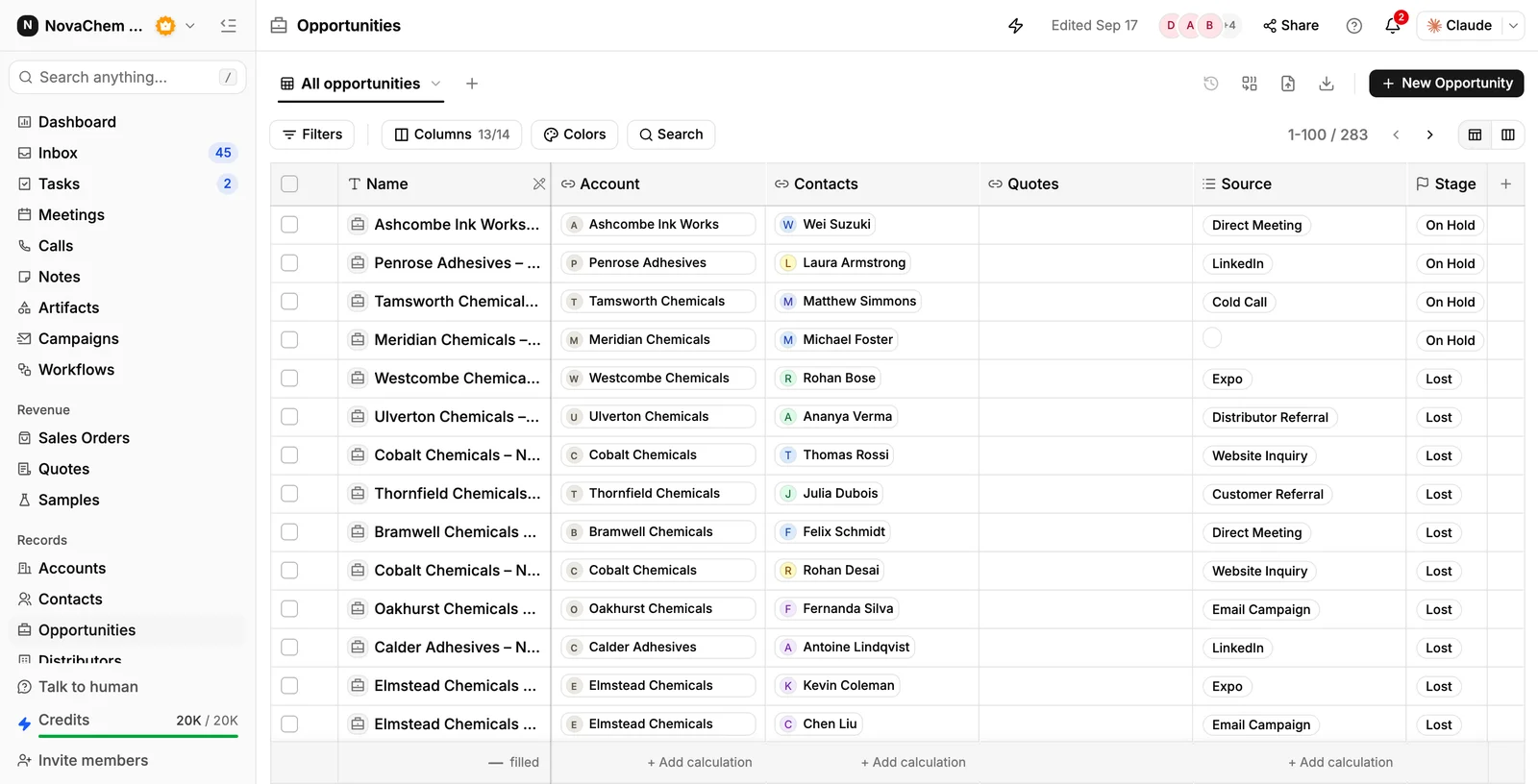
Every account and deal in PromptLab has an owner. You can reassign deals in bulk and edit the Owner column right in the Accounts list, so a territory change takes minutes. Web forms create the record in your CRM, and a workflow can give the deal or account an owner and create a task when a form is submitted or a record is created.
For turn-taking, a workflow's Round robin step picks the next rep from the teammates you choose and makes them the owner of the deal or account. Territory and product rules go in the same workflow as conditions on the record's fields, so the main rule and the fallback run together.
Frequently asked questions
What is the best way to assign leads to sales reps?
Use account ownership first, then territory or product line, and take turns only when nothing else fits. The best method is the one every rep can explain in a sentence.
What is round robin lead assignment?
Leads go to each rep in turn, so everyone gets the same number. It is fair on volume but ignores fit, so use it only where reps sell the same thing in the same place.
How fast should a lead be assigned?
Within one working day, with a first contact the next day. Interest cools quickly, and a lead with no owner is the most common reason an enquiry goes cold.
Can PromptLab assign leads automatically?
Yes. A workflow can assign an owner to a deal or account when a form is submitted or a record is created, using the rule you set, and its Round robin step shares leads out in turn among the teammates you pick.
What do you do with leads nobody wants?
Have one person own the unassigned queue. If a lead fits no one, either disqualify it with a reason or give it to a rep as a stretch. Leaving it unowned is the worst choice.