













How to migrate from HubSpot to PromptLab
Move from HubSpot to PromptLab with a two-way sync: connect, select Sync now, then import quotes and notes. Run both until the team is ready.
 By the PromptLab team6 October 20265 min read
You can move from HubSpot to PromptLab without a cut-over weekend. PromptLab has a two-way sync with HubSpot, so you connect the two, select Sync now, bring quotes and notes across from a CSV or Excel export, and keep both running until the team trusts the new system.
This guide is for sales leaders at companies that sell products. It covers why teams leave, what to prepare, the four steps, and what to do in your first week.
Why do product sales teams move from HubSpot?
HubSpot is one of the most polished all-in-one suites around. It has a free CRM, marketing tools few rivals match, and a Starter plan from $7 a seat a month billed annually. If inbound marketing drives your growth, that breadth is a real strength.
The gaps show up when the sale runs on paperwork. Quoting now sits in Revenue Hub, a separate product. Sales orders, price lists and sample tracking aren't there at all, so the order side of each deal ends up in spreadsheets. Call recording starts on Sales Hub Professional at $90 a seat a month billed annually, WhatsApp is an add-on and Telegram isn't supported. Professional and Enterprise also carry a one-off onboarding fee of $1,500 to $3,500.
We checked those prices on 30 September 2026, and our HubSpot pricing post has the full breakdown. For a fuller picture, see our HubSpot alternatives and the HubSpot vs PromptLab comparison.
What to plan before you leave HubSpot
Because the sync does most of the work, the checklist is short.
Before you move from HubSpot
Our CRM migration checklist goes through the same ground for any CRM.
Moving to PromptLab
From HubSpot in four steps
- 1Connect HubSpotOpen Settings → Apps, find its card and select Connect. Sign in via the pop-up to approve access.
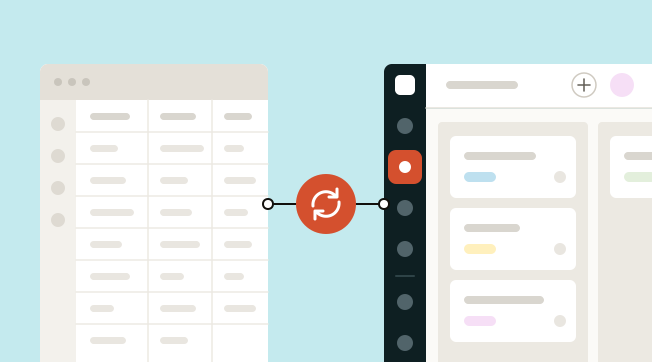
- 2Select Sync nowAccounts, contacts, leads and opportunities come across from it. The sync runs both ways, so an update in either system shows up in the other.
- 3Import quotes and notesExport quotes, tasks and notes as CSV or Excel. Select Import on the matching list, upload the file or pick it from Google Drive, and map the columns.
- 4Run both while you decideKeep the sync on through your 14-day free trial, so nobody works from stale data. PromptLab's Enterprise plan adds data migration support for the rest.
Step 1: connect HubSpot
Open Settings → Apps in PromptLab, find the HubSpot card and select Connect. Sign in through the pop-up to approve access.
Connecting costs nothing extra: the HubSpot sync is on every PromptLab plan. If you haven't started yet, Basic and Professional come with a 14-day free trial, and a card is required to start it.
Step 2: select Sync now
Accounts, contacts, leads and opportunities come across from HubSpot. The sync runs both ways, so an update in either system shows up in the other.
That matters for the transition. Reps who are still in HubSpot don't have to stop work while others try PromptLab. Check a handful of records you know well: a large account, a deal in negotiation, a contact with a long history. If anything looks wrong, fix the source record before the team relies on it.
Step 3: import quotes and notes
Quotes, tasks and notes aren't part of the sync. Export each of them from HubSpot as CSV or Excel. In PromptLab, select Import on the matching list, upload the file or pick it from Google Drive, and map the columns.
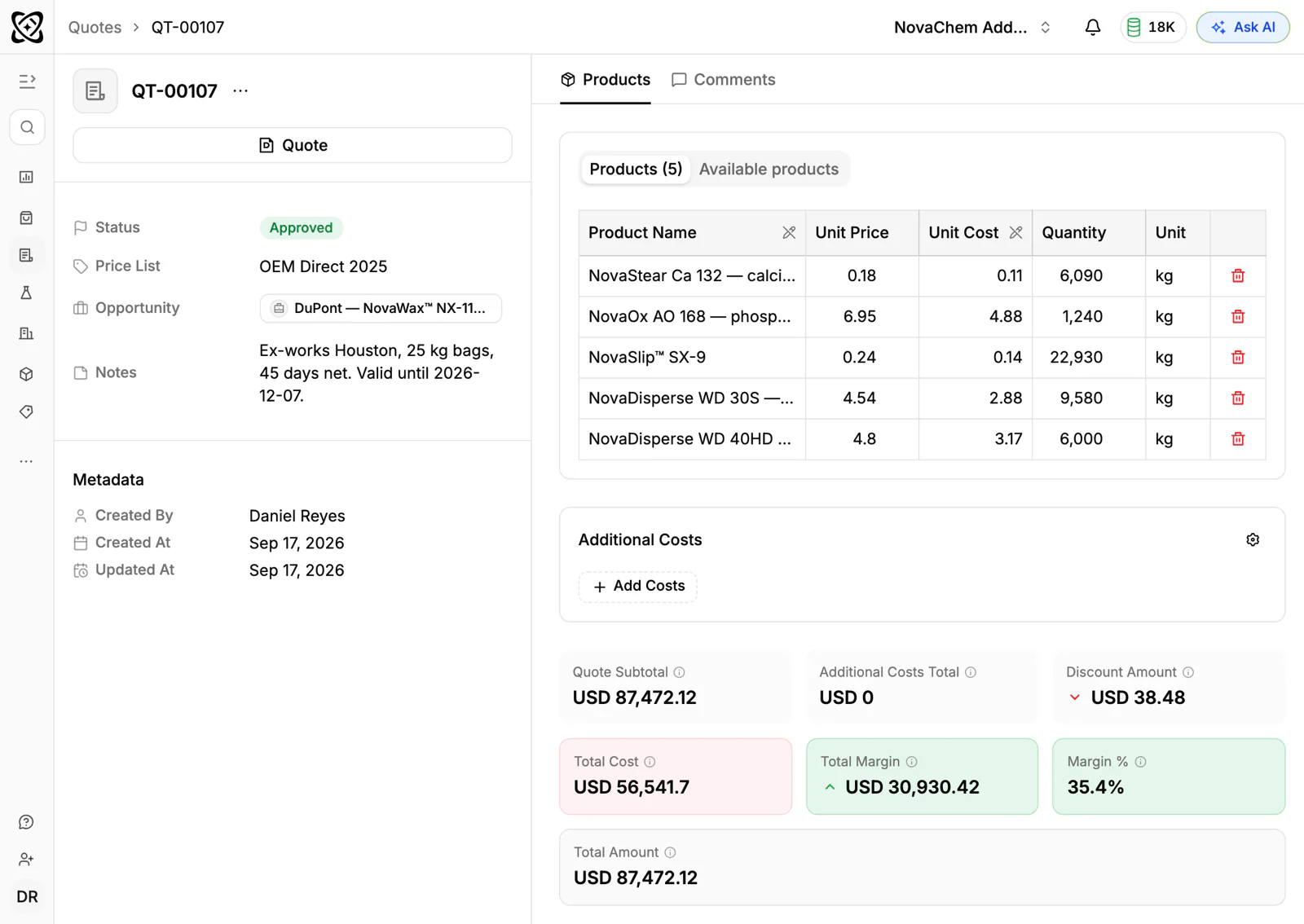
Wait until the first sync has finished, so the deals are already in PromptLab. Then do quotes, tasks and notes in that order. Quotes in PromptLab are created, sent and tracked against the deal, so old ones stay useful as a pricing reference for repeat orders.
Step 4: run both while you decide
Keep the sync on through the 14-day trial, so nobody works from stale data. When you're ready, turn HubSpot off for new work and let the team live in PromptLab. If your history is large or your setup is custom, Enterprise adds data migration support and a dedicated account manager.
Your first week after HubSpot
The move is not finished when the data lands. Spend the first week turning on what HubSpot didn't give you.
- Day one: each rep connects Gmail, Outlook or their own mail server, and their meeting tool (Google Meet, Zoom or Microsoft Teams). Meetings from then on are recorded, transcribed and summarised.
- Day two: move your sample log and customer price lists out of their spreadsheets. Set up a price list for each key customer, and log the samples that are still out. See how to track product samples and how to manage customer price lists.
- Day three: connect your WhatsApp Business number and your company's Telegram bot, so buyer chats land in the shared Inbox.
- Day four: build two workflows, for example "when a quote changes status, create a task" and "when a deal changes stage, post to Slack".
- Day five: send a real quote from a customer's price list, and review the pipeline together.
Frequently asked questions
Can I run HubSpot and PromptLab at the same time?
Yes. The sync runs both ways, so an update in either system shows up in the other. Keep it on through your 14-day free trial and switch HubSpot off when the team is ready.
What comes across with the sync?
Accounts, contacts, leads and opportunities. Quotes, tasks and notes come across from a CSV or Excel export, which you import on the matching list.
Do I need to pay for a HubSpot plan during the move?
Keep whatever HubSpot plan you're on until you've checked the data and the team has gone live. Pick your end date before you start, so the overlap doesn't drift on.
Is there help for a large HubSpot account?
Enterprise includes data migration support and a dedicated account manager. Smaller teams usually run the move themselves during the free trial.
What do I lose by leaving HubSpot?
If your growth depends on inbound marketing, HubSpot's marketing tools go far beyond a sales CRM, and we don't try to match them. For selling products, you gain quotes, price lists, sales orders and sample tracking on every plan.
Sources
Prices and features of other CRMs come from each vendor's own pages, on the dates below.
- HubSpot, checked on 30 September 2026: Sales Hub pricing, Revenue Hub quote software, WhatsApp integration, MCP servers, Single sign-on (SSO)