













Copper vs Salesforce: which CRM should you choose in 2026?
Copper is a CRM that lives inside Gmail and Calendar; Salesforce is a configurable platform. Prices, quotes, AI, automation and security compared plan by plan.
Published 6 October 2026. Prices and features from each vendor's own pages.
The short answer
 CopperPaid from $23/seat
Choose it if your team lives in Gmail and Calendar and wants a light CRM.
 SalesforcePaid from $25/seat
Choose it if you need quotes, price lists and orders in the CRM itself.
 PromptLabPaid from $11.99/seat
Choose it if you sell products, and deals run on quotes, price lists, samples and orders.
Our pick for product teamsCopper is the CRM for Google Workspace teams. It runs inside Gmail and Calendar and adds prospects from LinkedIn without switching tabs. Salesforce sits at the other end: a platform that can model almost any sales process, given the time and people to build it.
Here the two are compared on price, the Google-first approach, quotes, AI, and automation and security. Every figure comes from the vendors' own pages. Prices are per user a month, billed annually.
Copper vs Salesforce at a glance
With PromptLab in the third column, so you can see where it fits.
| Checked on 30 September 2026 | Copper | Salesforce | PromptLab |
|---|---|---|---|
| Pricing | |||
| Paid plans, a month | $23 – $99per seat | $25 – $550per seat | $11.99 – $99per seat |
| Number of plans | 3 | 5 | 3 |
| Free trial | |||
| Billing | Billed annually | Billed annually | Billed monthly |
| Import from CSV and Excel | |||
| Sales management | |||
| Deal pipelines | |||
| Quotes | Via marketplace | From$100/month | |
| Sales orders | From$100/month | ||
| Sample tracking | |||
| Price lists | From$100/month | ||
| Meetings and calls | |||
| Meeting recording and transcripts | Add-on | ||
| AI meeting summaries | Add-on | ||
| AI follow-up email drafts | From$59/month | Add-on | |
| Meeting scheduler and call dialer | Via marketplace | Add-on | From$23.99/month |
| AI and automation | |||
| CRM fields filled in from calls | From$195/month | ||
| Connect Claude or ChatGPT (MCP) | From$195/month | ||
| Workflow automation | From$59/month | ||
| API and webhooks | From$59/month | From$195/month | From$23.99/month |
| Conversations | |||
| Gmail and Outlook email sync | |||
| WhatsApp conversations | Via marketplace | Add-on | |
| Telegram conversations | |||
| Save LinkedIn profiles | Via marketplace | ||
| Privacy and security | |||
| Single sign-on (SSO) | From$99/month | From$99/month | |
Pricing: $23 to $99 against $25 to $550
Copper has three plans from $23 to $99 a seat. Salesforce has five editions from $25 to $550. Both come with a free trial.
The entry prices are close, but the ceilings are not. Copper's Basic plan stops at 2,500 contacts. On Salesforce, quotes, orders and price lists start at $100, and CRM autofill and MCP at $195, so a product team's edition sits well above the $25 start.
A CRM in Gmail against a platform to build
Copper's appeal is how little it asks of you. It sits in Gmail and Calendar, adds LinkedIn prospects without switching tabs, and syncs Drive and Contacts on every plan. Gmail is the only inbox it syncs, so a rep on another mail system stays outside it.
Salesforce asks for a rollout: custom objects, flows and page layouts, often with an admin or partner. In return it has Agentforce AI and AppExchange for almost any integration.
Quotes, orders and price lists
Copper has no sales orders, price lists or sample tracking, and quotes arrive through a marketplace app.
Salesforce includes quotes, price lists and orders from Pro Suite at $100. Samples aren't modelled there either, so they would need a custom object. For a team that quotes from the CRM, the extra spend buys orders and price lists that Copper doesn't offer.
Meetings, AI and assistants
Copper has no call recording, no meeting summaries, no CRM autofill and no MCP. Follow-up drafts start on Professional at $59.
Salesforce has all of these, at a price. Recording, summaries and drafts need the $50 Sales Engagement add-on, and autofill and MCP start at $195.
Automation, API, messaging and sign-on
Copper starts workflows and API access on Professional at $59. Salesforce includes workflows in every edition and starts its API at $195.
Copper has LinkedIn built in, while Salesforce goes through its marketplace. Single sign-on starts at $99 on Copper and is included on Salesforce. WhatsApp reaches Copper through marketplace apps and Salesforce as an add-on, and neither supports Telegram.
We make PromptLab, so here is why product teams pick it over both.
Why PromptLab is the better choice for teams that sell products
PromptLab is a CRM for B2B teams that sell products. On their entry plans, neither Copper nor Salesforce includes quotes, sales orders, sample tracking, price lists, meeting recording and AI meeting summaries. PromptLab has all of them on every plan, from $11.99 a user a month.
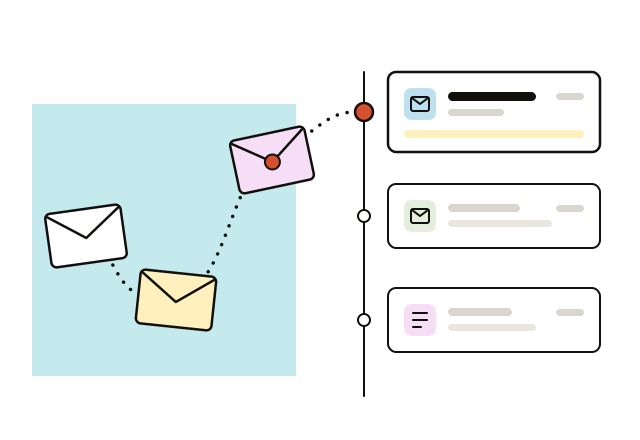
Every inbox captured, not just Gmail
We capture email from Gmail, Outlook and any IMAP mailbox on every plan, and file each message on the right contact. A mixed team still gets one history per customer.
Copper vs PromptLab, in full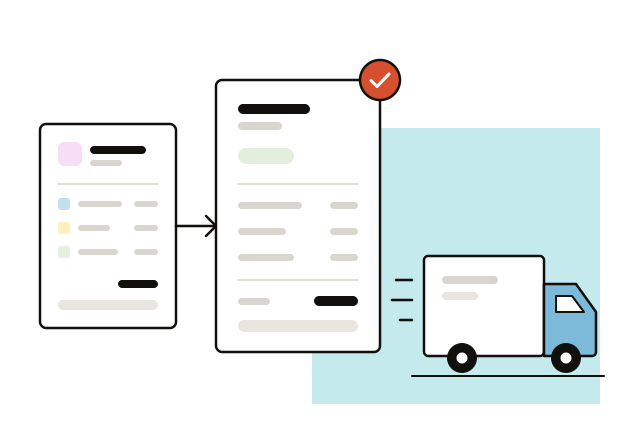
Quotes, price lists and orders on day one
PromptLab ships quotes, price lists, sales orders and sample tracking on the $11.99 Basic plan. They sit on the account and the deal, ready as soon as your customers are imported.
Salesforce vs PromptLab, in full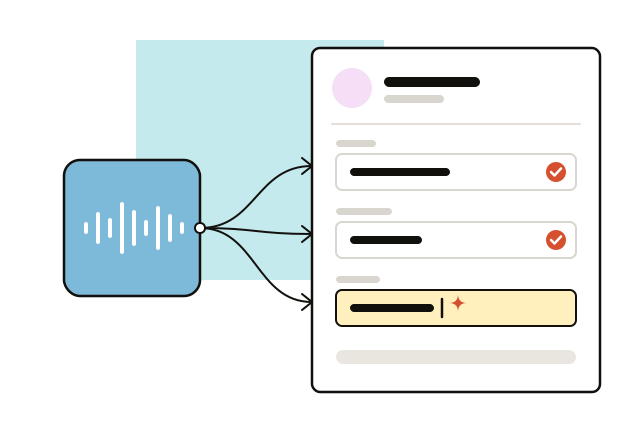
Recording and autofill without an add-on
We do all of it on every plan: we record the meeting, write the summary, draft the follow-up email and update the deal from what the customer actually said.
Salesforce vs PromptLab, in full
Which should you choose?
Choose Copper if…
- Your team lives in Gmail and Calendar and wants a light CRM.
- You want LinkedIn prospects added without switching tabs.
- You'd rather start at $23 than size up a platform.
Choose Salesforce if…
- You need quotes, price lists and orders in the CRM itself.
- You want recording, summaries and MCP, even at extra cost.
- You have the people to configure custom objects and flows.
Choose PromptLab if…
- You sell products, and deals run on quotes, price lists, samples and orders.
- You want every meeting recorded, summarised and written into the CRM on every plan.
- Buyers answer on WhatsApp or Telegram as well as email.
Frequently asked questions
Is Copper cheaper than Salesforce?
Yes. Copper runs from $23 to $99 a seat a month and Salesforce from $25 to $550, billed annually. The starting prices are close, but Copper's top plan costs $451 less.
Does Copper work with Gmail?
Yes. It's built for Google Workspace, runs inside Gmail and Calendar, and syncs Drive and Contacts on every plan. Gmail is the only inbox it syncs.
Does Copper have quotes?
Only through a marketplace app. Salesforce includes quotes, price lists and sales orders from Pro Suite at $100 a user a month, billed annually.
Does Copper record calls or meetings?
No. Copper has no call recording or meeting summaries. On Salesforce, both sit in the Sales Engagement add-on at $50 a user a month.
Is there an alternative to Copper and Salesforce for teams that sell products?
PromptLab. It is a CRM for B2B teams that sell products, with quotes, price lists, sales orders and sample tracking, recorded and summarised meetings, and email, WhatsApp and Telegram in one inbox, on every plan from $11.99 a user a month with a 14-day free trial.
Sources
- Copper, checked on 30 September 2026: Pricing, Integrations, Homepage
- Salesforce, checked on 30 September 2026: Sales Cloud pricing, Sales Engagement pricing, Agentforce MCP support
Compare Copper with
 monday CRM
 GoHighLevel
 Close
Close Proton.ai
 Breakcold
More CRM comparisons
- vs

Salesforce vs HubSpot
- Paid from
- $25/seat
- $7/seat
- Quotes
- from $100
- Add-on
- vs

Salesforce vs Dynamics 365
- Paid from
- $25/seat
- $65/seat
- Quotes
- from $100
- vs

Salesforce vs Zoho CRM
- Paid from
- $25/seat
- $14/seat
- Quotes
- from $100
- from $23
- vs

Salesforce vs Pipedrive
- Paid from
- $25/seat
- $14/seat
- Quotes
- from $100
- from $59
 vs
vsAttio vs Salesforce
- Paid from
- $35/seat
- $25/seat
- Quotes
- from $100
- vs
Copper vs HubSpot
- Paid from
- $23/seat
- $7/seat
- Quotes
- Marketplace
- Add-on